Free Web Tools
Find the right tool for your next task.
These are the tools our web production studio uses every day on real client projects. No signup, no cost. Each tool clearly explains how it processes data and whether anything is sent externally.
- Signup not required
- Price $0
- Data handling explained per tool
- AI-agent ready
Explore these next
New tools
See all →-
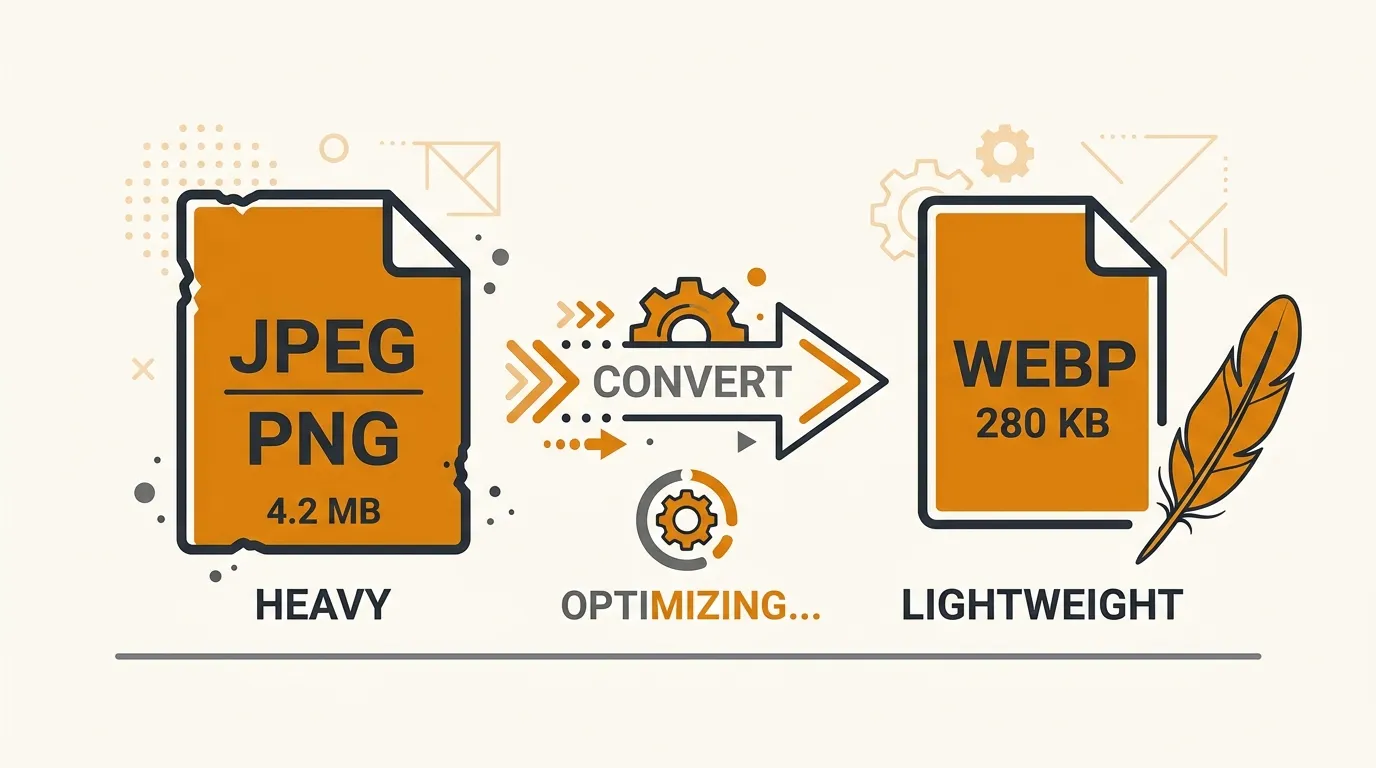
Batch Image → WebP Converter Convert PNG/JPEG to WebP in bulk. Quality control and ZIP download. Works in Safari too. Drop images → adjust quality → save as ZIP
-
White Background Remover Automatically makes only the edge-connected white background transparent — white areas inside your artwork are kept. Drop an image → auto-processed → save PNG

-
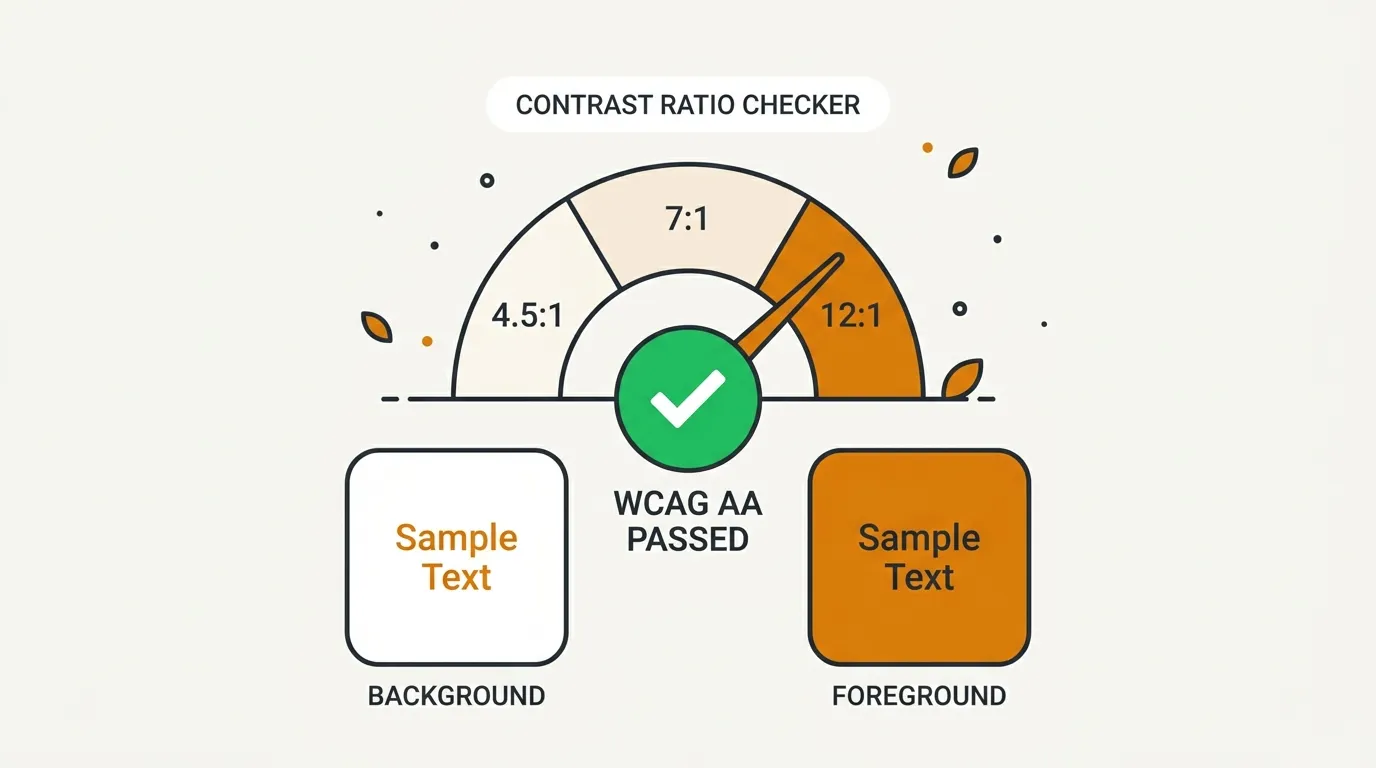
WCAG Contrast Checker Calculates the WCAG 2.1 contrast ratio of text and background colors, with AA/AAA pass–fail results. Pick two colors → instant verdict → share via URL
-
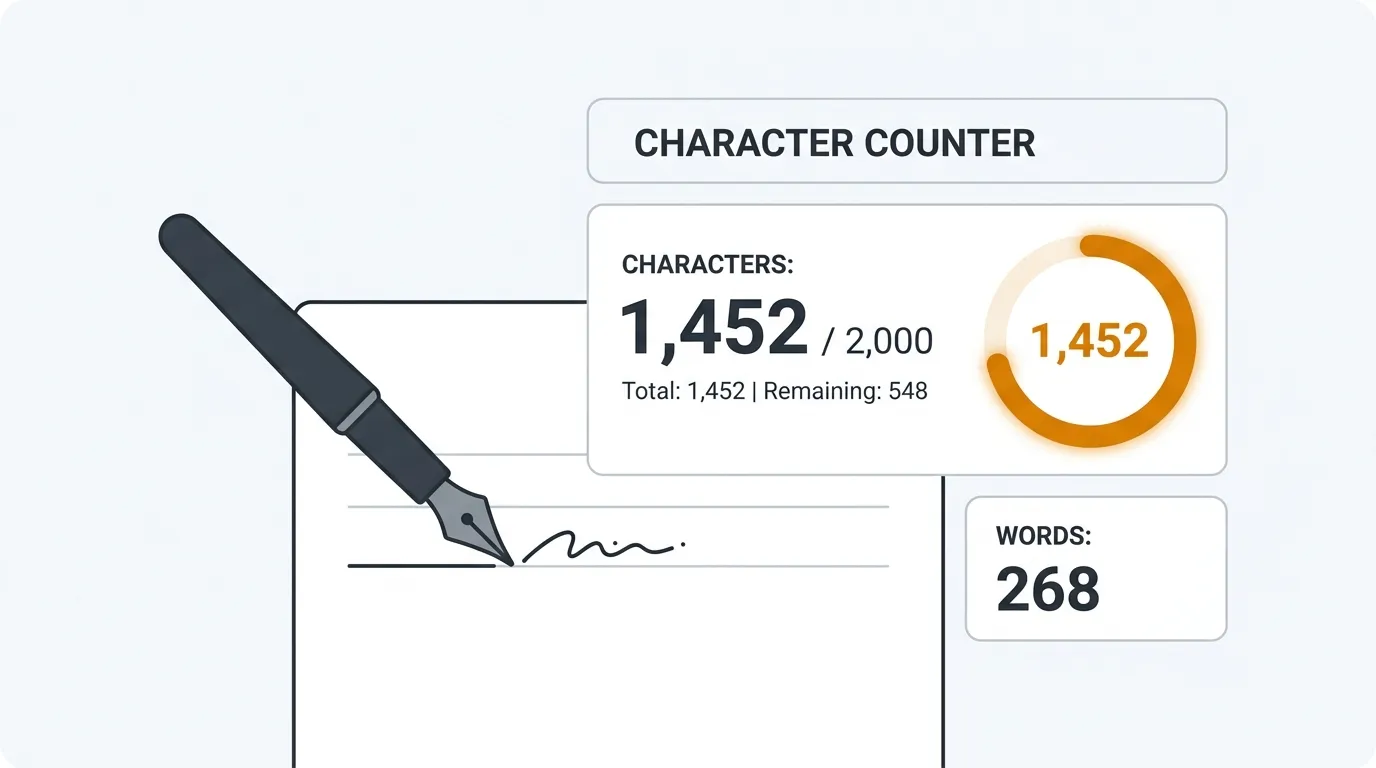
Character Counter Characters, lines, full-/half-width counts, plus the real X (Twitter) weighted count (CJK=2, URL=23). Paste text → counted instantly
-
llms.txt Generator Build an llms.txt that tells LLMs and AI search engines what your site is about. A first step of GEO/LLMO. Fill in the form → generate → upload to root

-
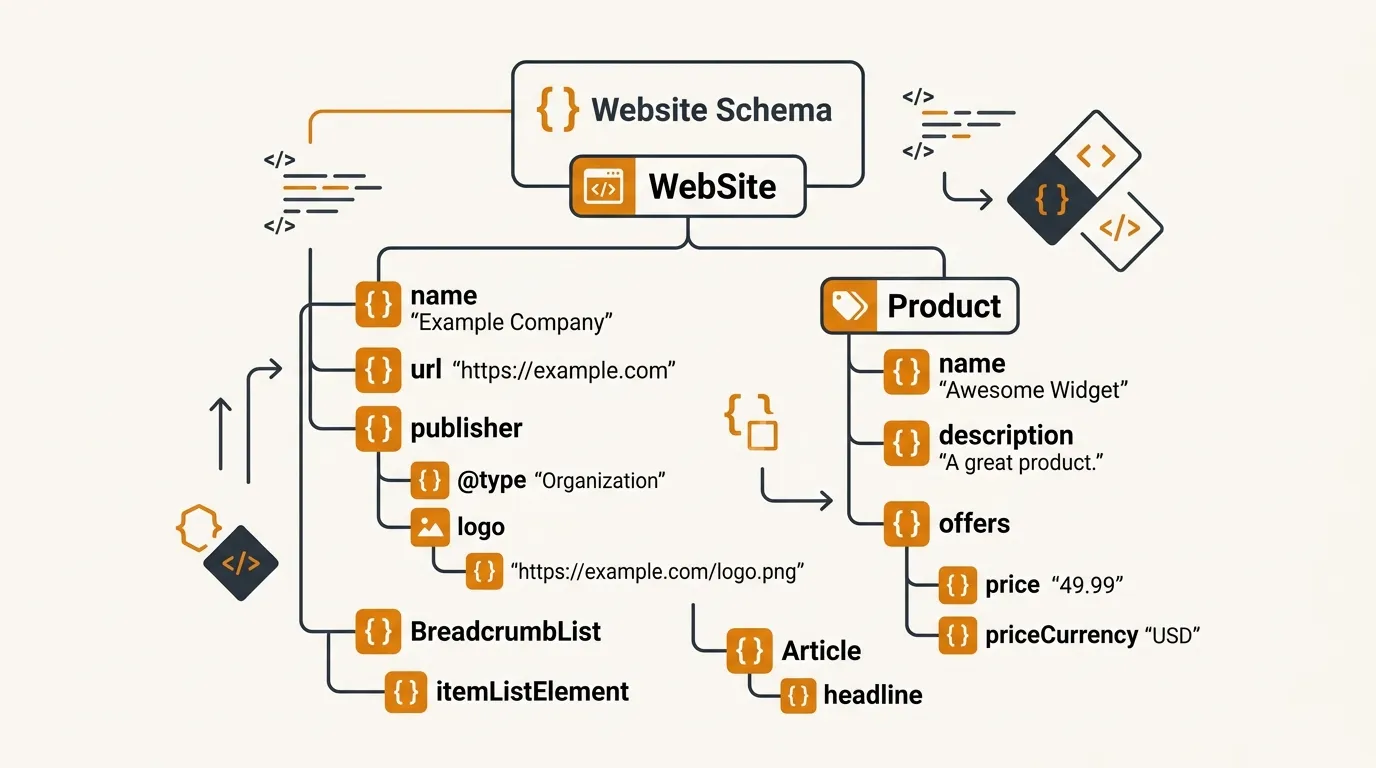
JSON-LD Generator Generate Organization, FAQ, Service and Breadcrumb JSON-LD from a form. For rich results and AI search. Pick a type → fill in → paste into head
-
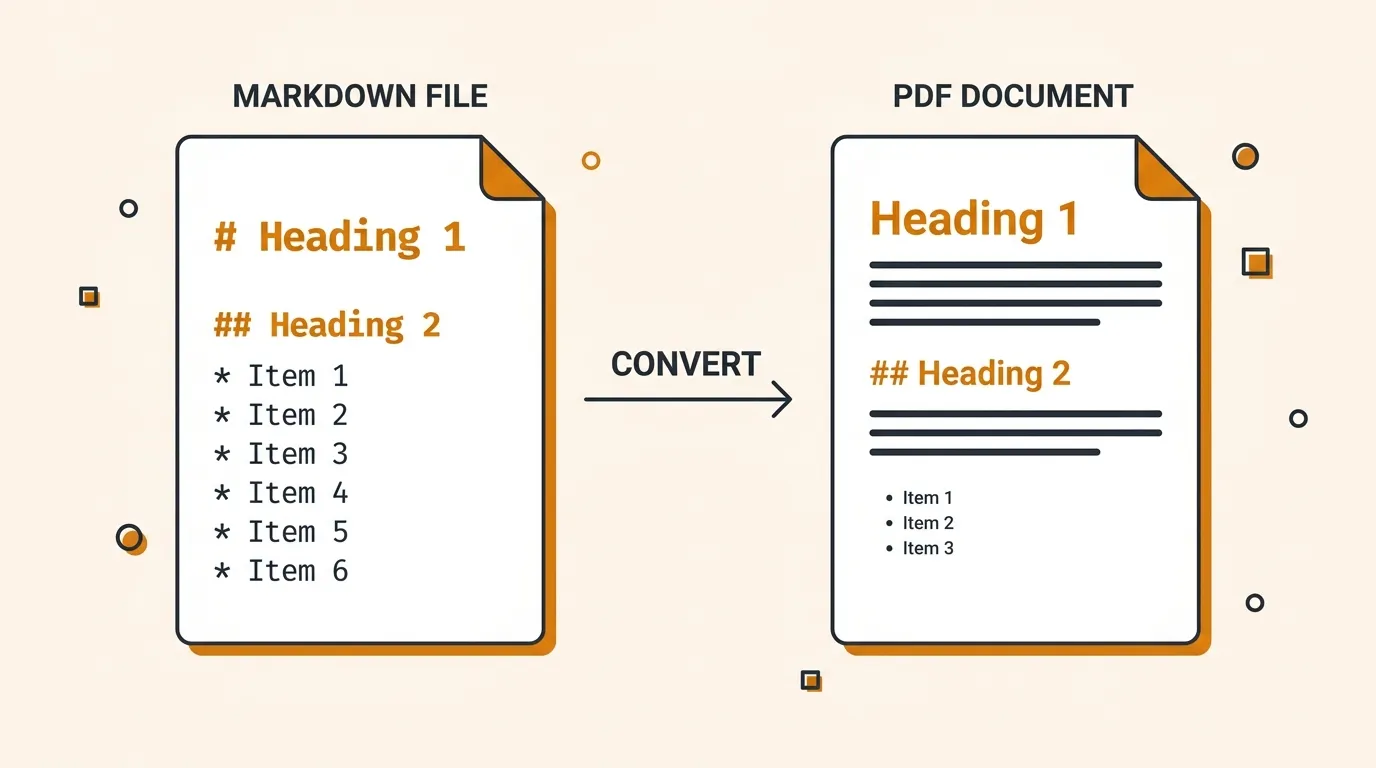
Markdown → PDF Turn Markdown into a clean A4 document and save as PDF. For proposals, quotes and specs. Tables supported. Paste Markdown → preview → save as PDF
-
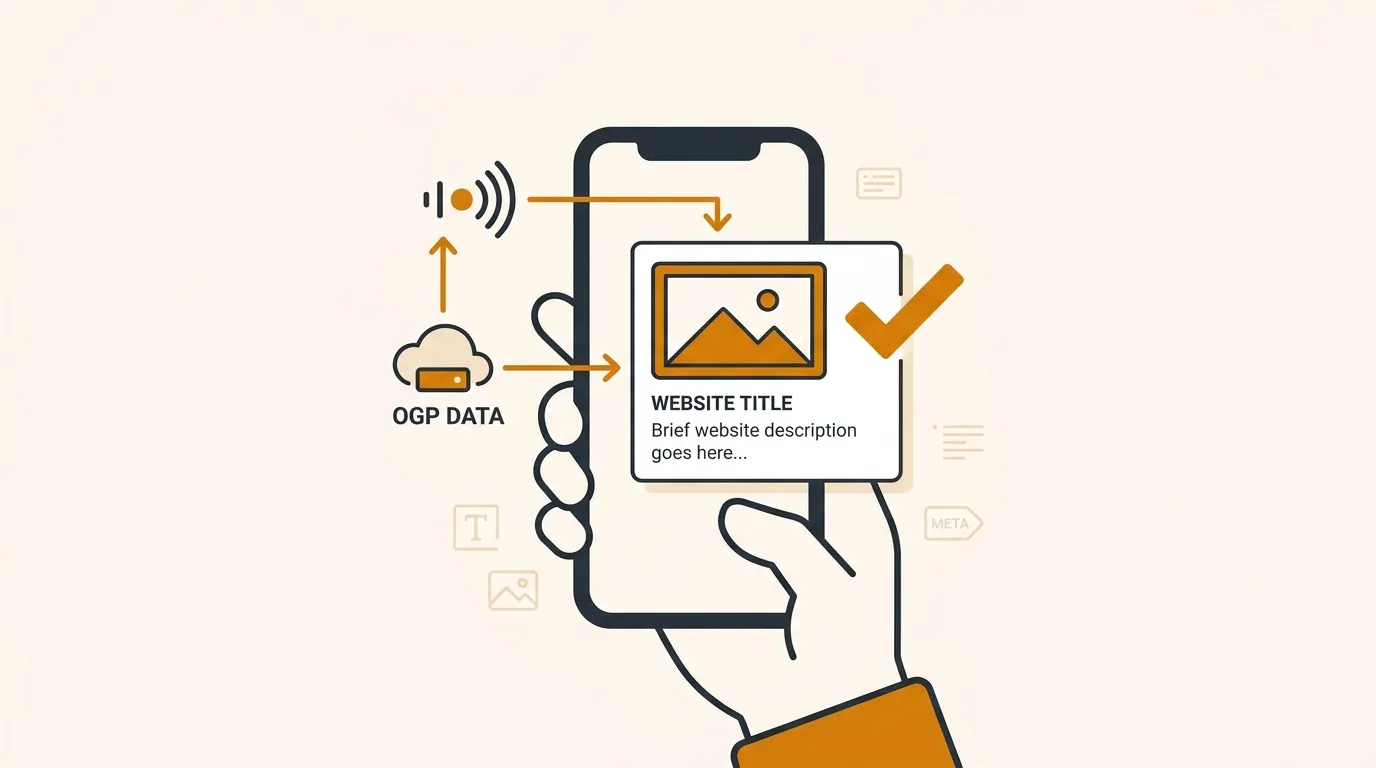
OGP Meta Tag Wizard Three guided steps: preview the X / Facebook card and copy a full og: / twitter: tag set, with a required-item check. 3 steps → check cards → copy
-
Favicon Generator One image in — favicon.ico, apple-touch-icon, PWA icons and webmanifest out, with an HTML snippet. Drop an image → preview → save as ZIP
-
TikTok Publisher Post local videos to TikTok from a desktop browser, with privacy, interaction, and commercial-disclosure settings reviewed before posting. Connect TikTok → choose settings → post directly to TikTok

-
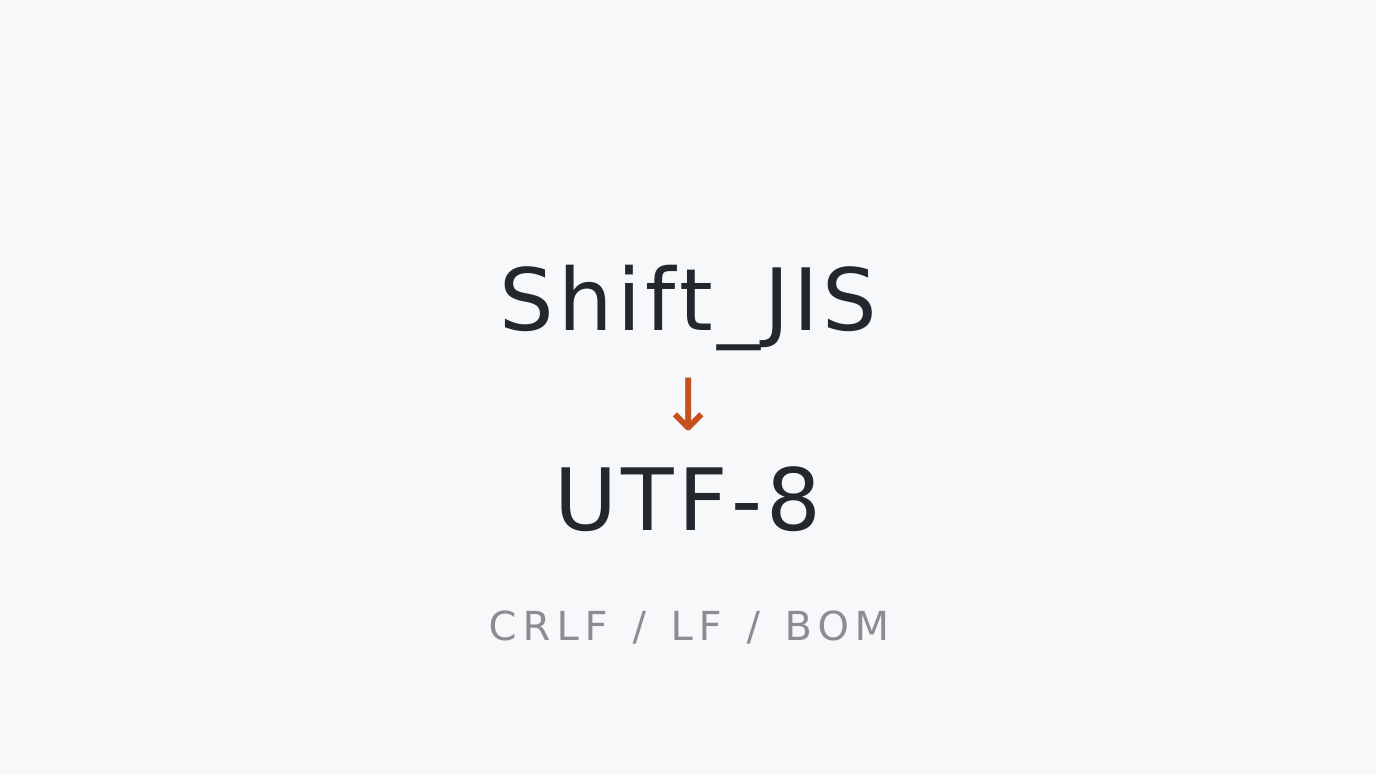
Encoding & Line Ending Converter Detect a CSV's encoding (Shift_JIS/UTF-8), BOM and line endings (CRLF/LF), then convert to UTF-8. For diagnosing garbled files. Drop a file → check detection → export
-
Batch Image → AVIF Converter Convert PNG/JPEG to AVIF in bulk and copy an AVIF-first <picture> snippet. Quality control and ZIP download. Drop images → convert → copy the snippet
-
Test Data Generator Dummy names, addresses, emails and phone numbers as CSV/JSON. Encoding and line endings, exact-length boundary strings, plus exact-byte-size files. Pick columns → set rows or size → copy or save
-
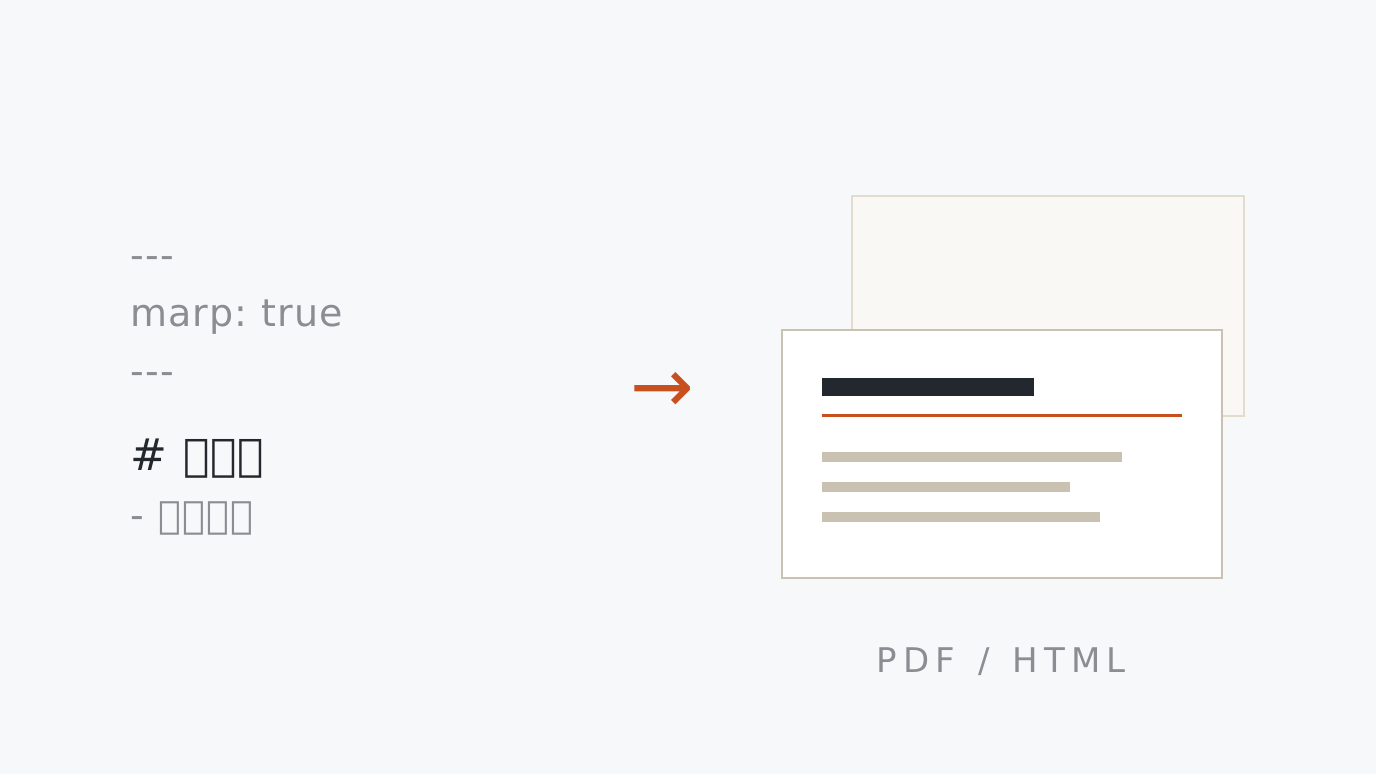
Marp Markdown → Slides Turn Markdown into Marp slides as you type. Japanese-friendly theme included, save as PDF via print, or download a self-contained HTML deck. Write Markdown → pick a theme → save as PDF or HTML
-
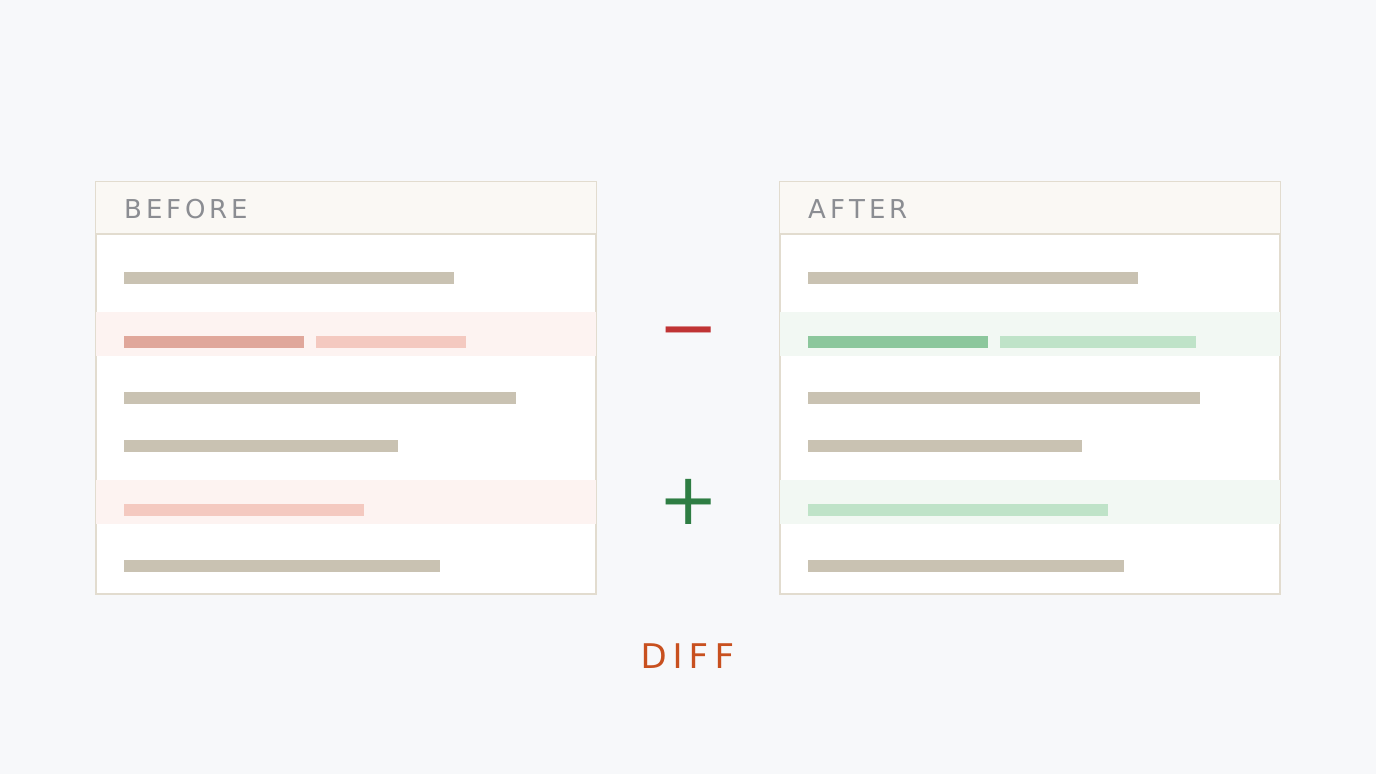
Text & Code Diff Checker Highlights additions, deletions and changes between two texts line by line and word by word. Inline or side-by-side view, and exports a unified diff (.patch). Paste both → read the diff → save the .patch
-
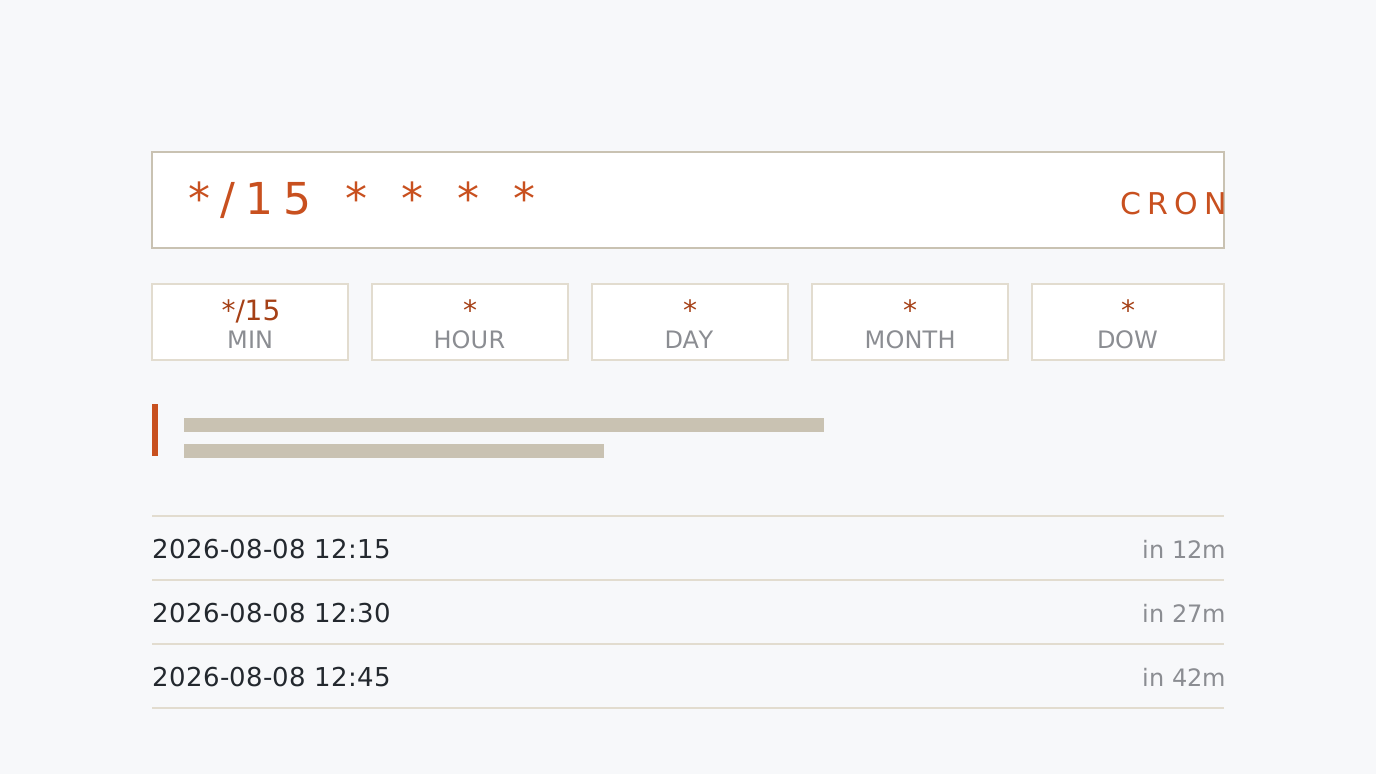
Cron Expression Explainer Reads a cron expression such as */15 * * * * back in plain English, breaks down every field and lists the upcoming run times. Time-zone aware. Paste the expression → read it back → check the dates
-
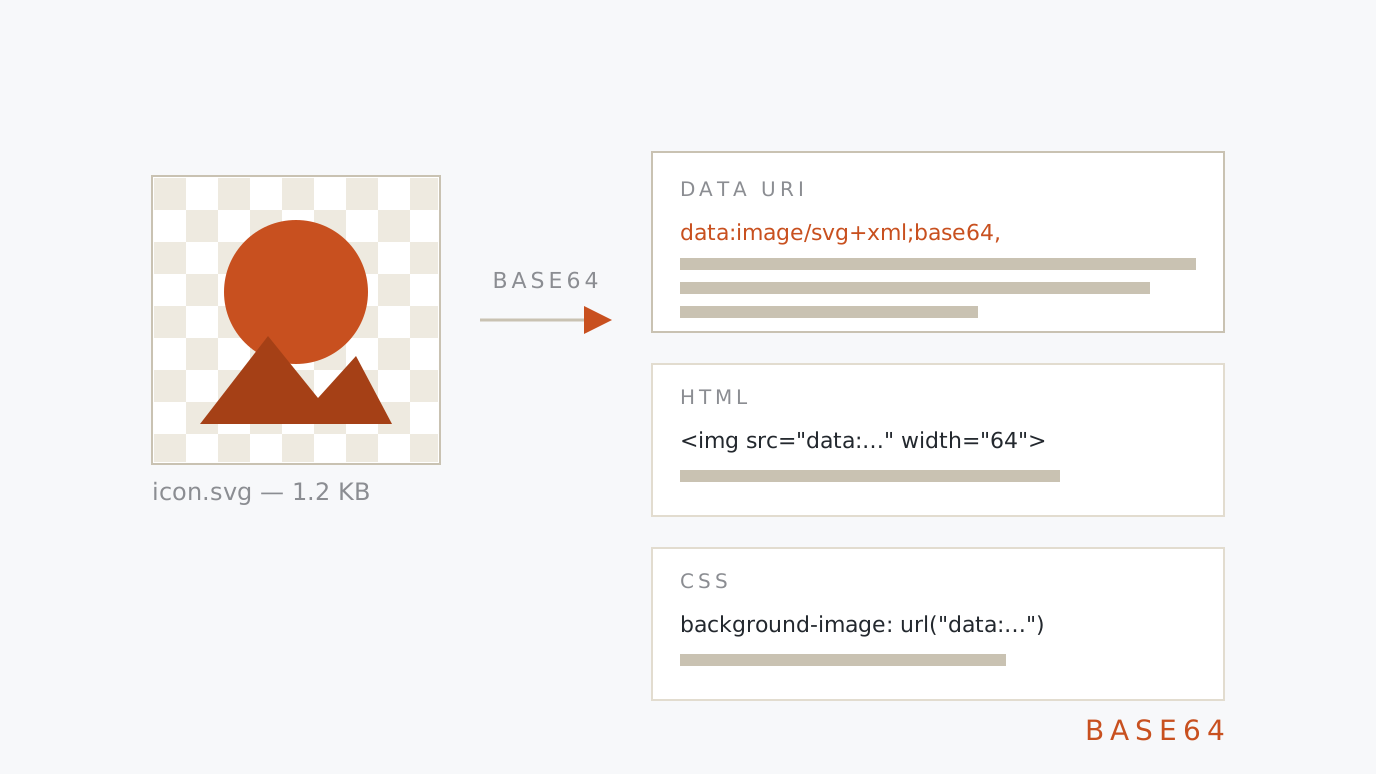
Base64 & Data URI Encoder Converts text to and from Base64, and turns a dropped image into a data:image/… URI with ready-made HTML img and CSS background-image snippets. SVG is percent-encoded to stay small. Paste text or drop an image → copy the snippet
-
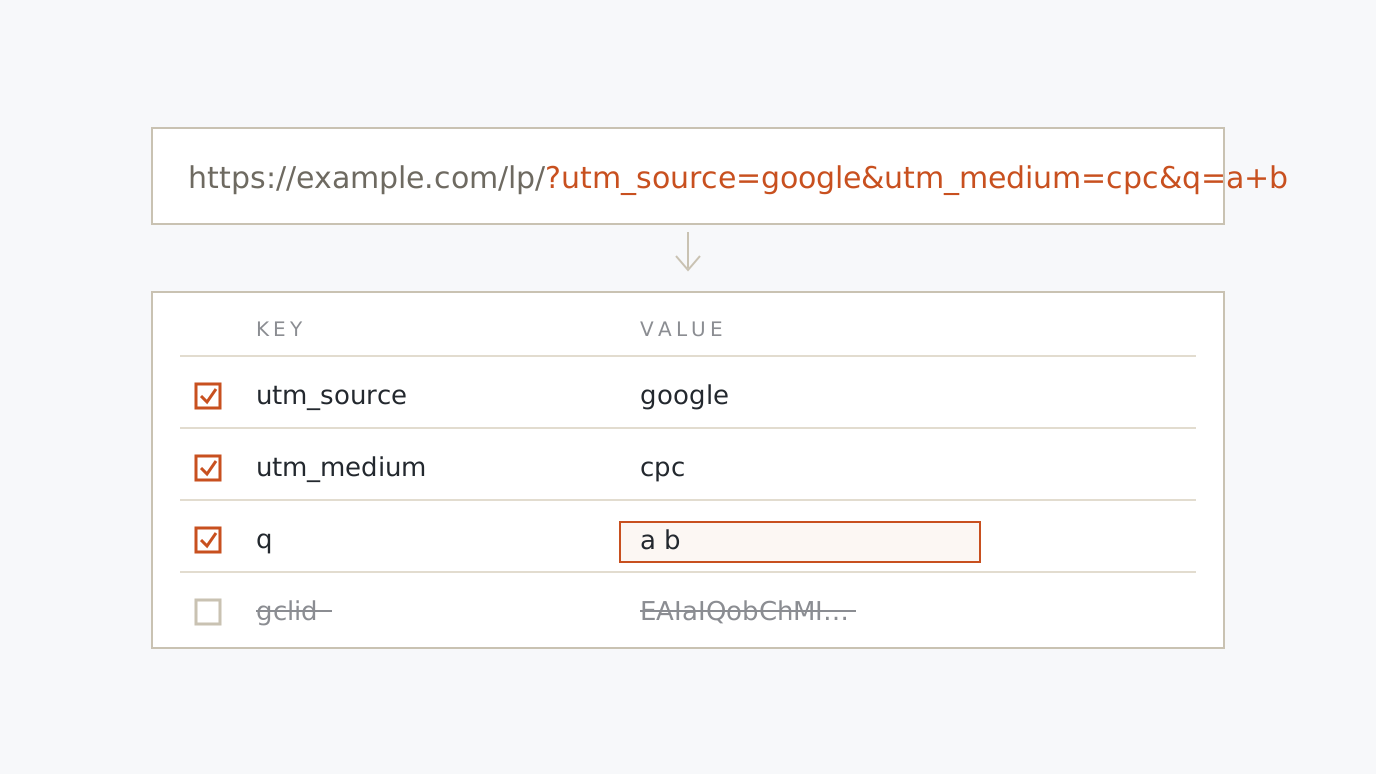
URL Parameter Editor & UTM Builder Paste a URL to break its query string into an editable key/value table. Edit, add and remove parameters, add UTM tags, strip gclid and other click IDs, and encode or decode strings. Paste a URL → fix it → copy
-
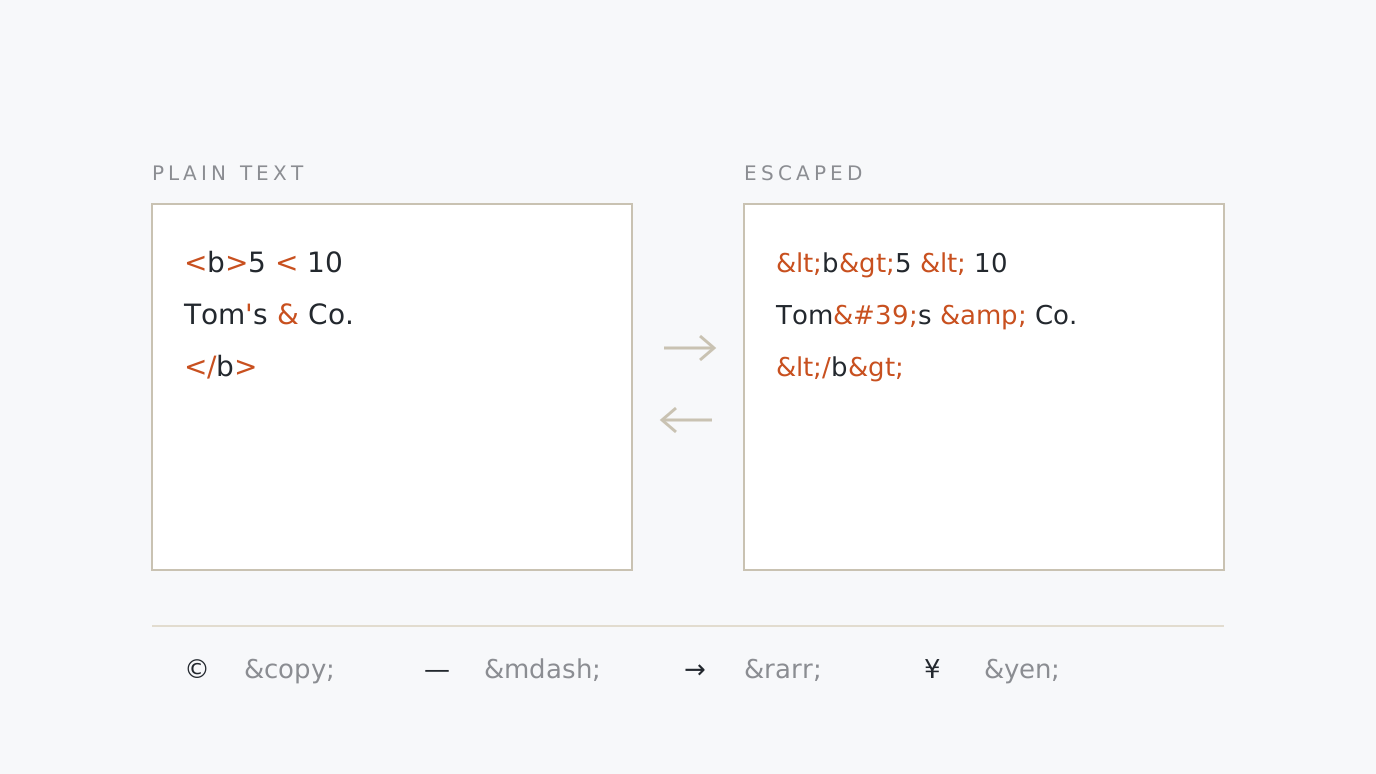
HTML Entity Escape & Unescape Escape < > & " ' into HTML entities and decode & or ' back to characters. Named, decimal and hexadecimal references, double-escape detection and an entity cheat sheet. Paste → convert → copy
-
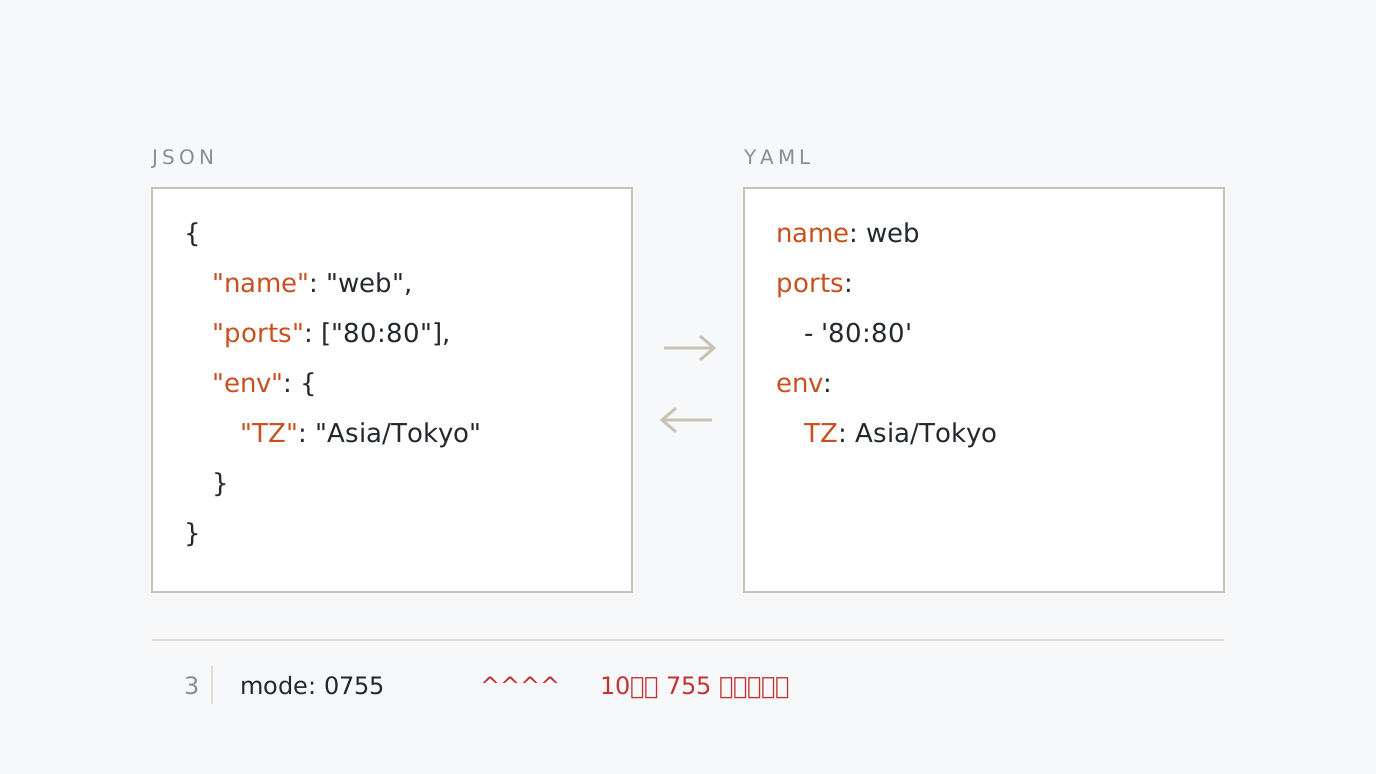
JSON ⇄ YAML Converter & Formatter Convert JSON and YAML either way as you type. Choose the indent width and quoting to reformat, see syntax errors by line and column, and get warnings for YAML traps like tab indents and 0755. Paste → convert → copy
-
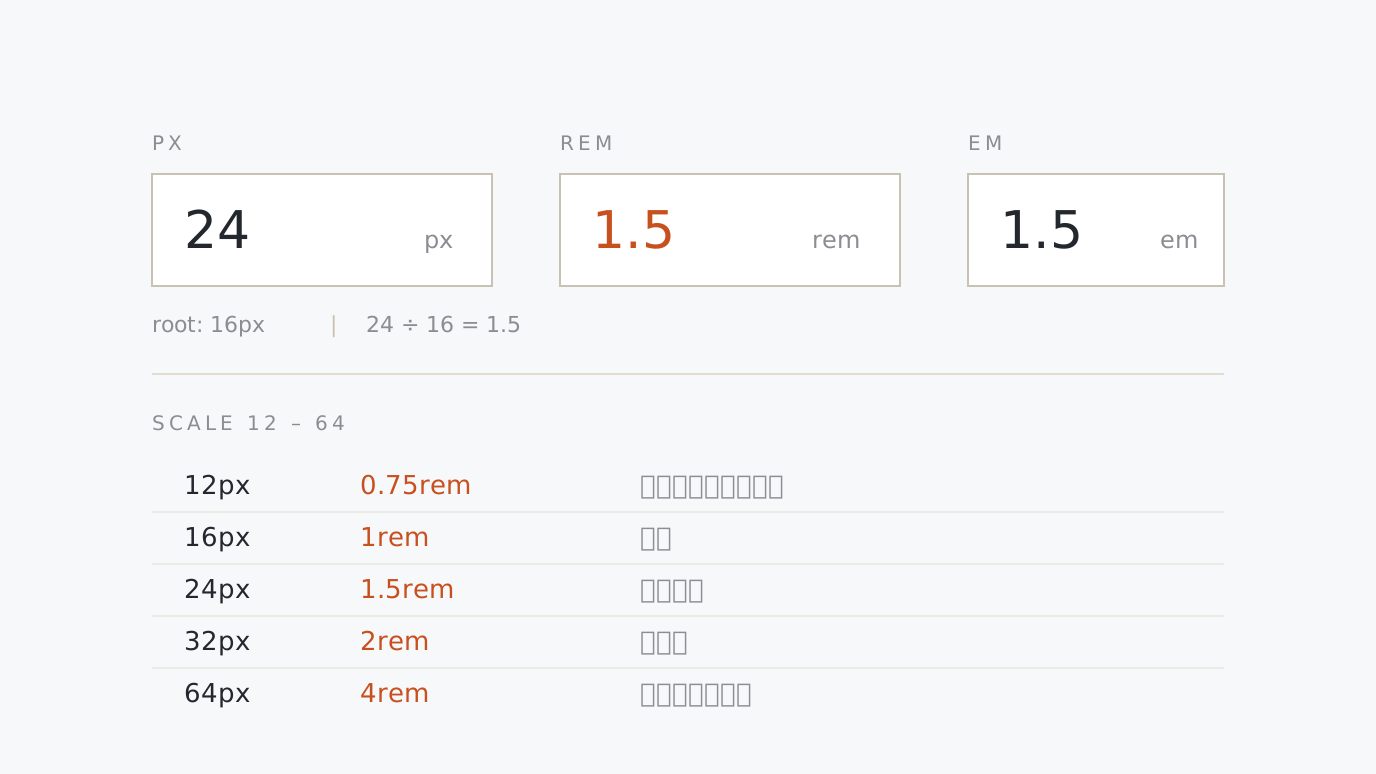
PX ⇄ REM / EM Converter & Scale Convert px, rem and em against the root font size as you type. Copy the 12–64px scale as CSS variables or SCSS, or paste a stylesheet for a bulk px→rem pass that keeps hairlines and @media. Type → convert → copy
-
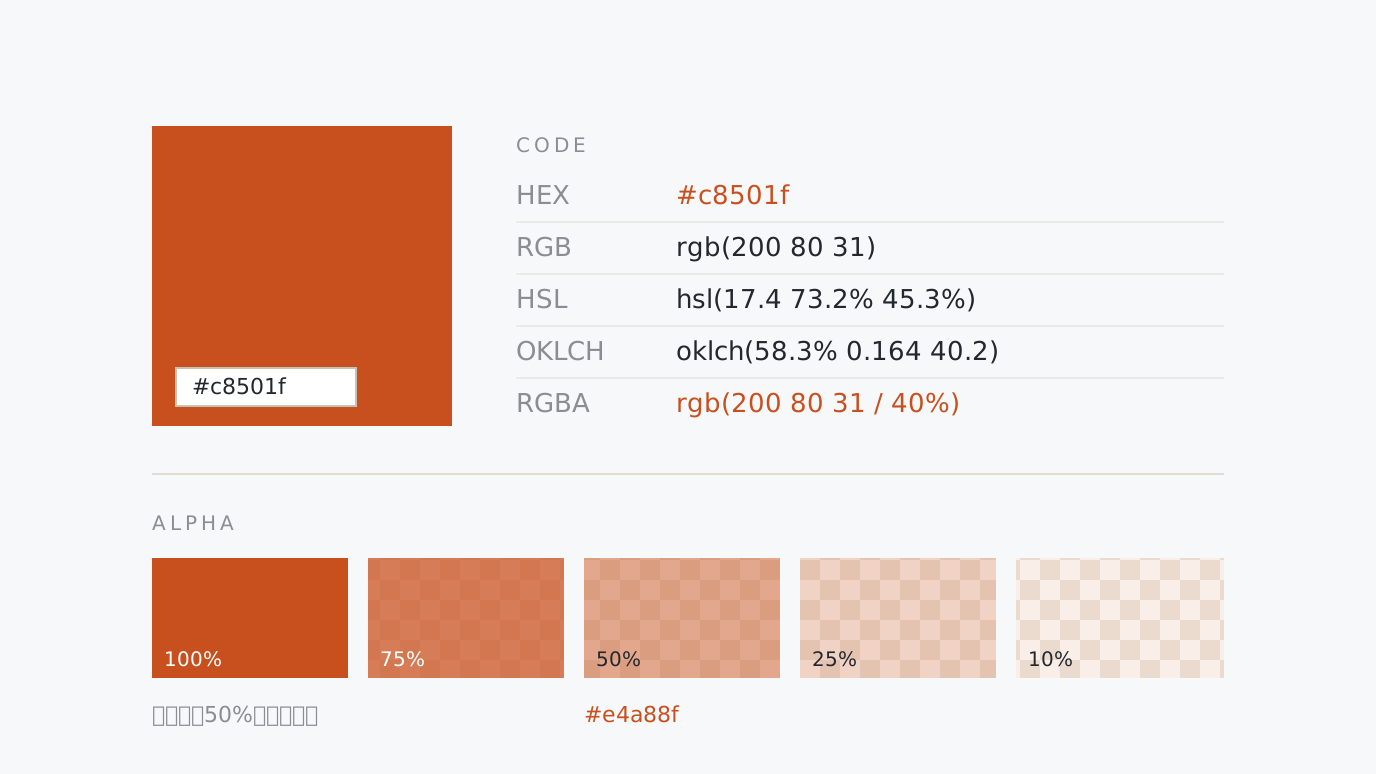
Color Converter & Alpha Calculator Convert HEX, RGB, HSL and OKLCH between each other, build rgba() / hsla() at any alpha, and see the composited colour over your background plus contrast ratios and an 11-step lightness palette. Enter → convert → copy
-
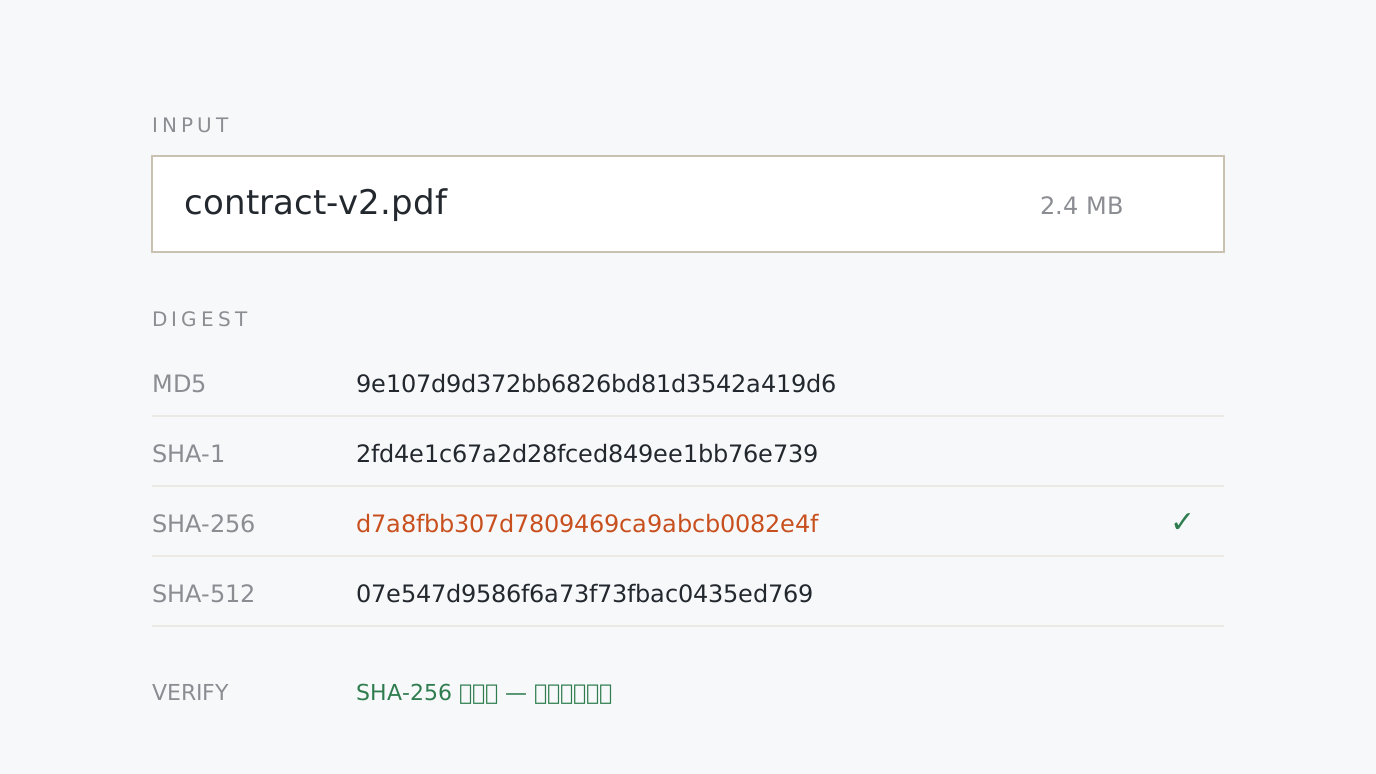
MD5 / SHA-256 / SHA-512 Hash Generator Hash any text or file with MD5, SHA-1, SHA-256, SHA-384 and SHA-512 at once. Paste a published checksum to verify it instantly, and copy the result as hex or Base64. Enter → hash → verify
-
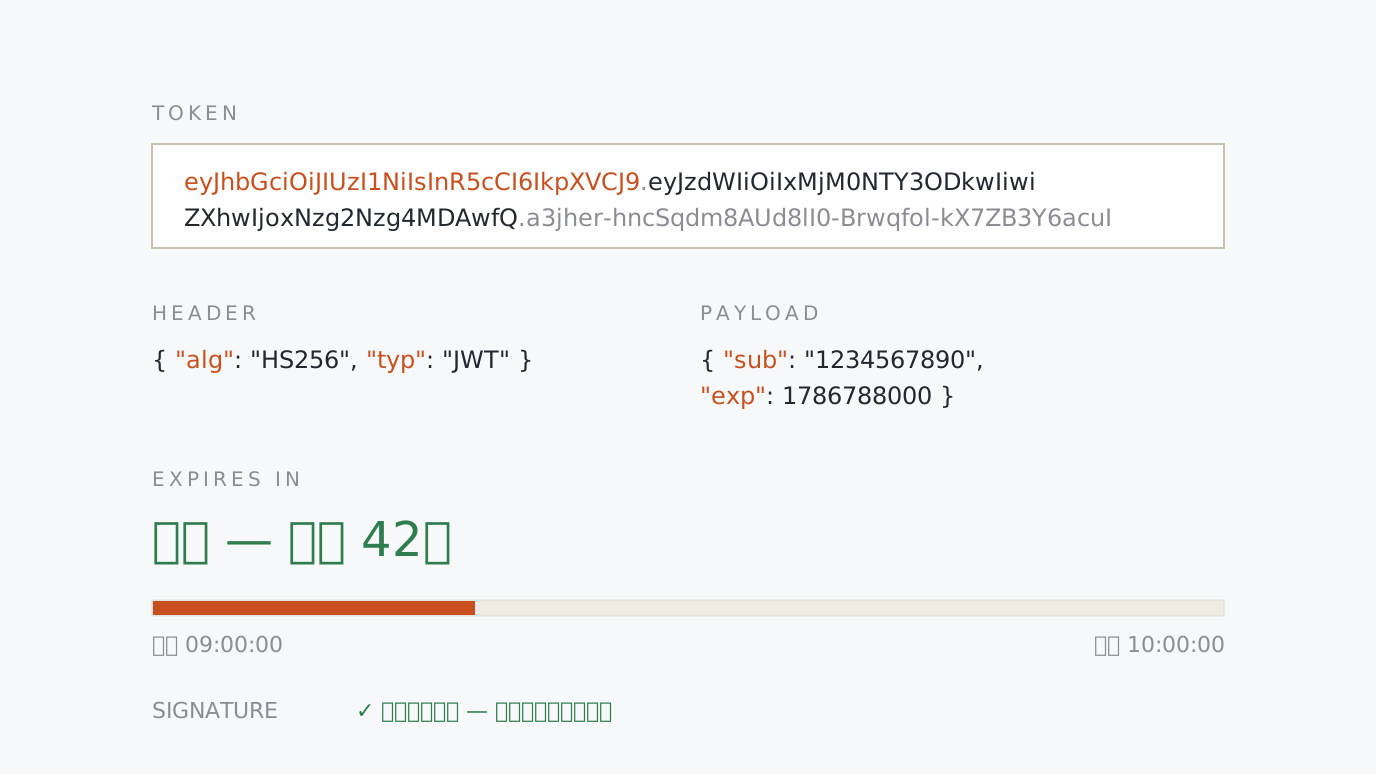
JWT Decoder & Expiry Checker Paste a JWT to see its header and payload as formatted JSON with the time left before it expires on a bar. alg:none and milliseconds-instead-of-seconds are flagged, and a key verifies the signature. Paste → read → verify
-
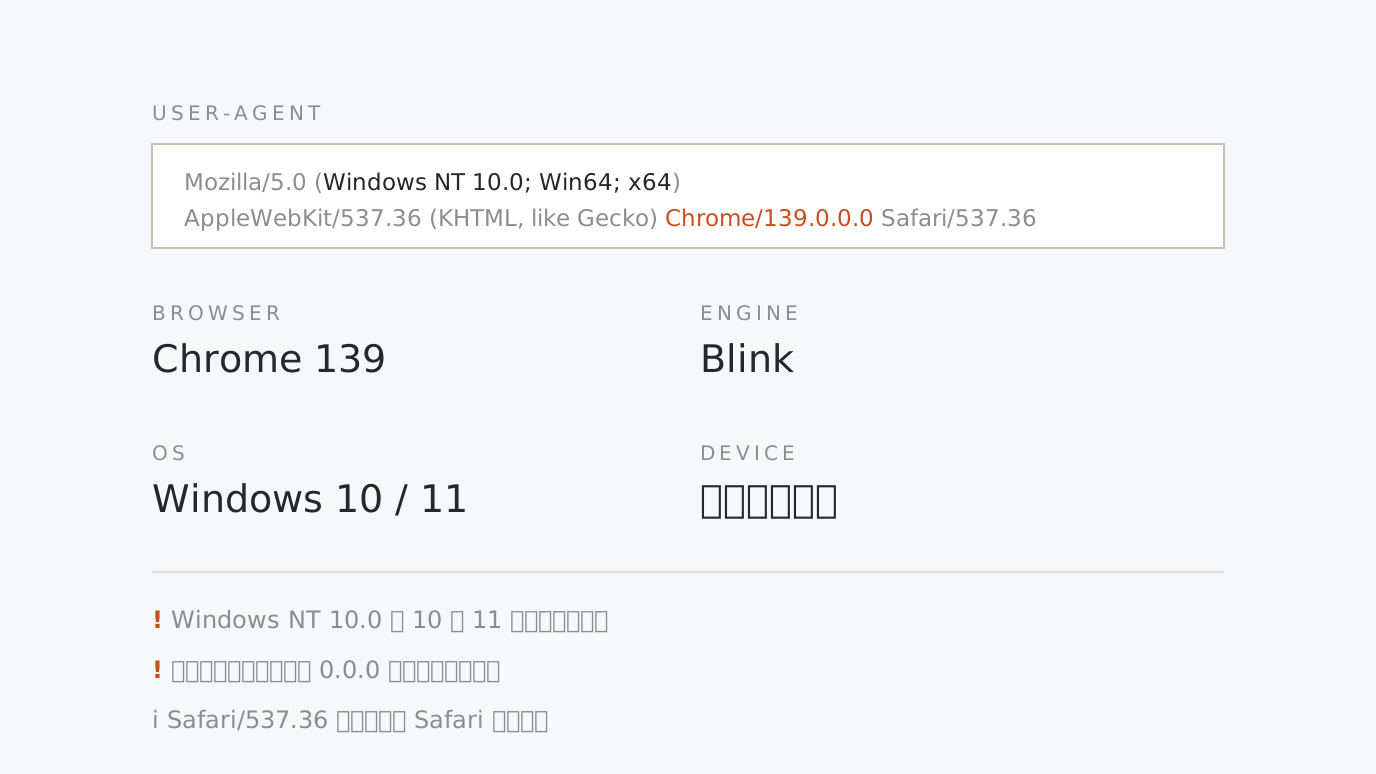
User-Agent Parser & Device Detector Paste a UA string to break out the browser, version, engine, OS and device type. Every token is explained, and what the UA cannot tell you — frozen values, in-app browsers — is flagged. Paste → break down → check
-
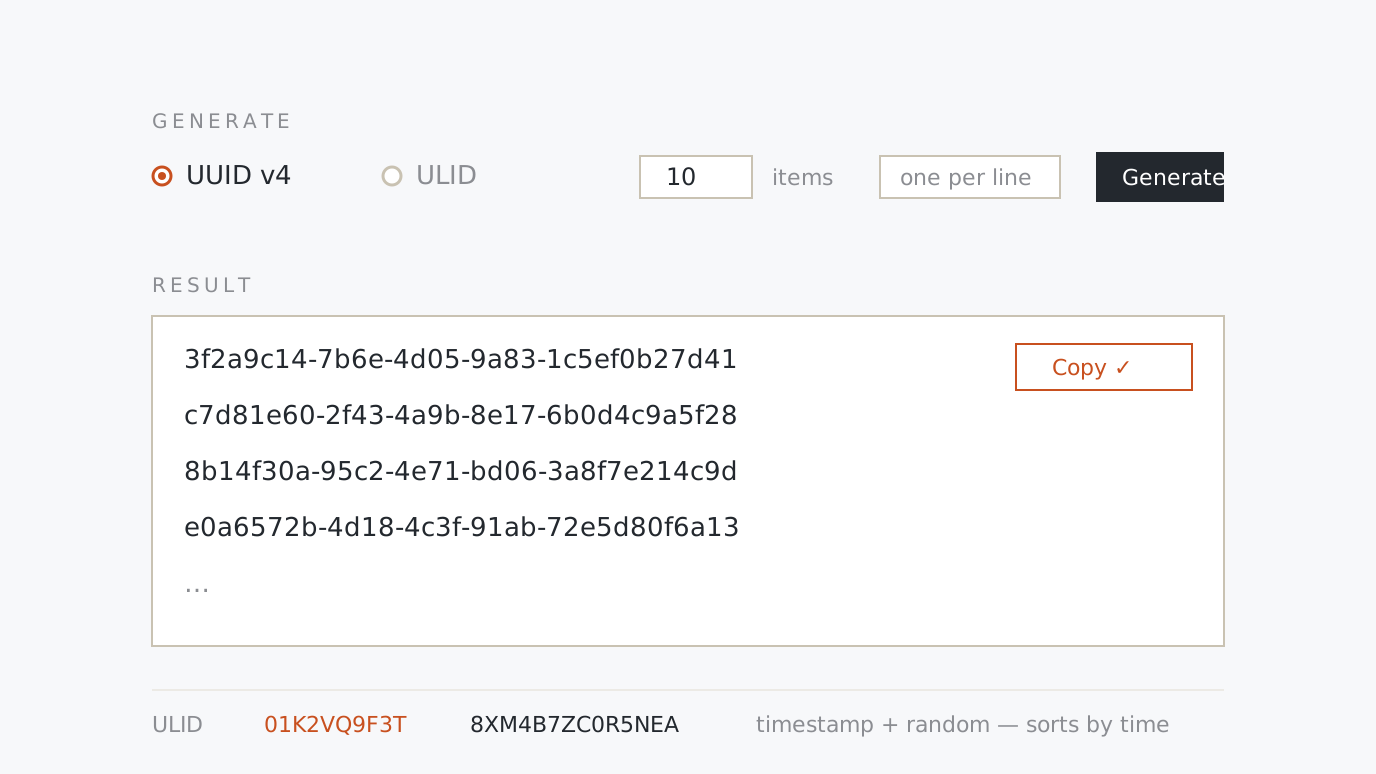
UUID (v4) & ULID Bulk Generator Generate 1 to 100 UUID v4 or time-sortable ULID values at once. Write them out without hyphens, upper case or as a JSON array — and a batch stays in order even inside one millisecond. Pick → generate → copy
-
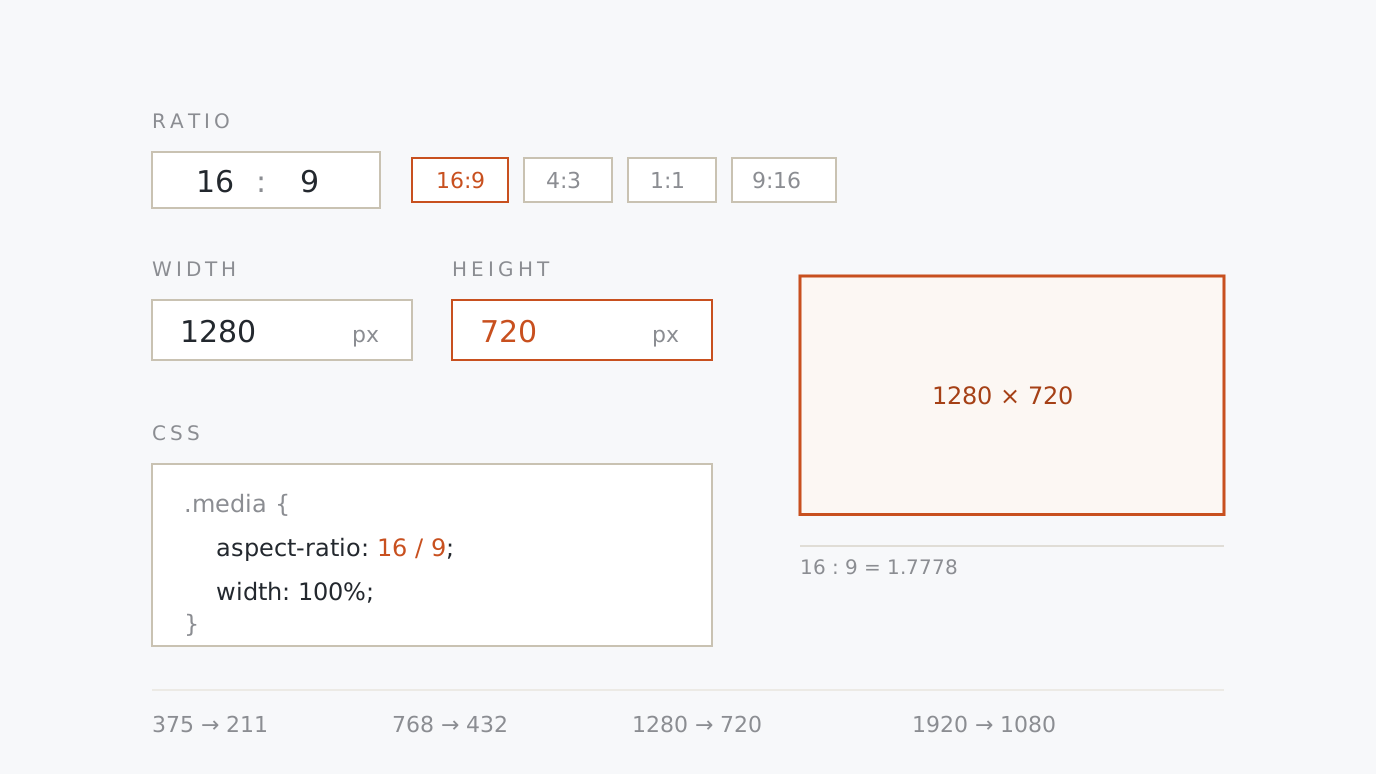
Aspect Ratio Calculator & Responsive Size Pick 16:9 or 4:3, type a width and the height appears. Work back from a size to a ratio, then copy the aspect-ratio CSS and a height table for every breakpoint. Pick → type → copy
-
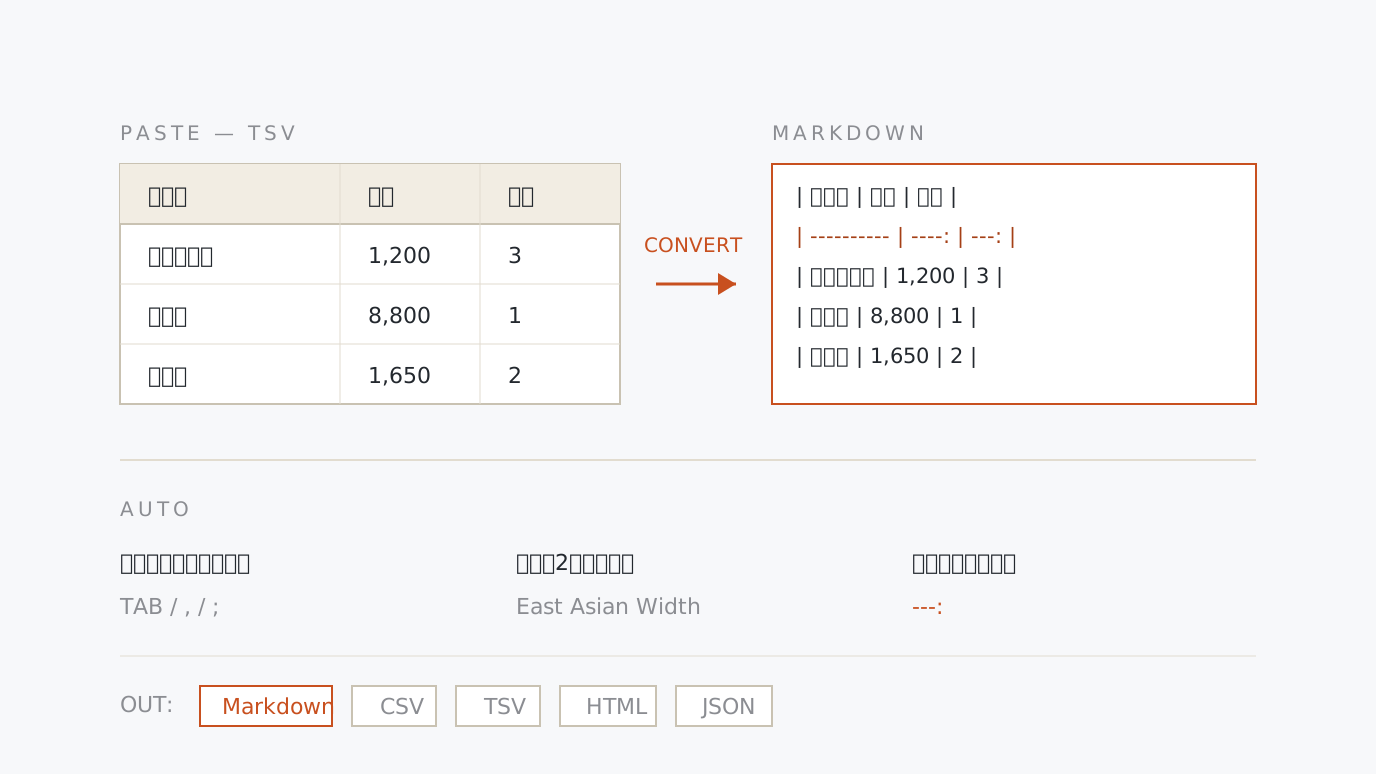
Markdown Table Generator & CSV/TSV Converter Paste a range copied from a spreadsheet and get a clean Markdown table. Full-width characters count as two columns so the pipes line up, number columns are right-aligned, and you can export to CSV, TSV, HTML or JSON. Paste → choose → copy
-
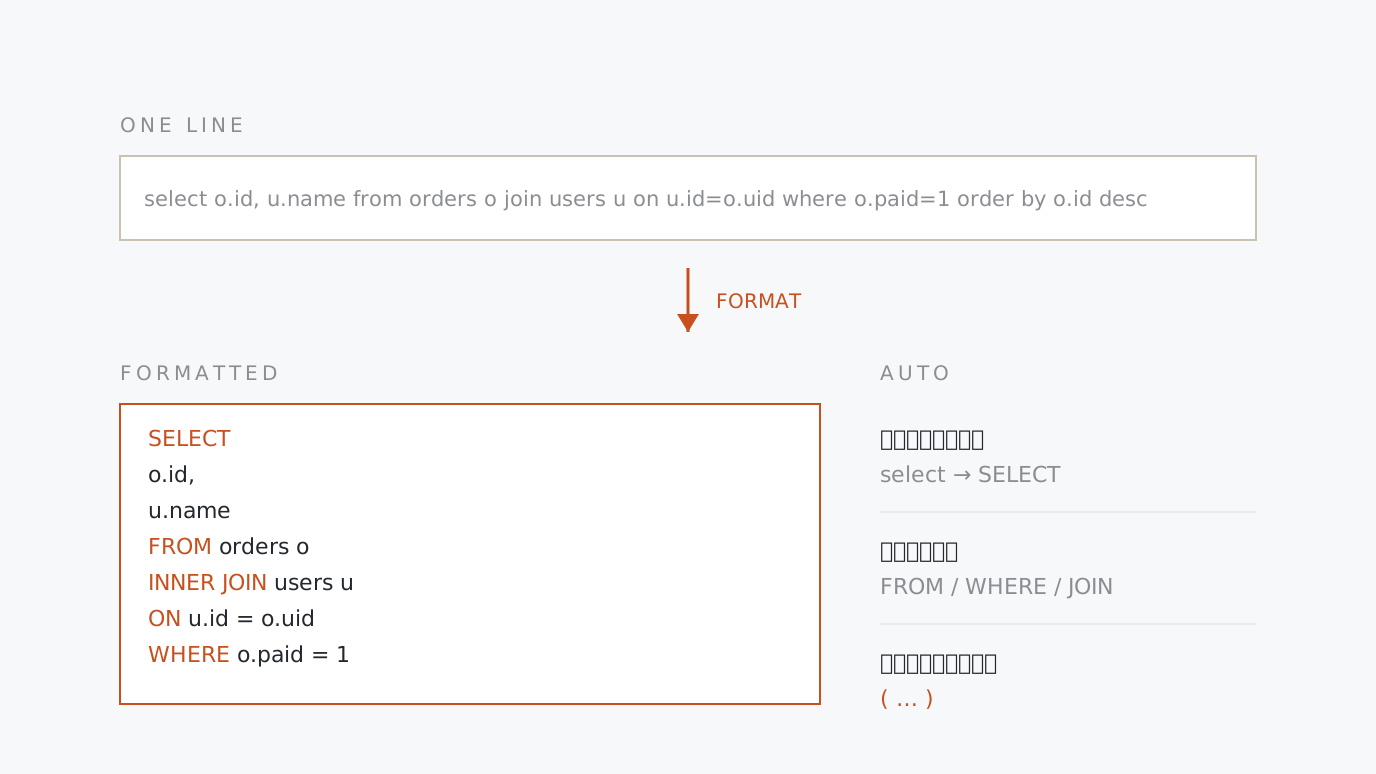
SQL Query Formatter & Beautifier Paste a SELECT or JOIN query squashed onto one line and get uppercase keywords, a line break per clause and indented subqueries. Pick the indent width and comma position; UPDATE or DELETE without a WHERE gets flagged. Paste → choose → copy
-
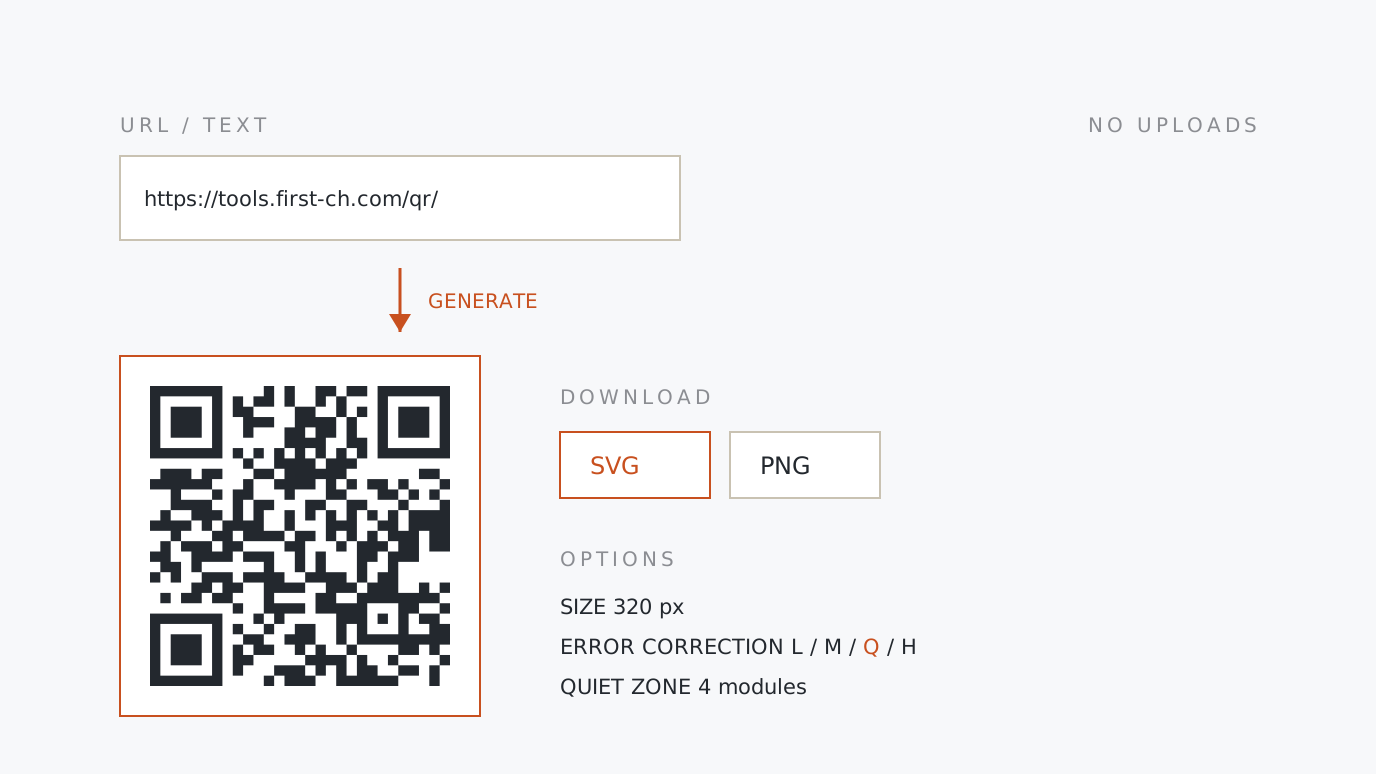
QR Code Generator (SVG / PNG) Type a URL or a message and download the QR code as a print-sharp SVG or a PNG. Set the size, error correction level and quiet zone, and start from templates for Wi-Fi, email and more. Type → choose → save
-
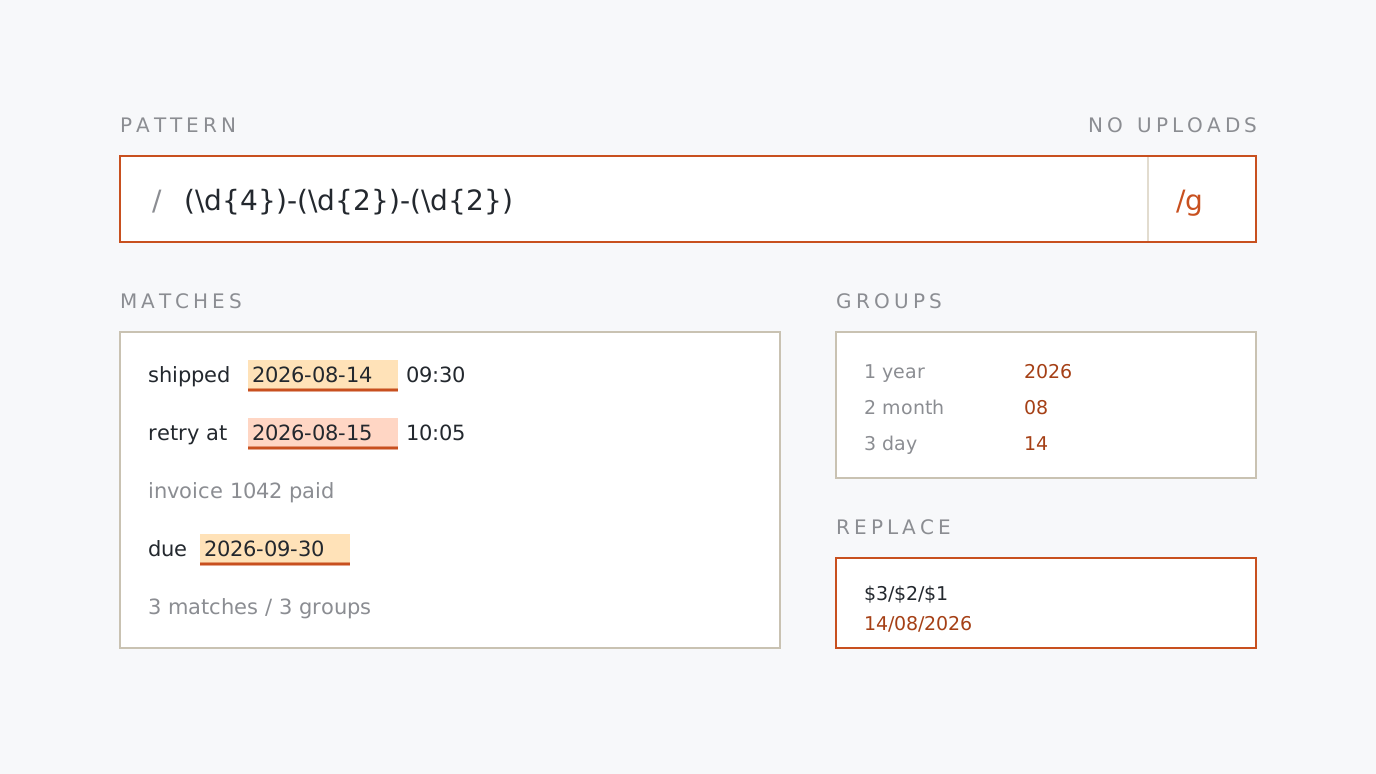
Regex Tester (JavaScript) Type a pattern and some text to see every match highlighted, with capture groups, positions and a live replacement preview. Flip the flags, and get warned about a missing g or a ReDoS-shaped pattern. Write → paste → check
-
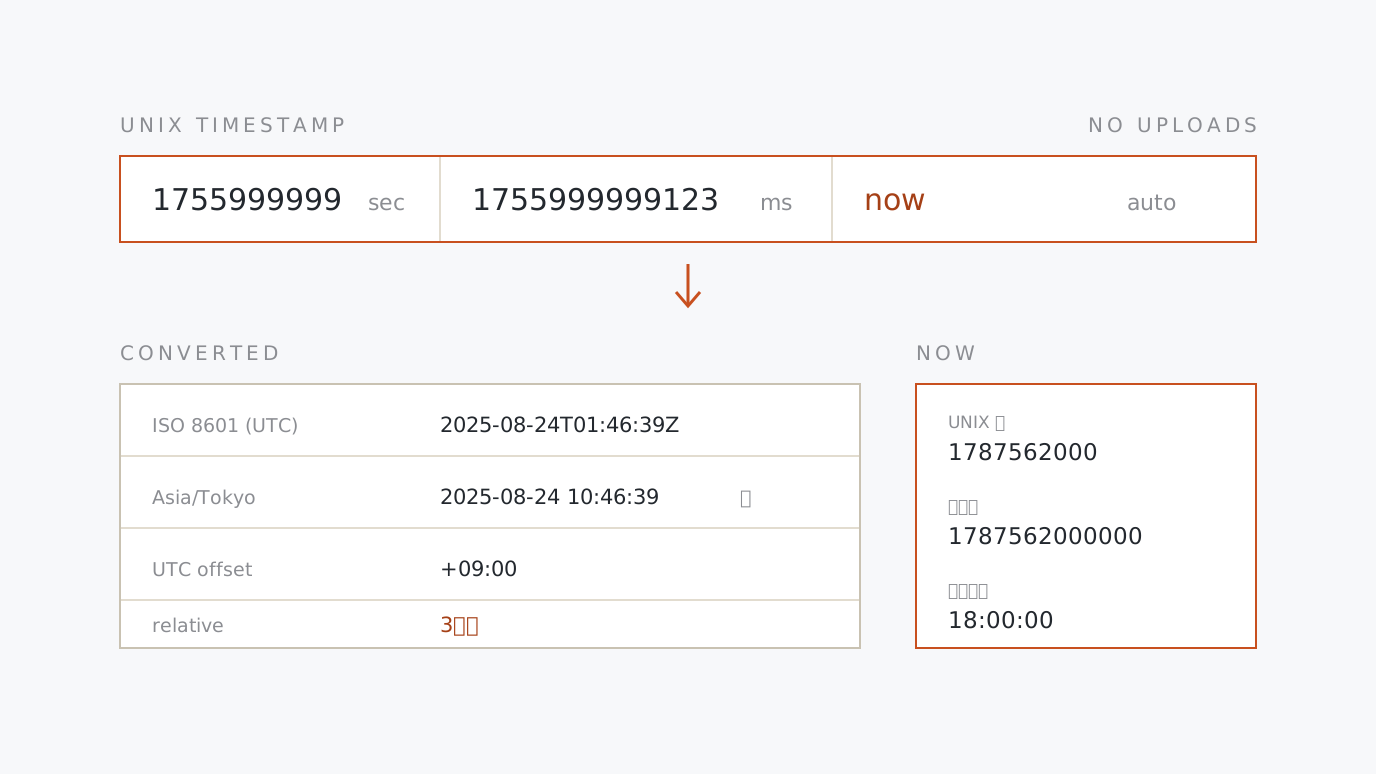
Unix Timestamp Converter Turn 1755999999 into a date and back again. Pick a time zone to see local time, UTC and a relative reading side by side, and paste a whole block of log lines to convert them all at once. Paste → choose → read
-
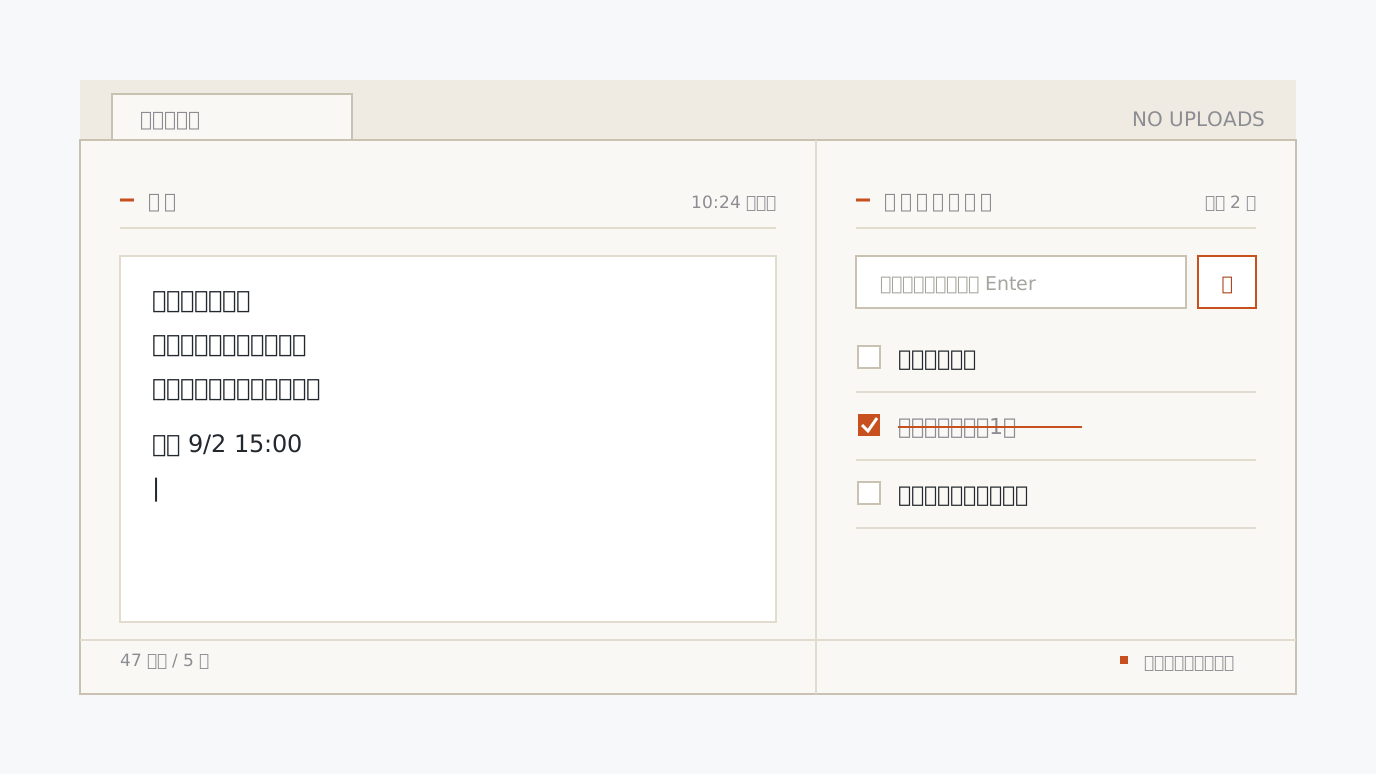
New Tab Memo A Chrome extension that turns every new tab into a notepad. Plain-text notes and a simple checklist, stored inside your browser and nowhere else. Try the real screen on the page first. Try → install → write
-
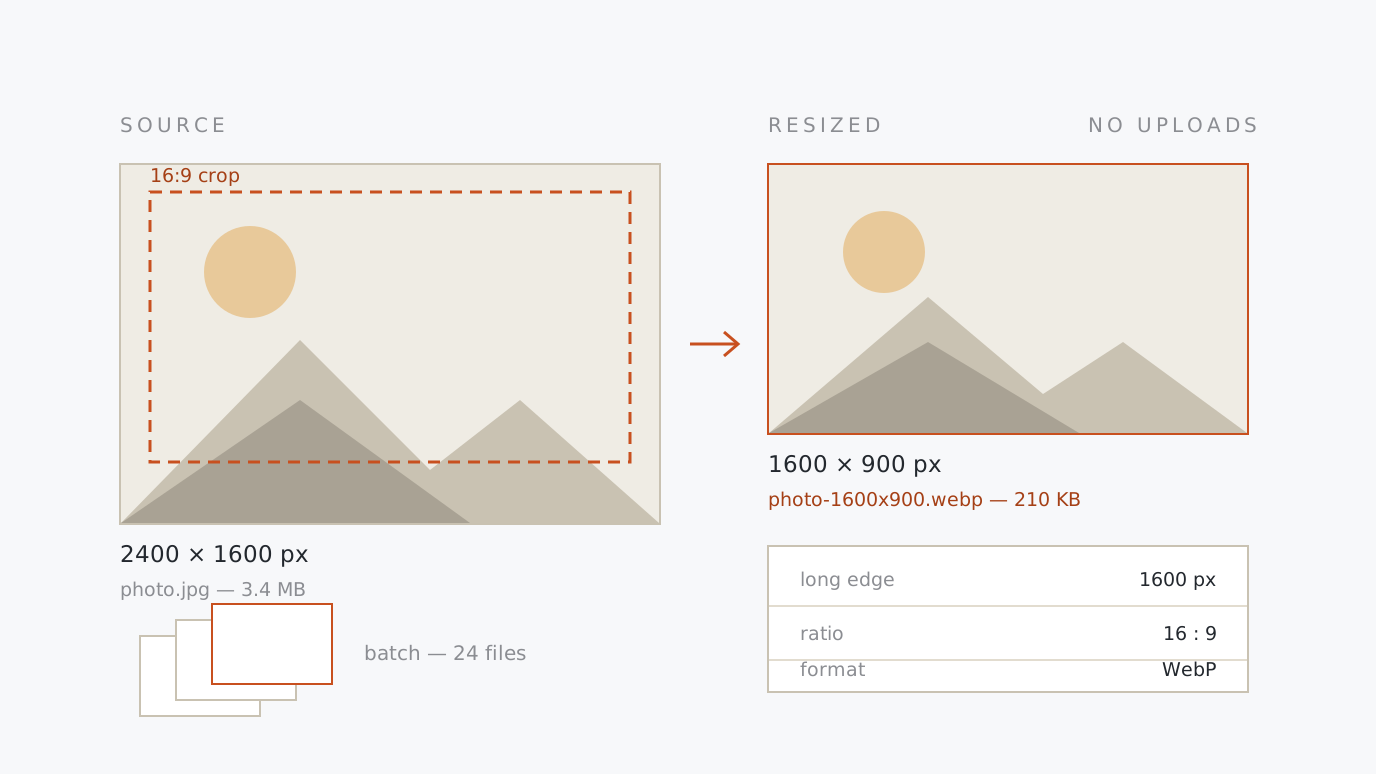
Image Resizer & Cropper Shrink photos and screenshots in batches with a single instruction such as "long edge 1200px". Crop to 16:9 or a square from the centre, and write the result out as JPEG, PNG or WebP. Drop → set → save
-
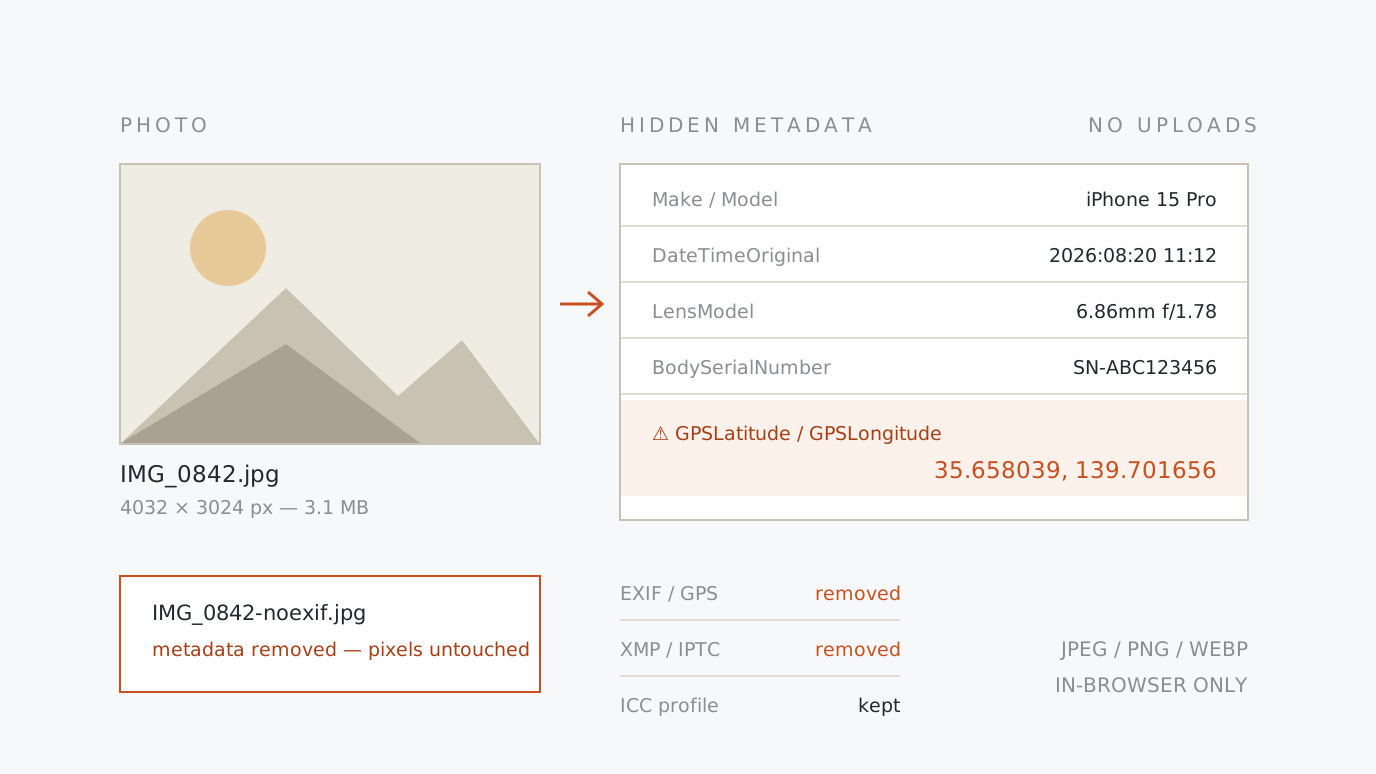
EXIF Viewer & Remover List the date, camera model and GPS coordinates hidden inside a photo. Location data is flagged in red, and a clean copy is saved with the metadata stripped and the pixels untouched. Drop → inspect → strip
-
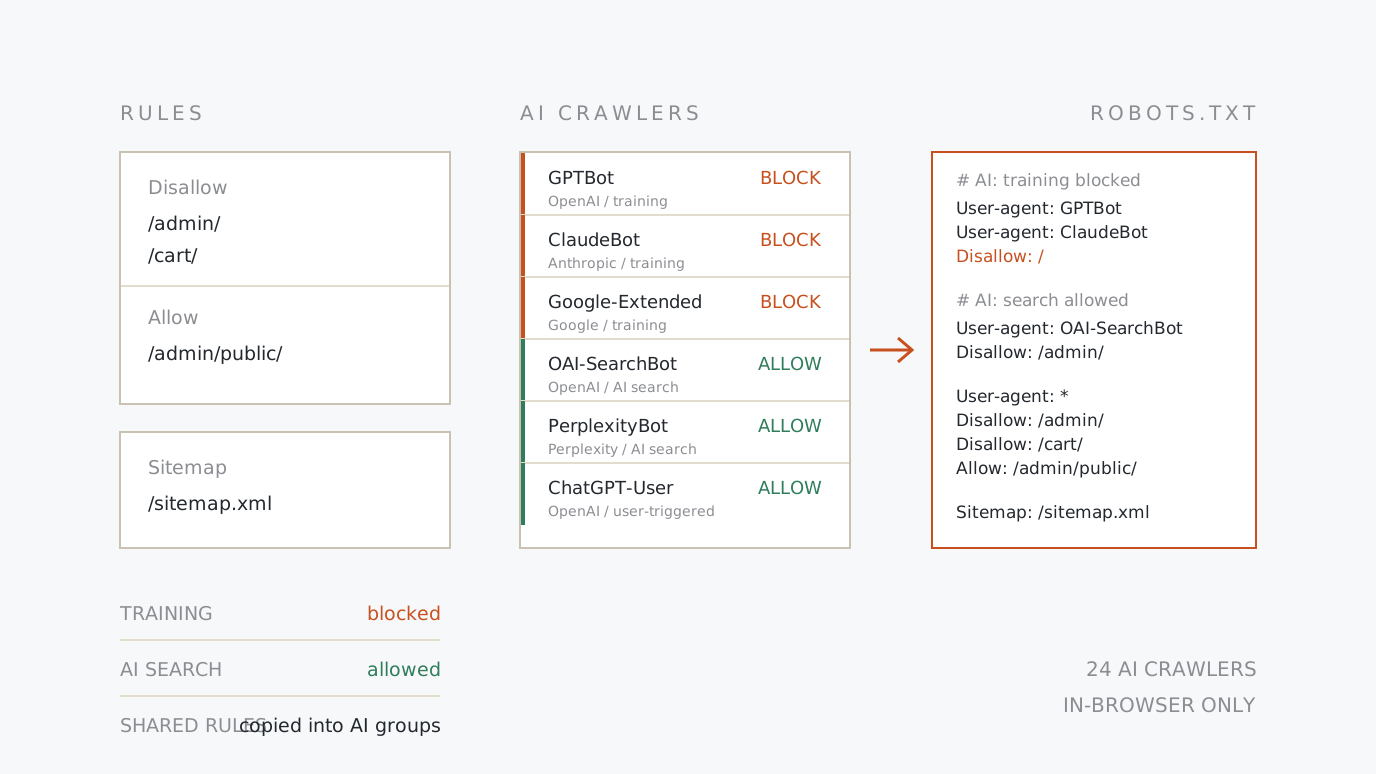
robots.txt Generator Write crawl rules and sitemap declarations from a form. For AI crawlers such as GPTBot, one preset turns away the training bots while keeping AI search. Choose → check → upload
-
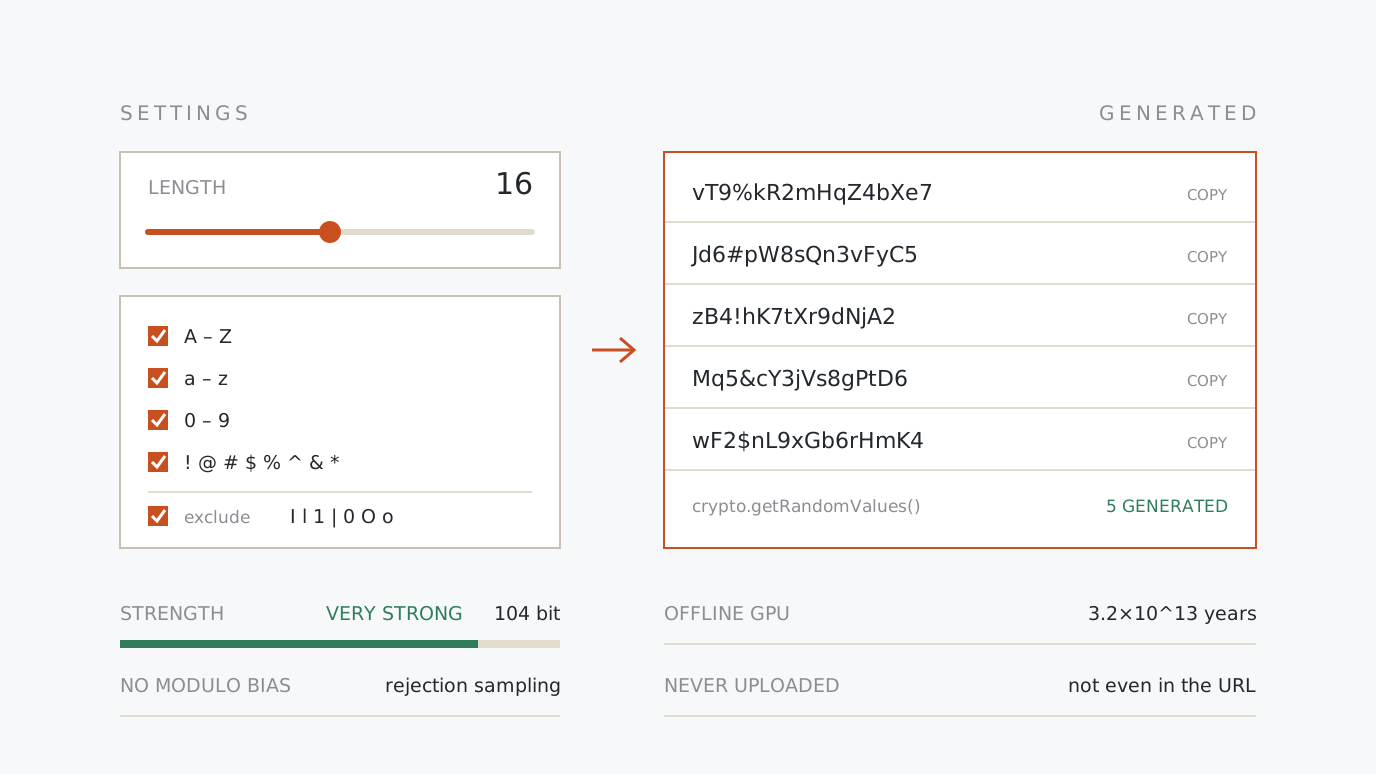
Secure Password Generator Set the length, the character types and whether to drop look-alike characters, then mint up to 50 strong passwords at once. Strength is shown in bits and in time to crack. Choose → generate → copy
-
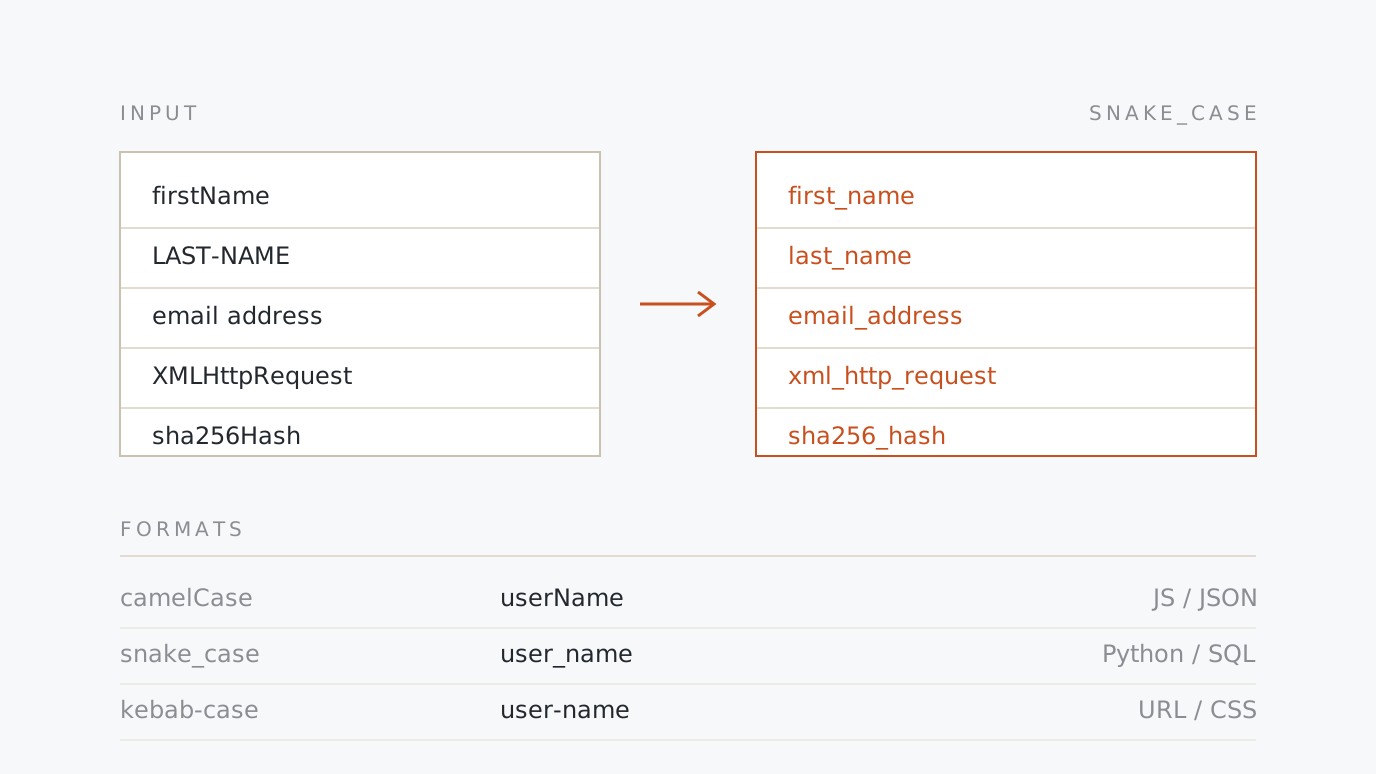
Case Converter Convert identifiers between camelCase, snake_case, kebab-case, PascalCase and CONSTANT_CASE. Batch-converts whole lists and tidies CSV header rows, splitting acronyms and digit runs the way you meant. Choose → paste → copy
-
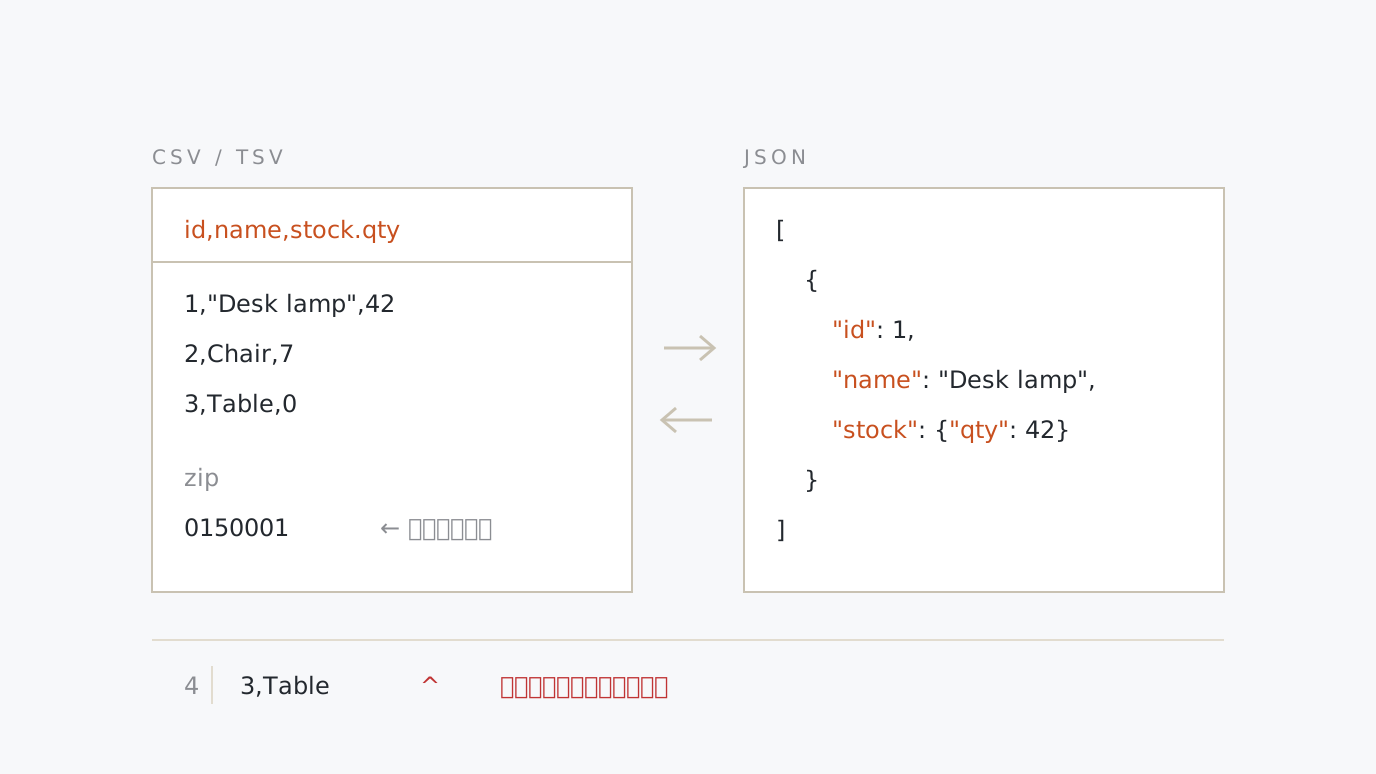
CSV/TSV ⇄ JSON Converter Convert spreadsheet CSV or TSV to a JSON array and back. Detects the delimiter, handles headerless input, expands a.b columns into nested objects, and keeps leading zeros and long IDs intact. Paste → choose → copy
-
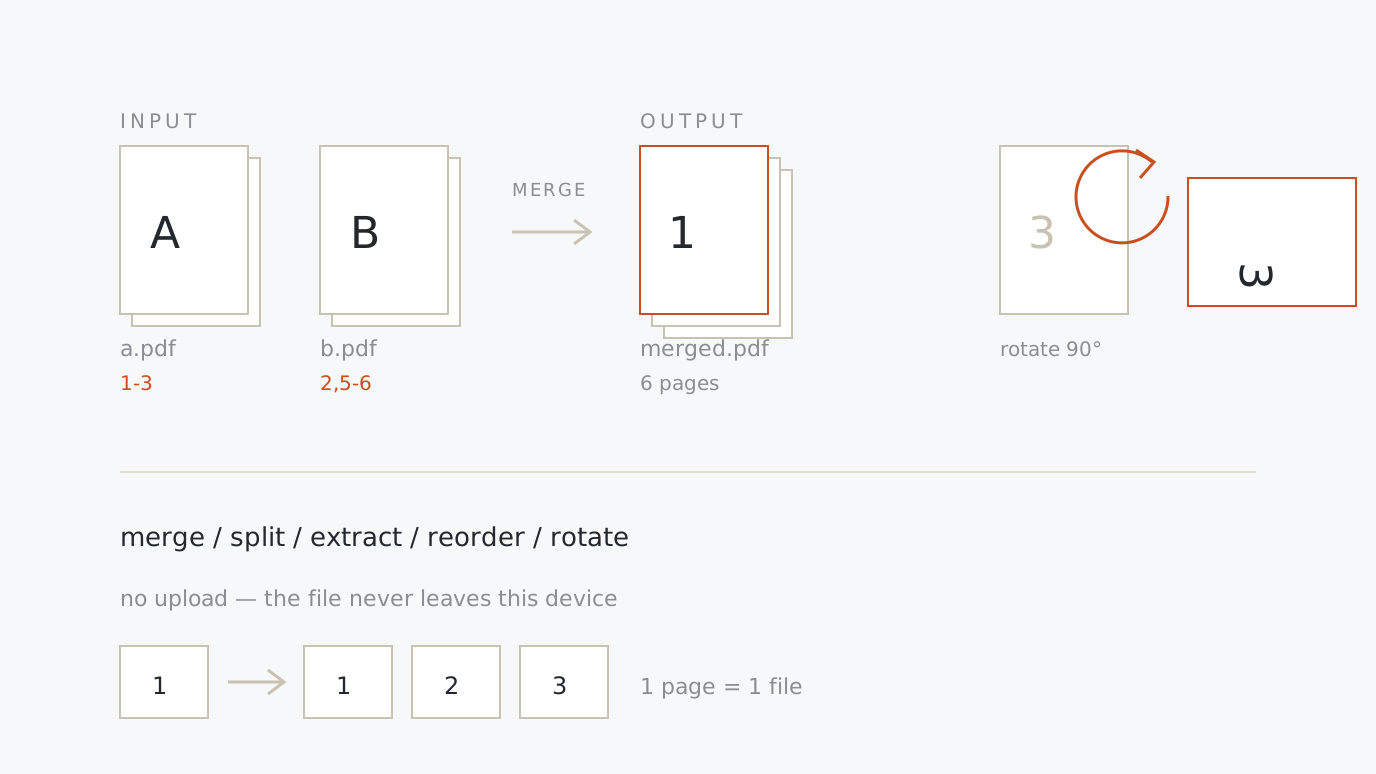
PDF Merge, Split & Extract Join several PDFs into one, pull out a page range, reorder and rotate pages. Contracts and quotes are processed in the browser and never uploaded. Drop → set a range → save
-
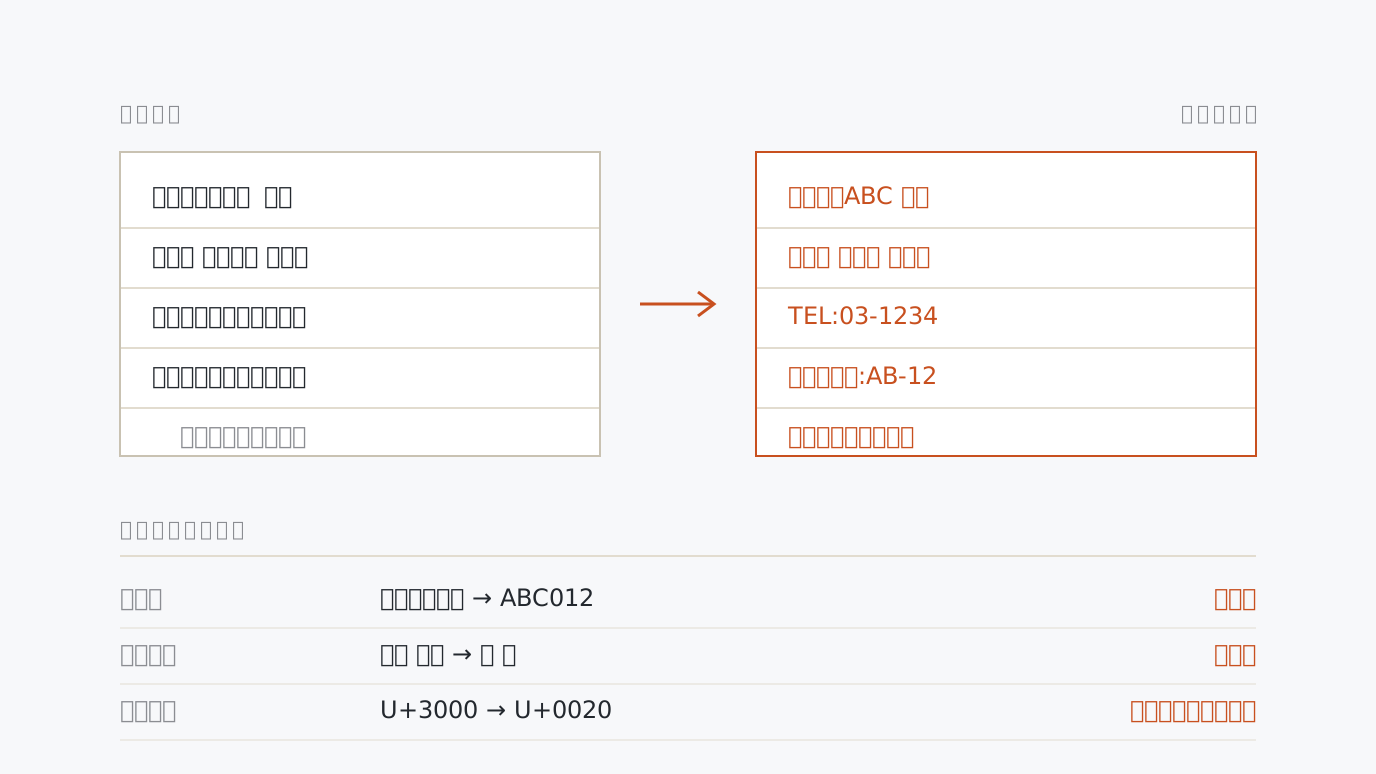
Full-width ⇄ Half-width Converter Convert letters, digits, katakana, symbols and spaces between full-width and half-width, each kind in its own direction. Half-width katakana composes and splits correctly, and runs of spaces, line ends, blank lines and invisible characters are cleaned up in the same pass. Paste → choose → copy
-
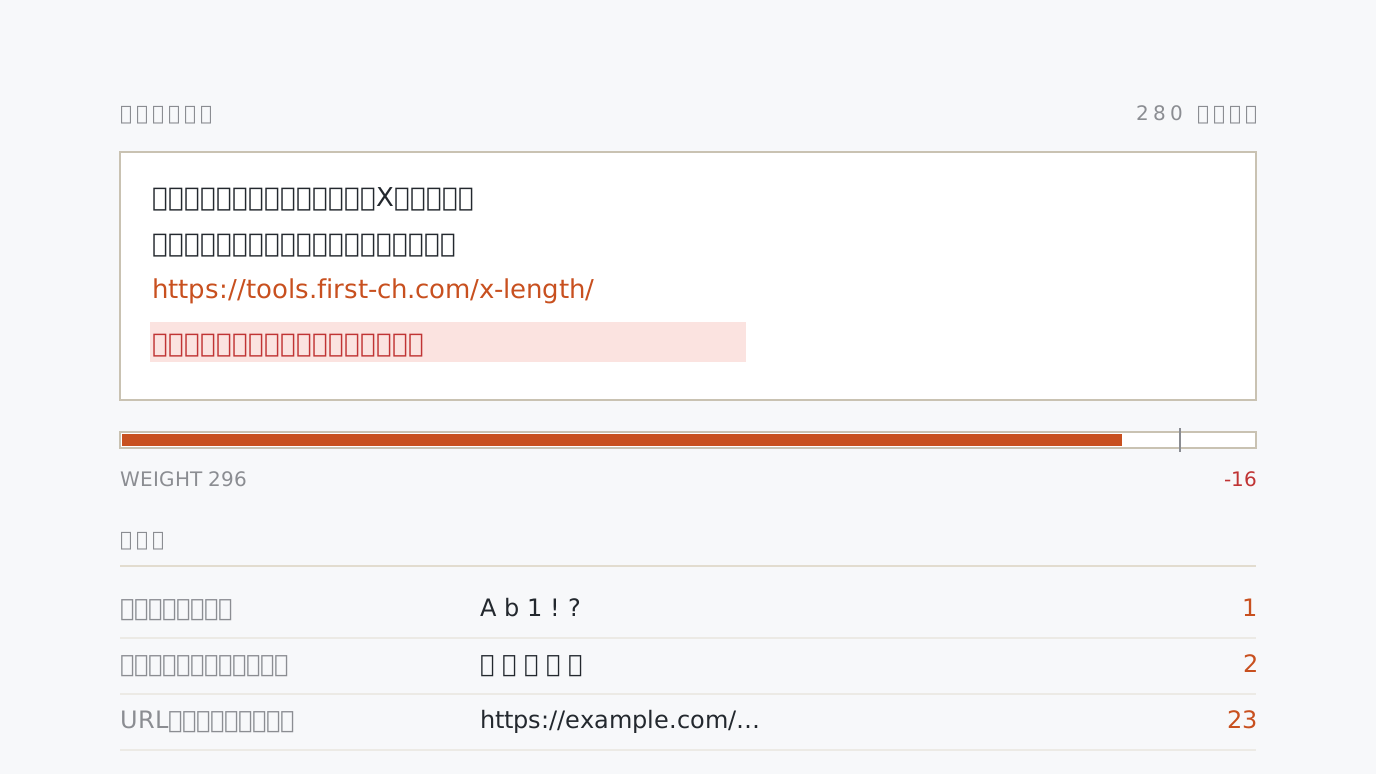
X (Twitter) Post Counter A post on X is measured by weighted length, not by plain characters: CJK and full-width count 2, every link counts 23, and the limit is 280. Paste a draft to see the weight, what is left and the tail that will not fit, with URLs, mentions and hashtags detected. Paste → check → trim
-
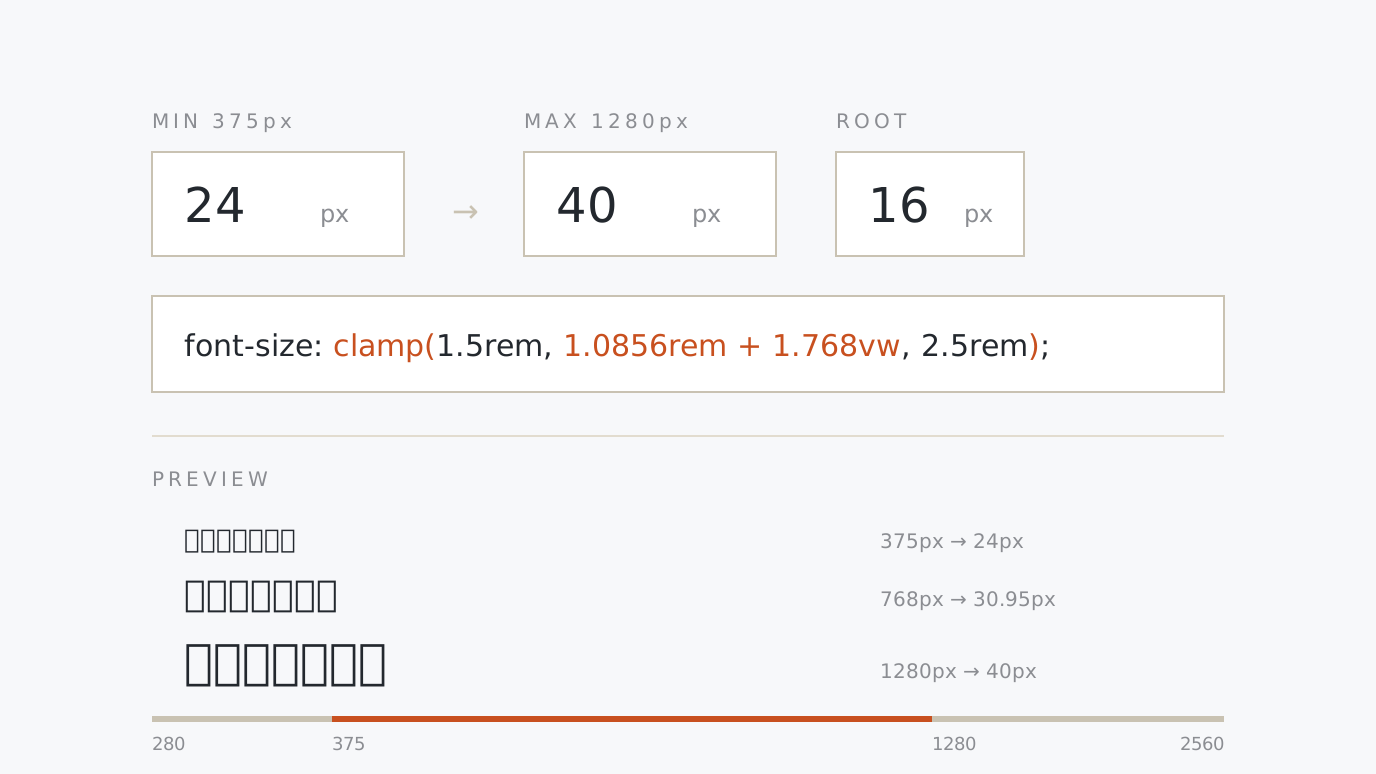
CSS clamp() Fluid Typography Calculator Say "24px at 375px, 40px at 1280px" and get the clamp(min, vw formula, max) that moves smoothly between them. Live preview on a width slider, rem-based output, and a whole fluid type scale exported as custom properties. Two points → preview → copy
-
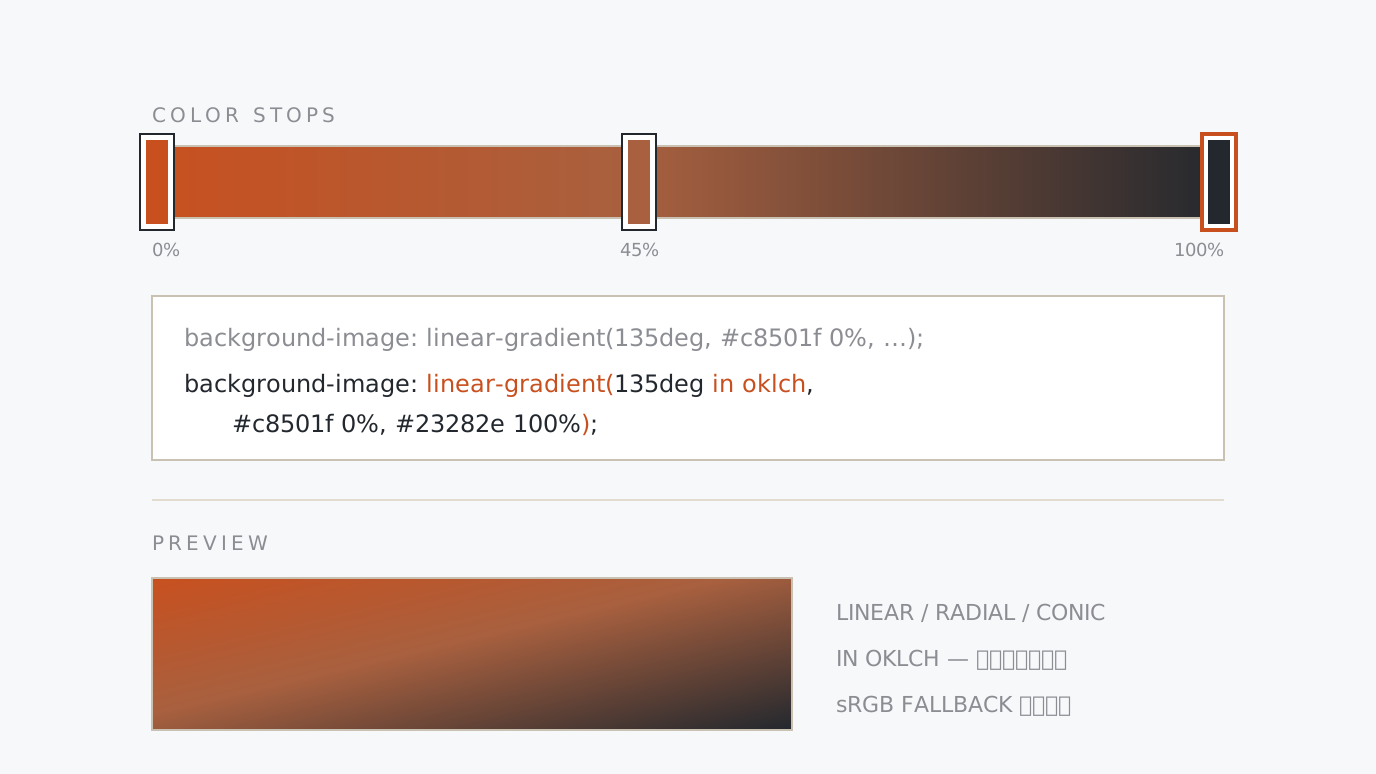
CSS Gradient Generator Design linear, radial and conic gradients visually and copy the CSS. Draggable colour stops, angle and centre controls, oklch interpolation for a clean middle, and an sRGB fallback line for older browsers. Place colours → drag → copy
-
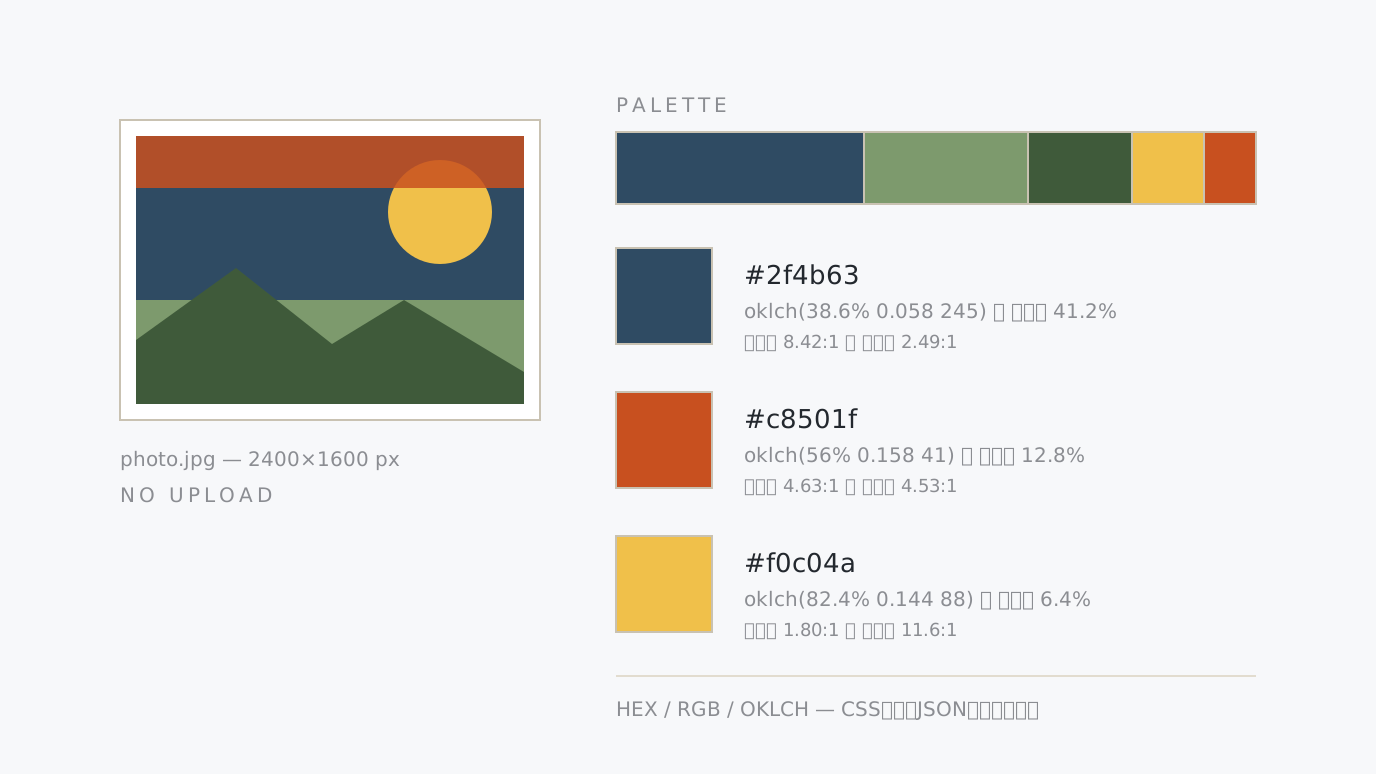
Image Colour Palette Extractor Drop a screenshot or a supplied logo and get up to 8 dominant colours. One-click copy for HEX, RGB and OKLCH, a band sized by how much of the image each colour covers, and contrast ratios against white and black text. The image never leaves your device. Drop an image → read → copy
-
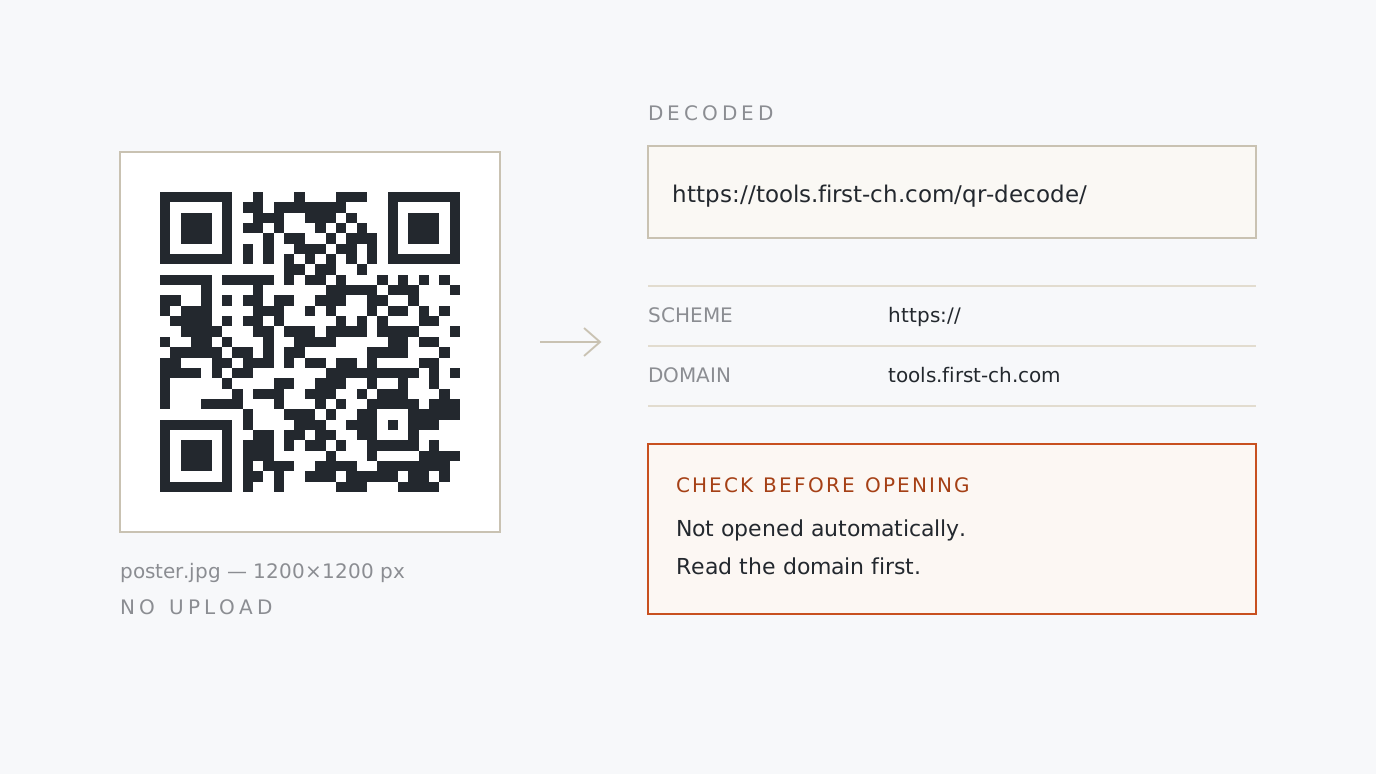
QR Code Reader Drop or paste an image of a QR code and read the text it holds. URLs are never opened for you: the scheme, domain and path are listed with the points worth checking — plain http, the "@" disguise, internationalised domains, link shorteners. Wi-Fi and contact formats are parsed too. Drop an image → read it → decide
-
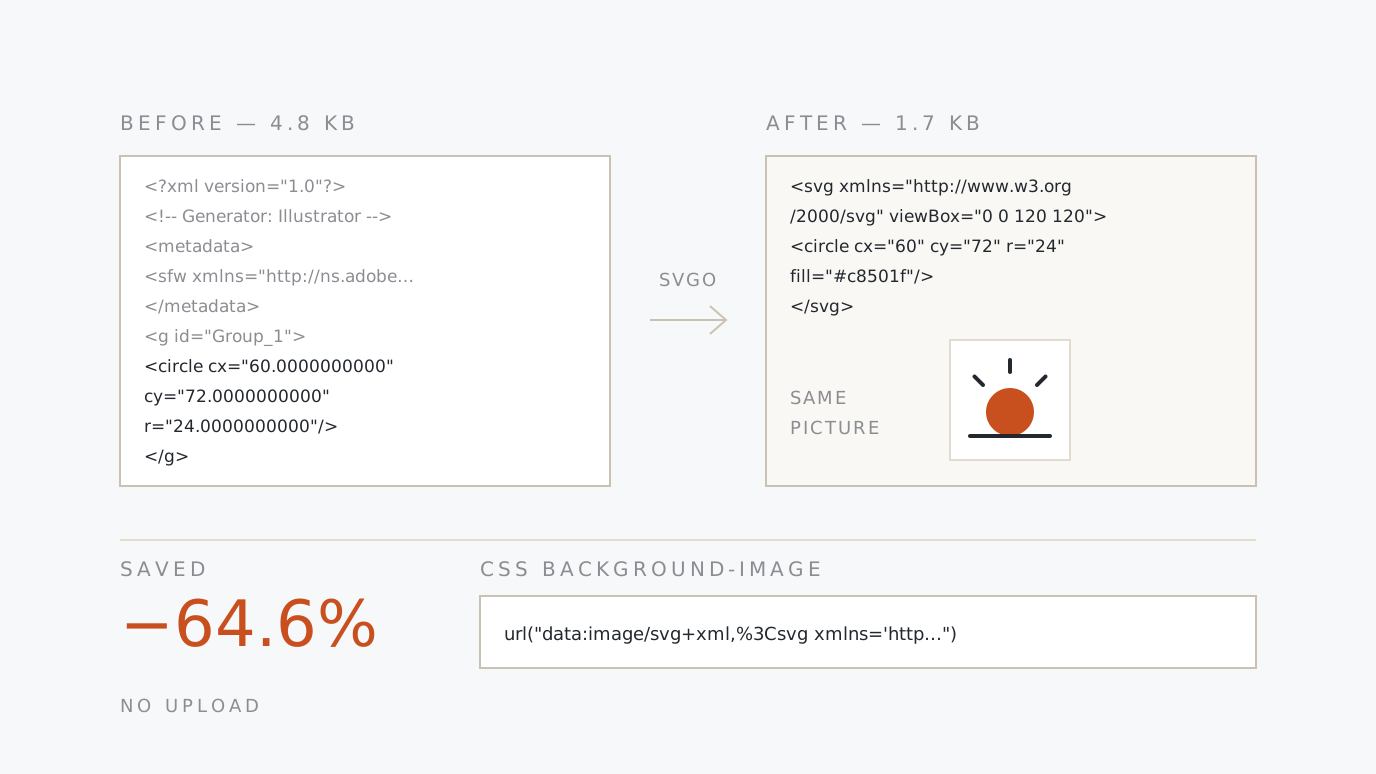
SVG Optimizer & Data URI Run an SVG exported from Illustrator or Figma through SVGO, in the browser. The saving and a before/after preview show the drawing is unchanged, and an encoded data URI ready for CSS background-image comes out alongside a base64 version. Paste → compare → copy
-
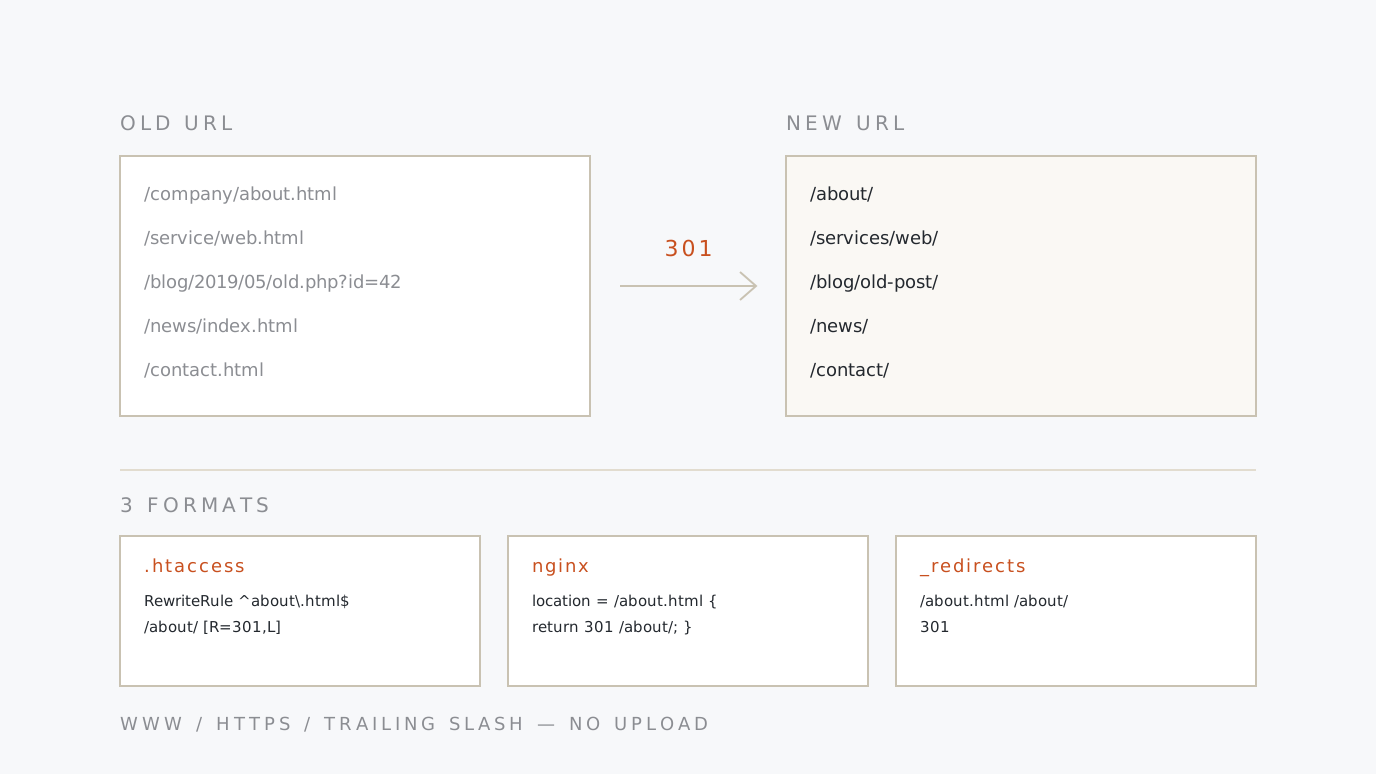
Redirect Rule Generator Paste the old-to-new URL table from a relaunch or a domain move and get 301 redirects for .htaccess (Apache), nginx and Netlify _redirects at once. Canonical www, HTTPS and trailing slashes come from presets; duplicates, loops and chains are flagged as you paste. Paste the table → pick a format → copy
-
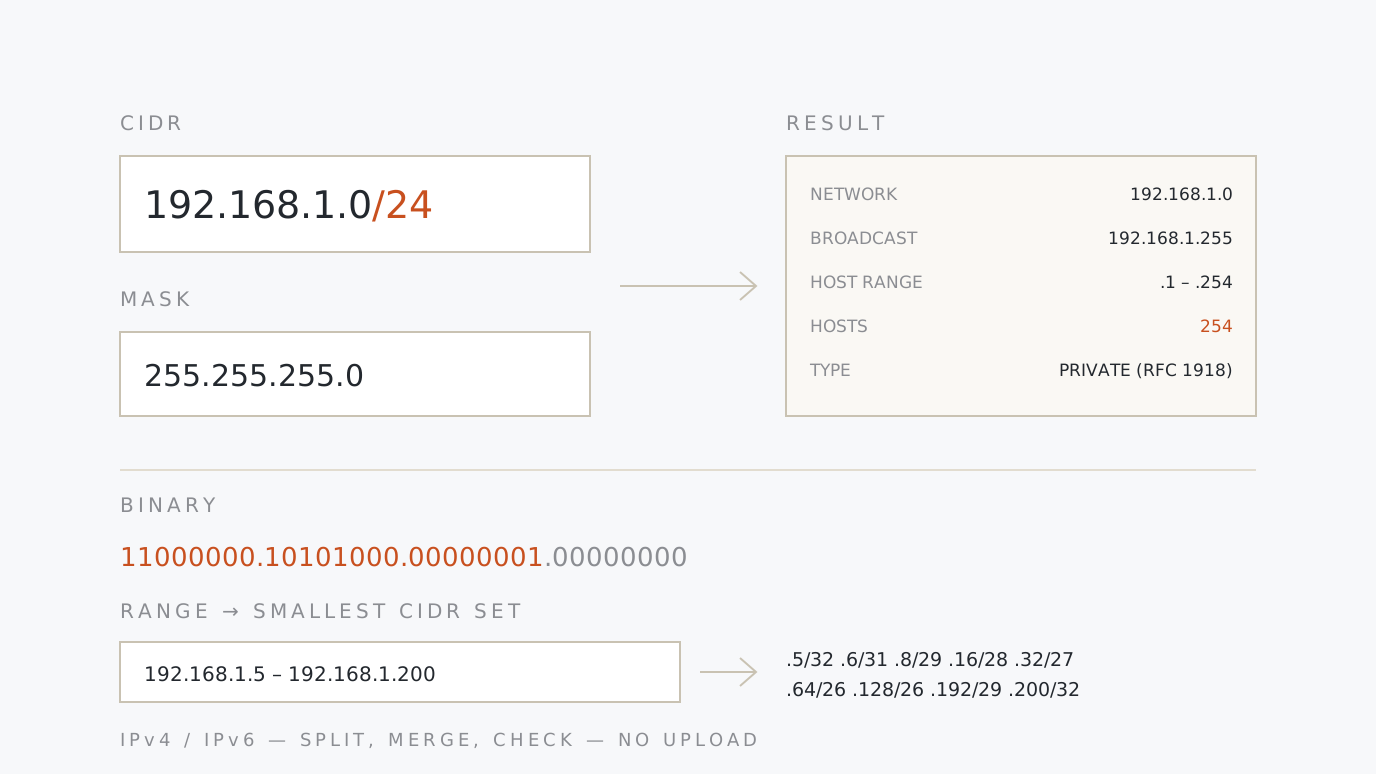
IP / CIDR Calculator Turn CIDR notation such as 192.168.1.0/24 into the network address, broadcast address, usable host range and host count. Split a block into subnets, check whether an address falls inside it before you add it to an allow list, and reduce an IP range to the smallest CIDR set. IPv4 and IPv6. Paste a block → read the range → copy
-
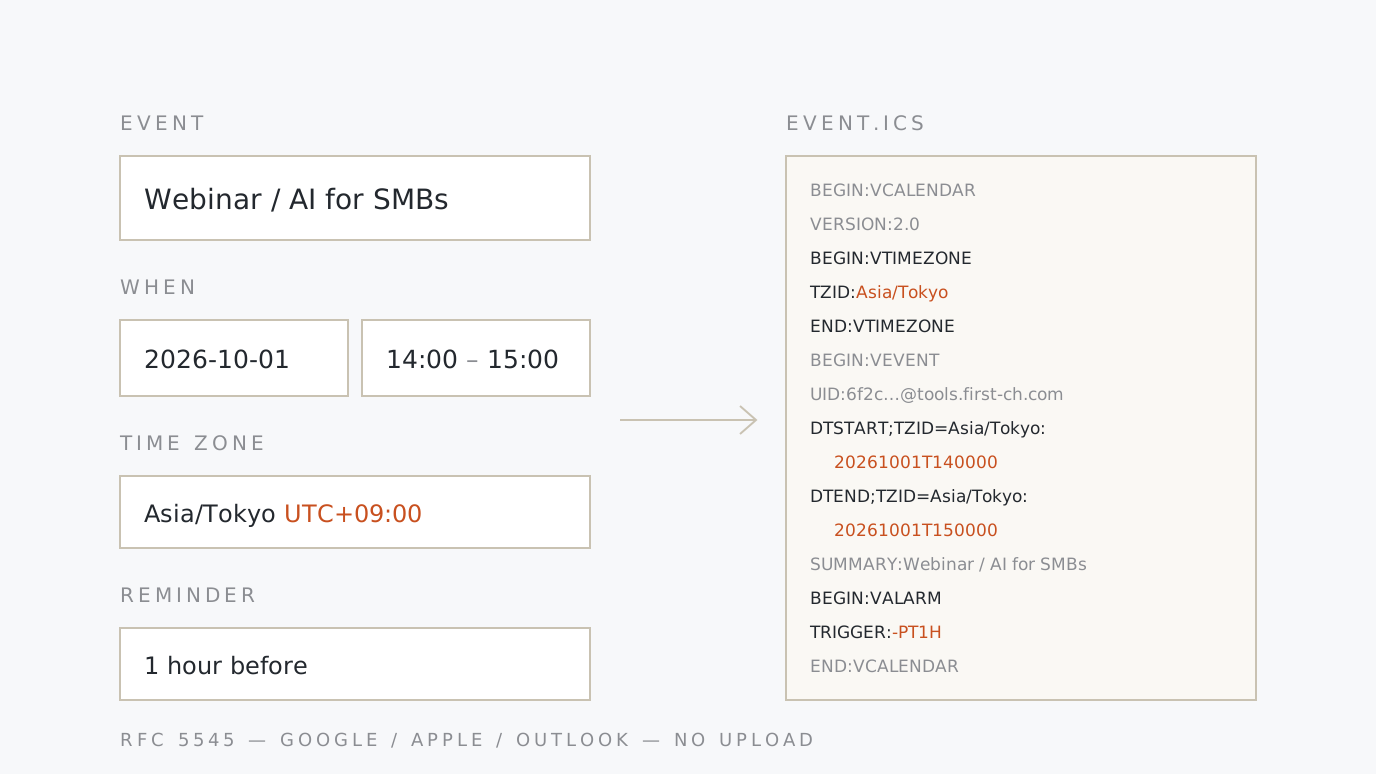
ICS Calendar Event Generator Build the “add to calendar” file (.ics) that goes with a webinar or meeting invitation. Enter a title, times, location, description and reminders; the daylight-saving rules travel inside the file, so it opens at the same local time in Google Calendar, Apple Calendar and Outlook. All-day and recurring events included. Enter the event → pick a time zone → download
-
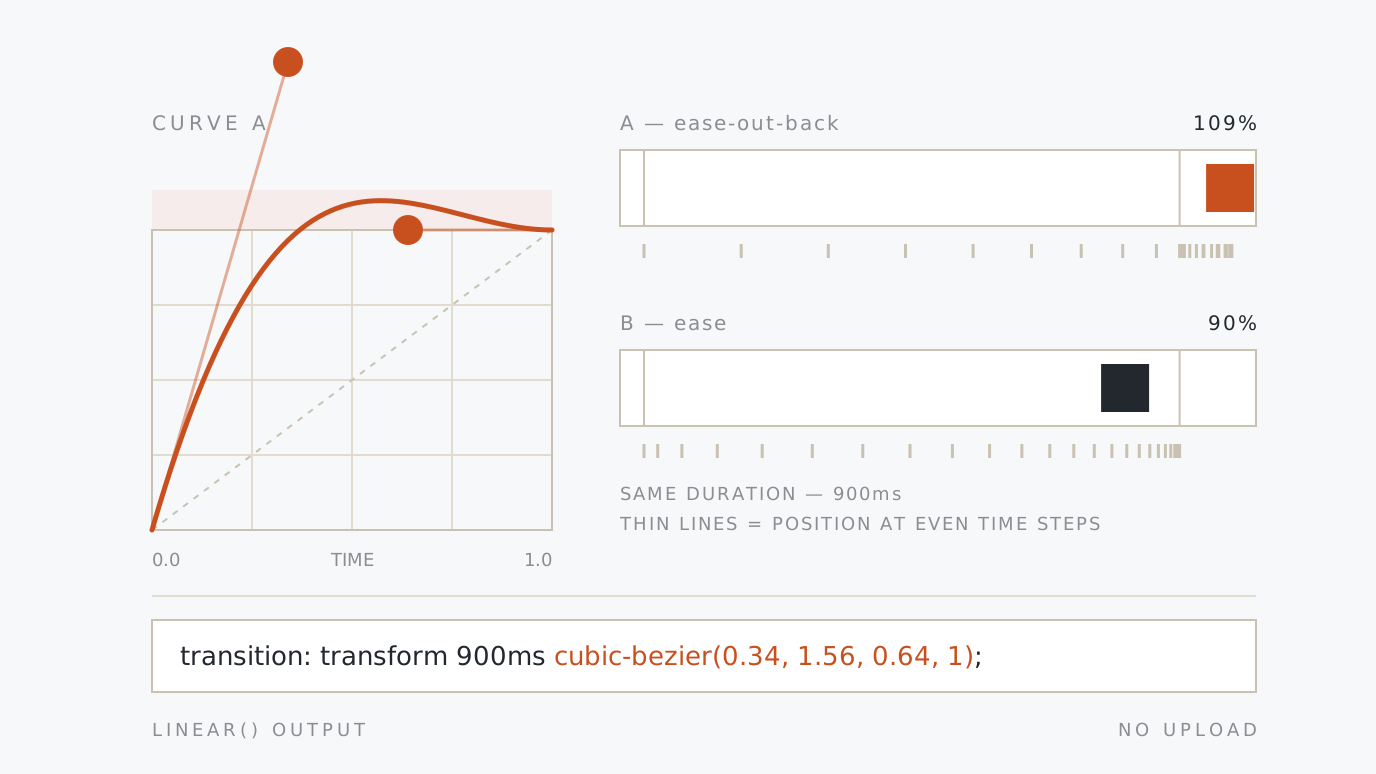
cubic-bezier Easing Preview & Comparison Shape the speed curve of a CSS animation by dragging the bezier handles. Two easings run side by side at the same time, so you can see which one feels right instead of guessing. Presets such as ease-out-expo, overshoot made visible, and a linear() approximation of any curve. Paste values straight from DevTools. Drag the handles → run them together → copy
-
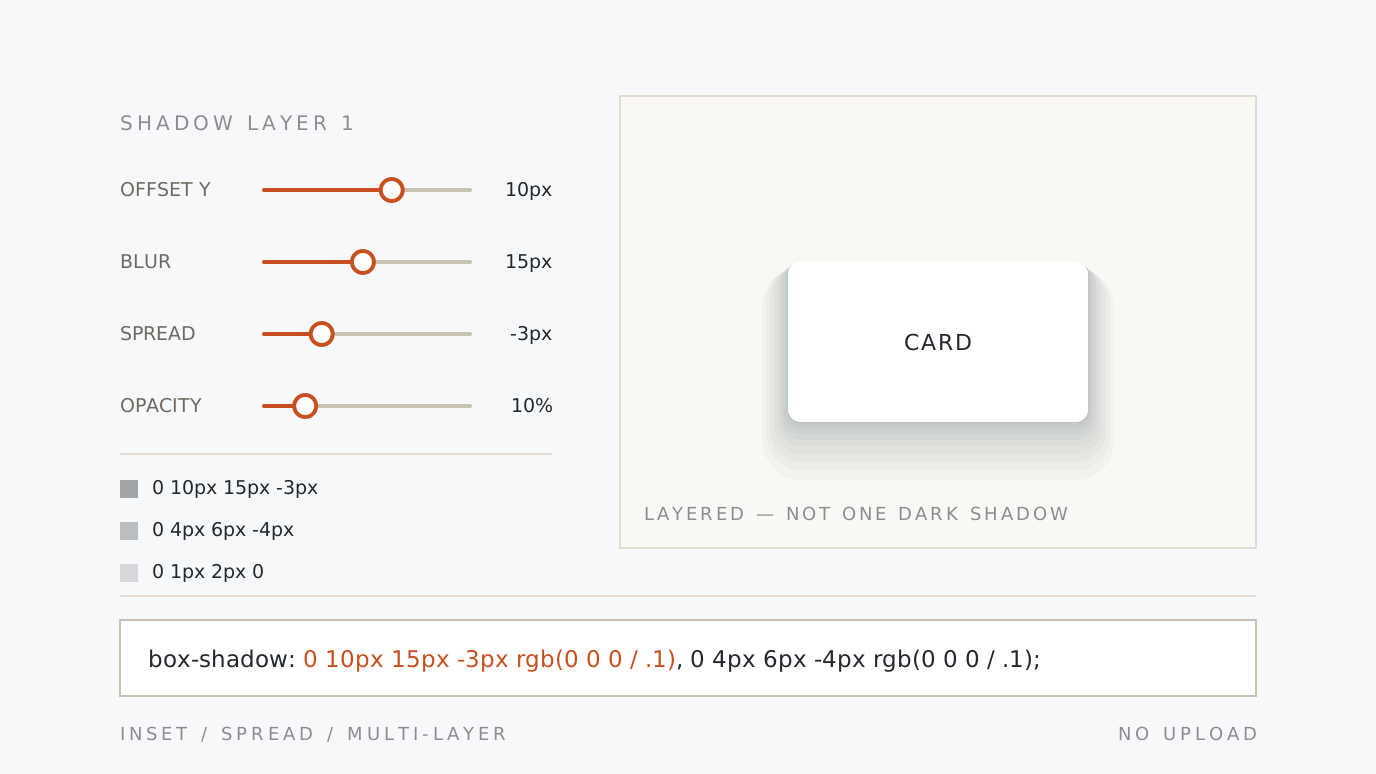
CSS box-shadow Generator Dial in a CSS shadow with sliders and copy it out. Built around layered shadows: stack as many as you need, or split one shadow into a stack of faint ones in a click — the trick that makes a shadow look real. Presets for Material elevation, neumorphism and focus rings, and you can paste in a box-shadow copied from DevTools. Move the sliders → stack layers → copy
-
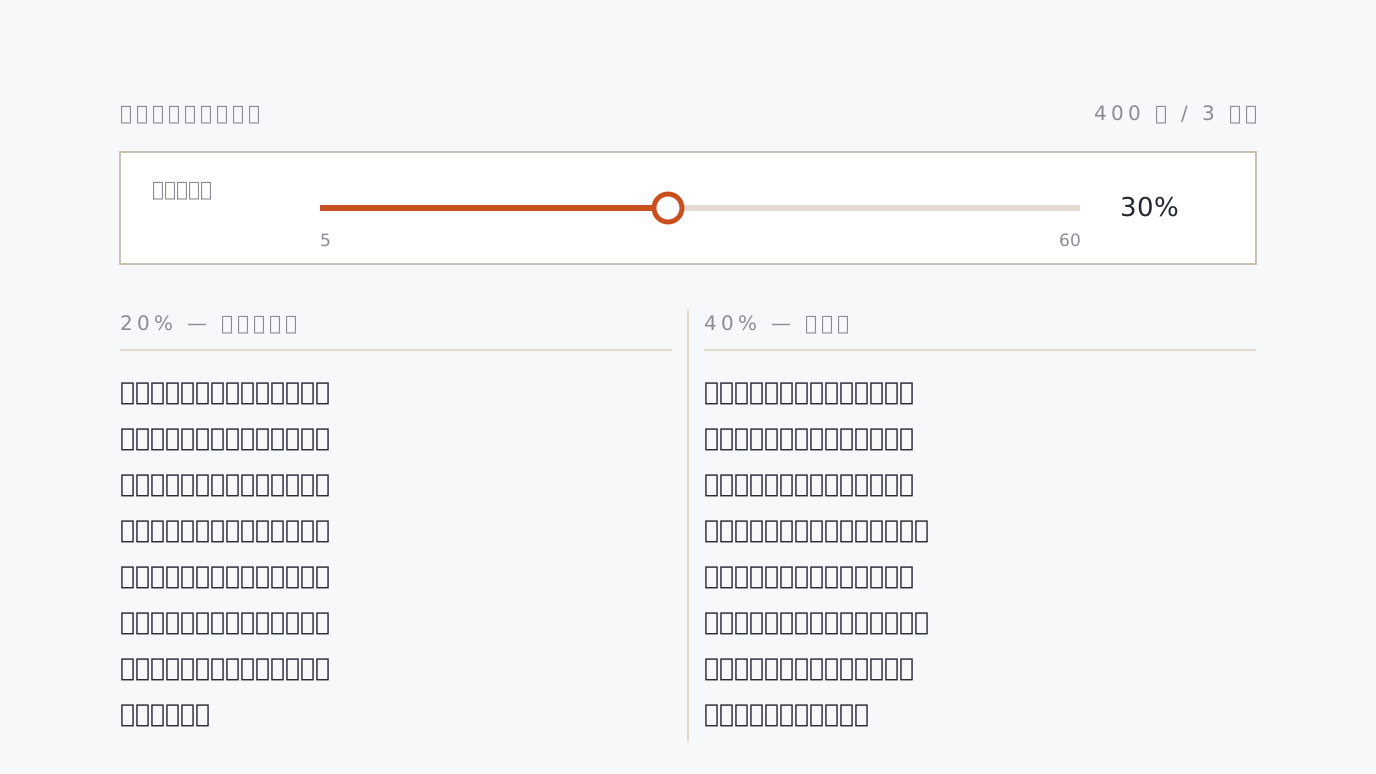
Japanese Dummy Text Generator Filler copy for Japanese mockups, by character count or paragraph count. The kanji ratio slider is the point: type colour in Japanese is decided almost entirely by kanji density, so filler set to the right ratio behaves like the real manuscript. Headings and bullets, HTML/Markdown output, a flow preview and Lorem Ipsum. Set the length → pour it in → copy
-
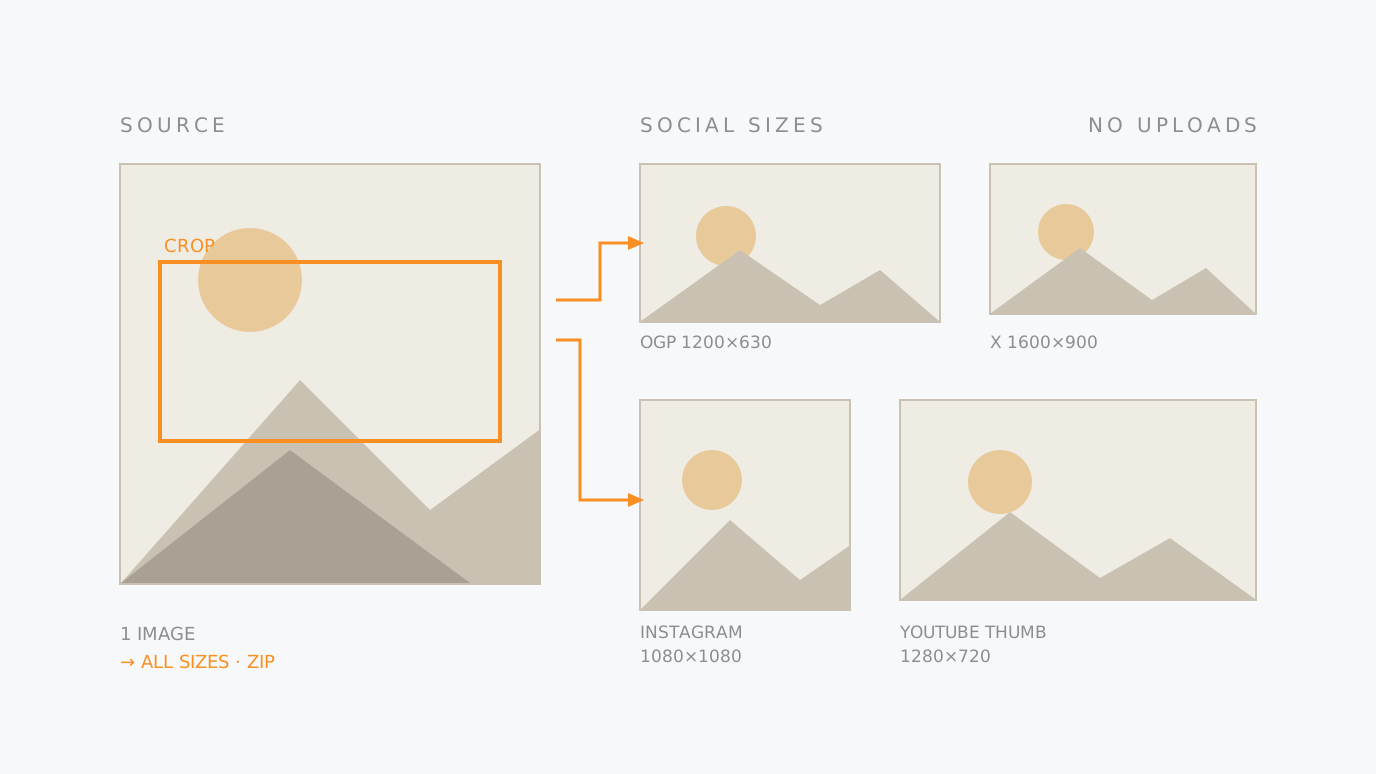
Social Media Image Resizer Export one image at every size the platforms ask for — OGP (1200×630), X, Instagram, YouTube thumbnails and more. Each preset keeps its own crop position, set on the preview, and everything downloads as a ZIP. Custom sizes can be added. Drop it in → set the crop → save the ZIP
-
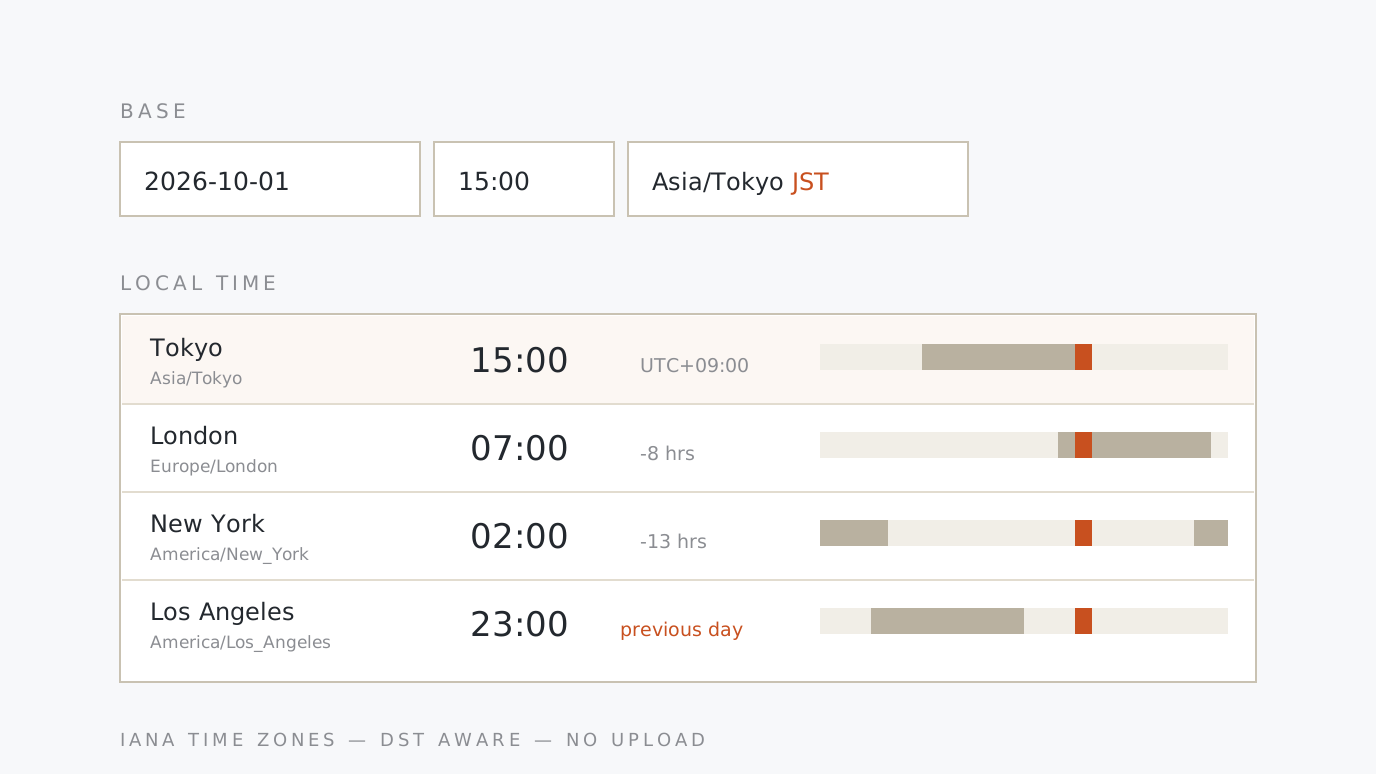
Time Zone Converter & World Clock Set one date, time and zone and every city you pick lines up beside it. Answers “what time is 15:00 JST in PST?” both ways, marks the days that shift, shows where working hours overlap, and writes a line you can paste into a scheduling email. Set the time → add cities → copy
-
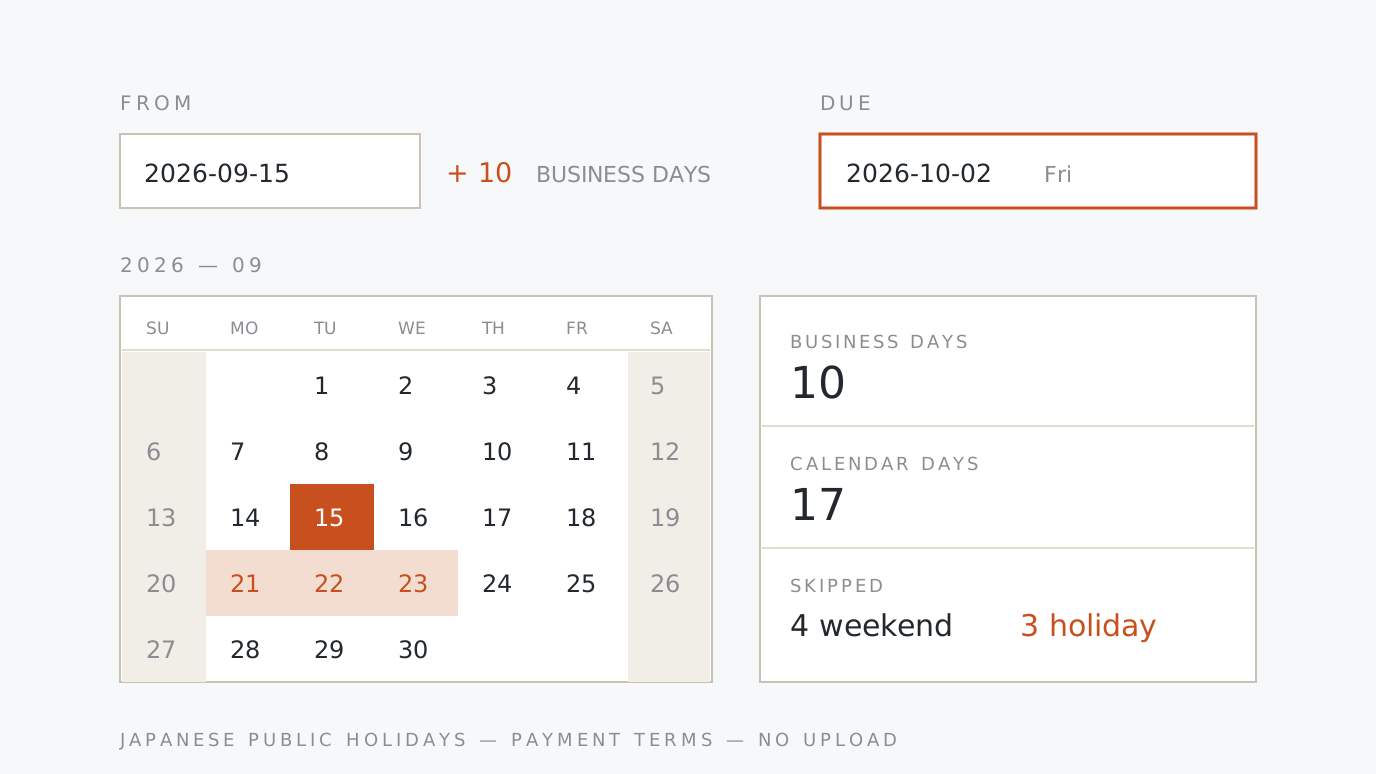
Date & Business Day Calculator Count the days and the business days between two dates, or find the date ten business days after delivery — weekends and Japanese public holidays taken out. Turns “closing at month end, paid at the end of the next month” into a real payment date, and your own company holidays can be added. Enter the dates → set the days off → copy
-
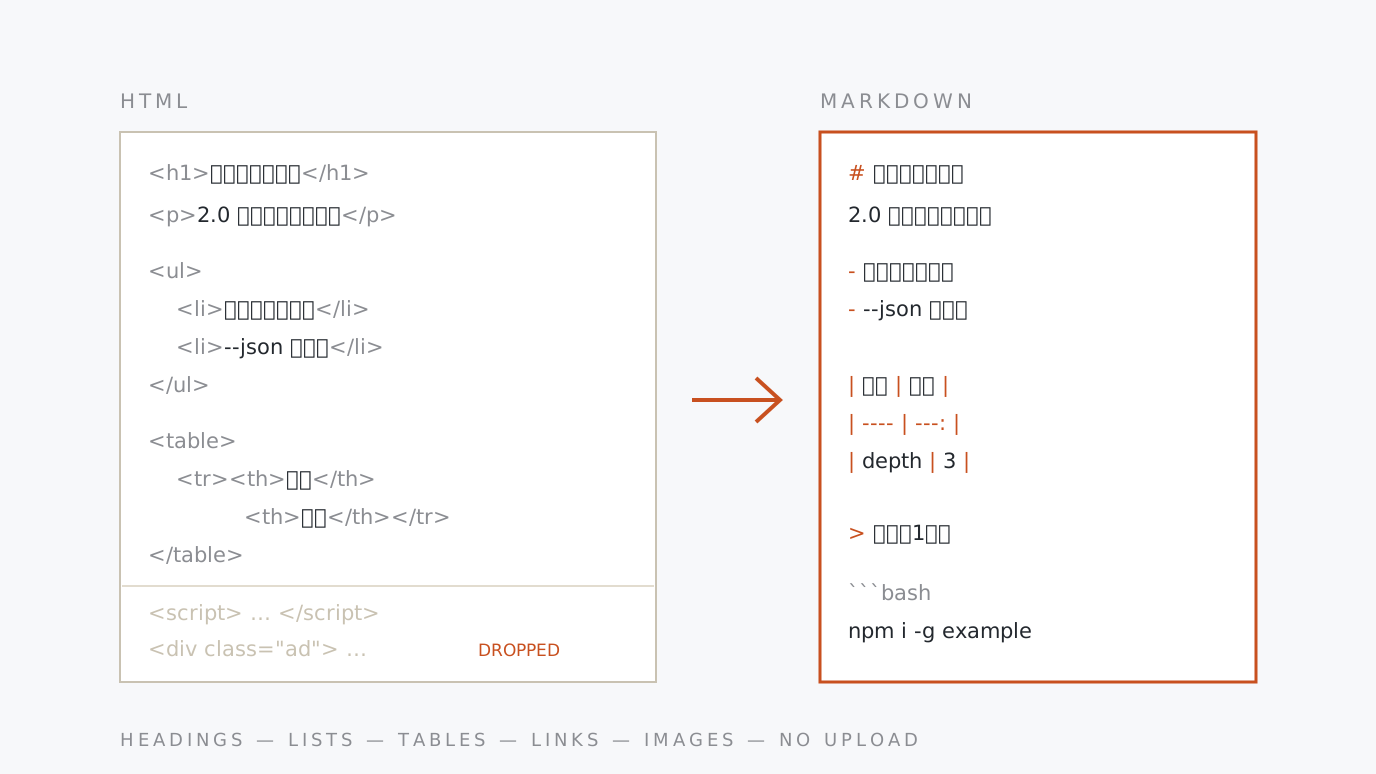
HTML to Markdown Converter Paste a page's HTML and get Markdown. Headings, lists, tables, links, images and code blocks come across; script, style and presentational tags are dropped. Relative URLs can be made absolute and only the main content kept — what you need when moving existing web copy into Markdown. Paste HTML → set it up → copy
-
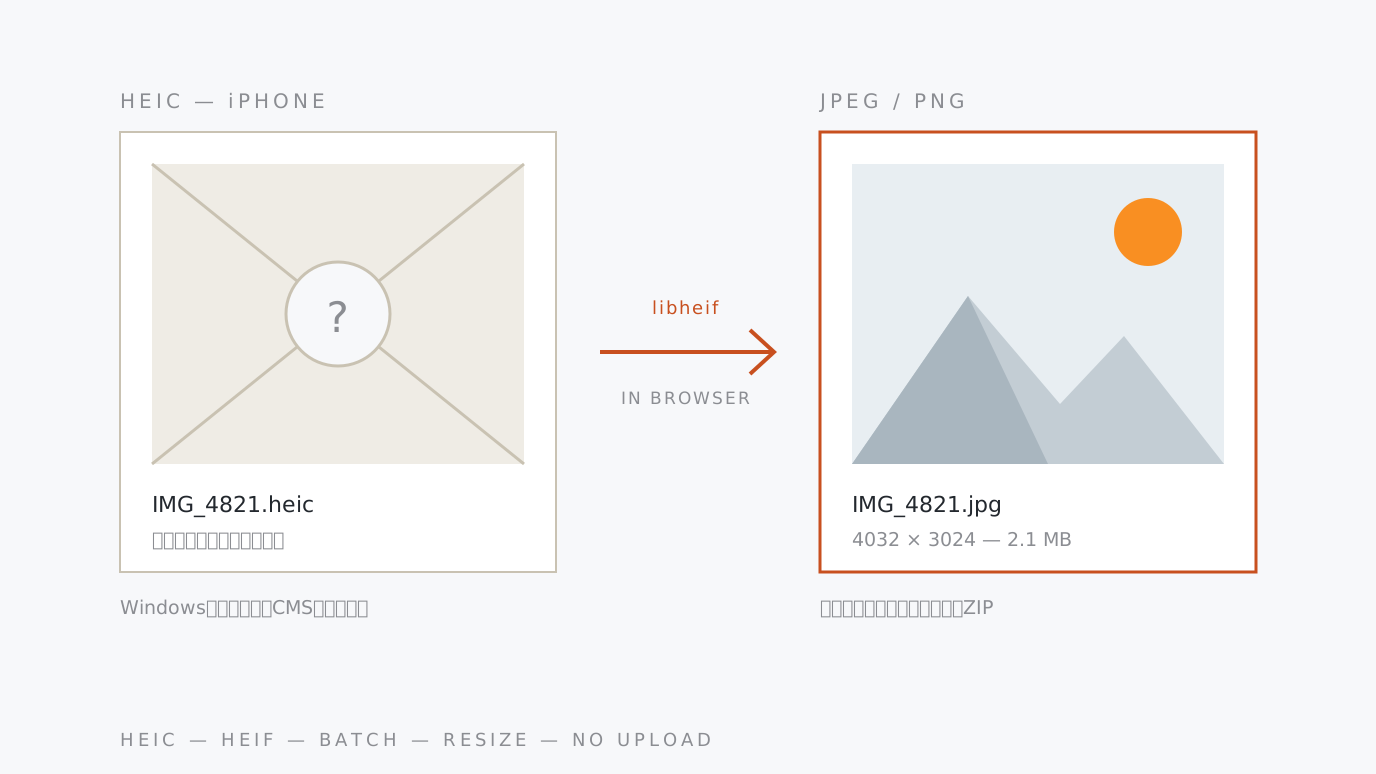
HEIC to JPEG/PNG Converter Batch-converts the .heic photos an iPhone saves in “High Efficiency” mode to JPEG (or PNG) — the files Windows, browsers and CMS uploads refuse to open, turned into something everyone can use. Optional max-edge resizing and a ZIP of the lot. Photos are never uploaded. Drop HEIC → pick a format → save
-
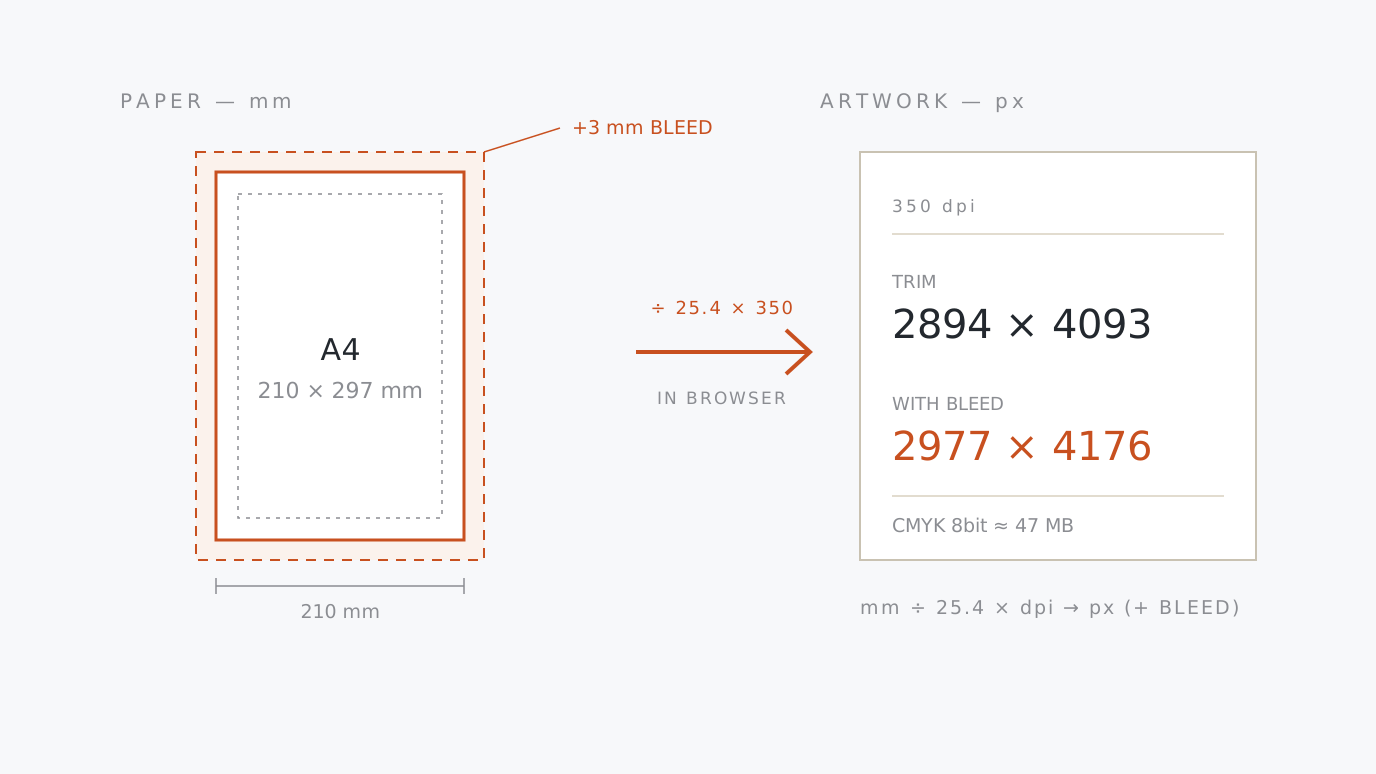
Print Size & DPI Calculator Pick a paper size (A4, business card, postcard or your own millimetres) and a resolution, and the pixel size your artwork needs appears — with the 3 mm bleed already added. Works backwards too: see how large the file you have can be printed, and the effective dpi it lands at on each paper. Pick a paper → set the dpi → copy
-
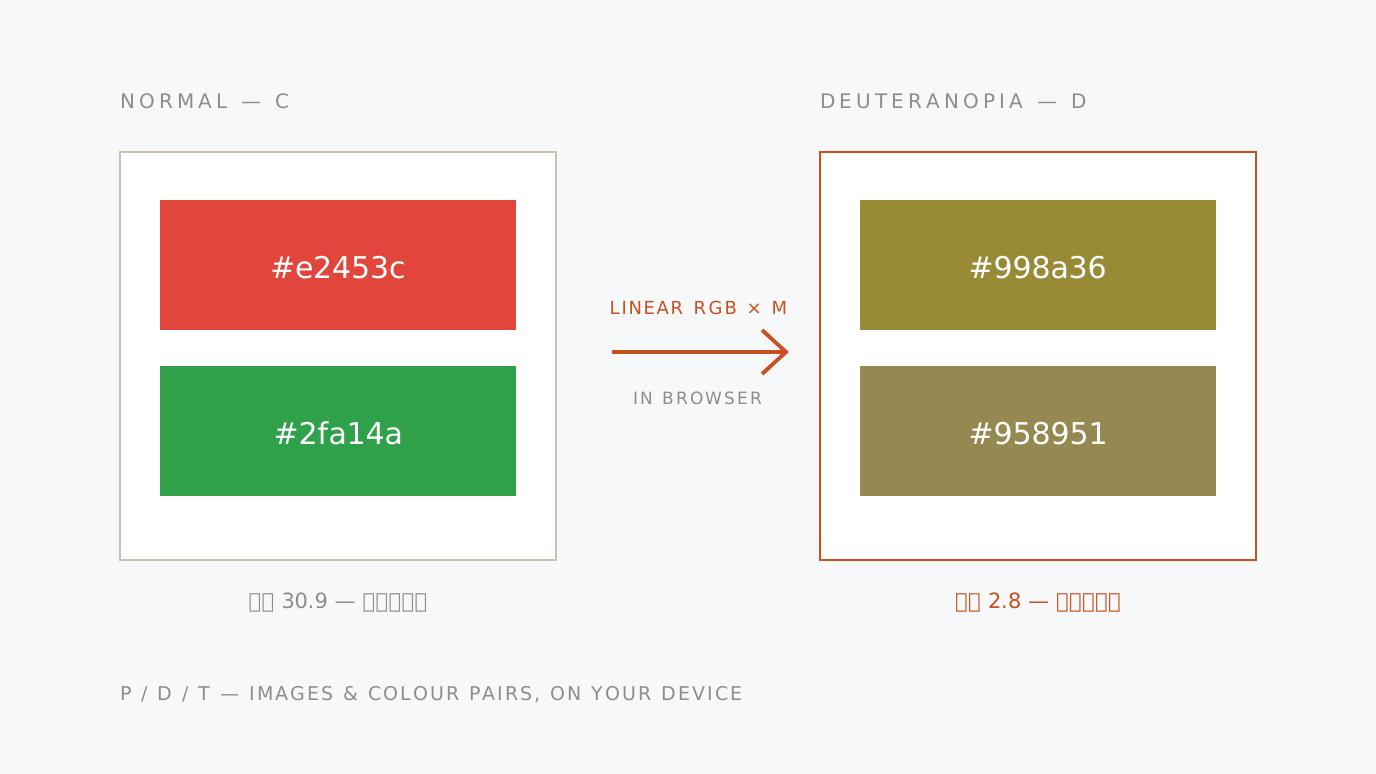
Color Blindness Simulator See how a colour pair or an image looks with protanopia (P), deuteranopia (D) and tritanopia (T). Colours that stop being distinguishable are flagged with the colour difference and contrast ratio, so you can fix the chart that marks pass and fail in red and green. Nothing is uploaded. Enter two colours → compare the views → try an image
-
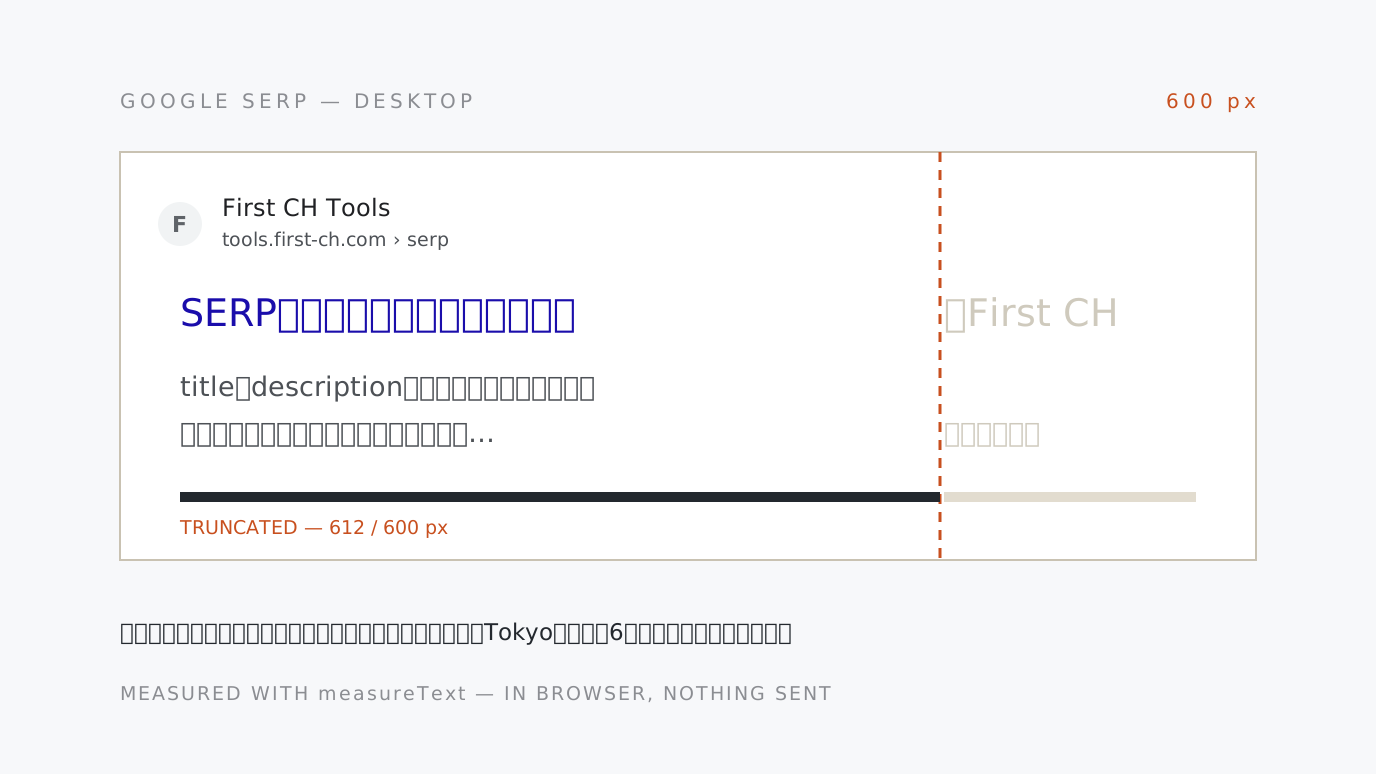
SERP Preview & Meta Tag Length Checker See how your title and meta description appear in Google search results and where they get cut off. The verdict is pixel width, not character count, so it matches the real truncation in any language. Desktop and mobile previews side by side. Type the copy → read the cut-off → copy the tags
-
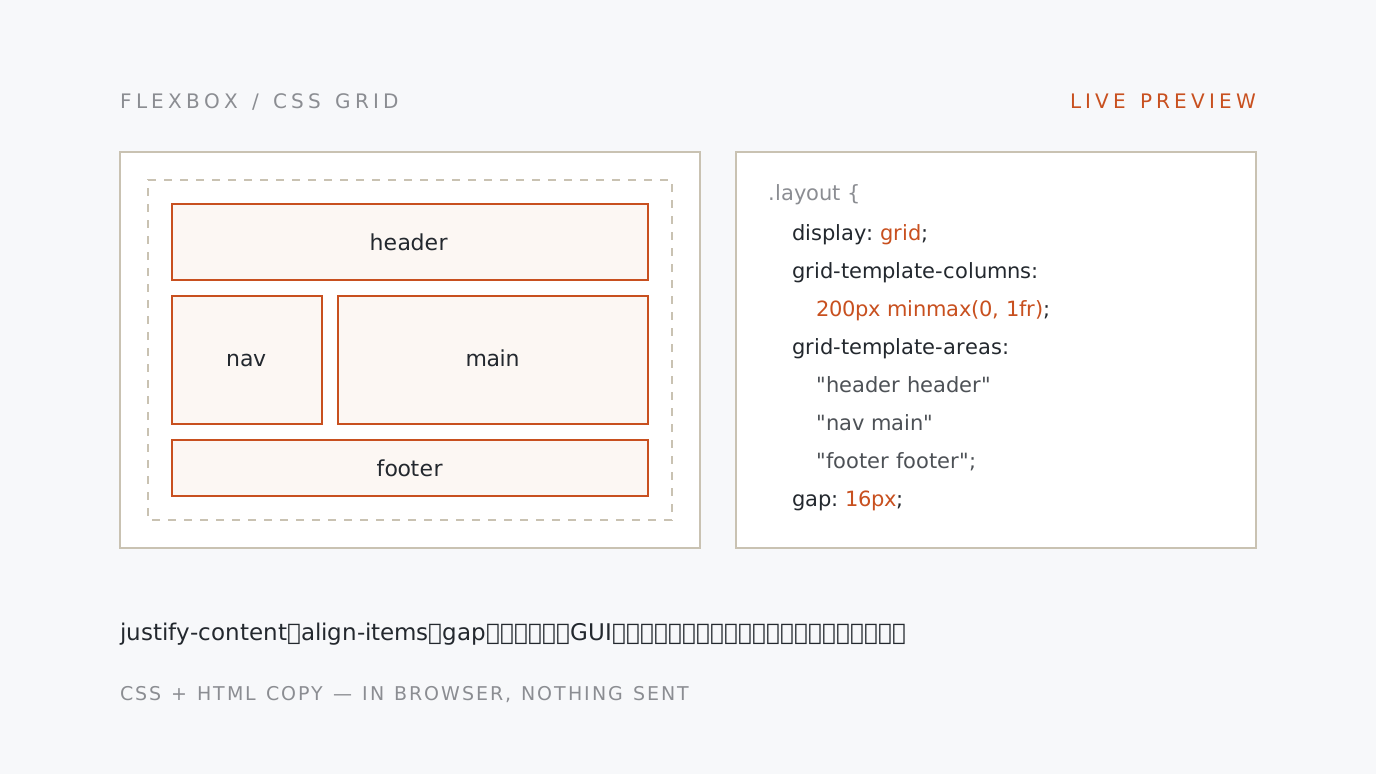
Flexbox & CSS Grid Generator Set justify-content, align-items, gap and flex-wrap, or grid template columns, rows and grid-template-areas, then copy the CSS and the HTML while watching a live preview. Every property and value explains itself, and declarations that cannot take effect are flagged. Pick flex or grid → move the controls → copy the CSS
-
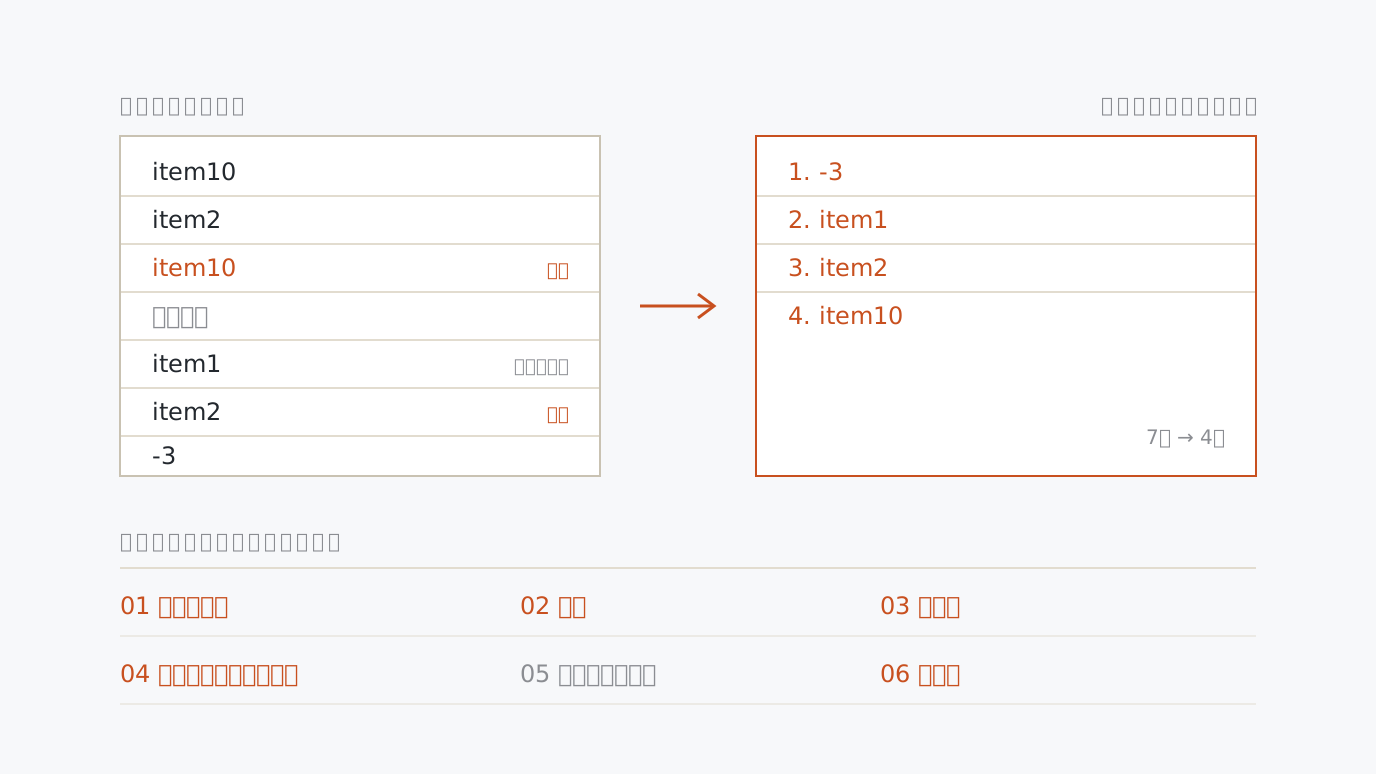
Text Line Tools Remove duplicate lines, sort ascending or descending, shuffle, number lines, drop blank lines, trim spaces and add a prefix or suffix — tick the steps and they run in one pass. Numbers sort by value, so item2 comes before item10. Paste a list → tick the steps → copy the result
-
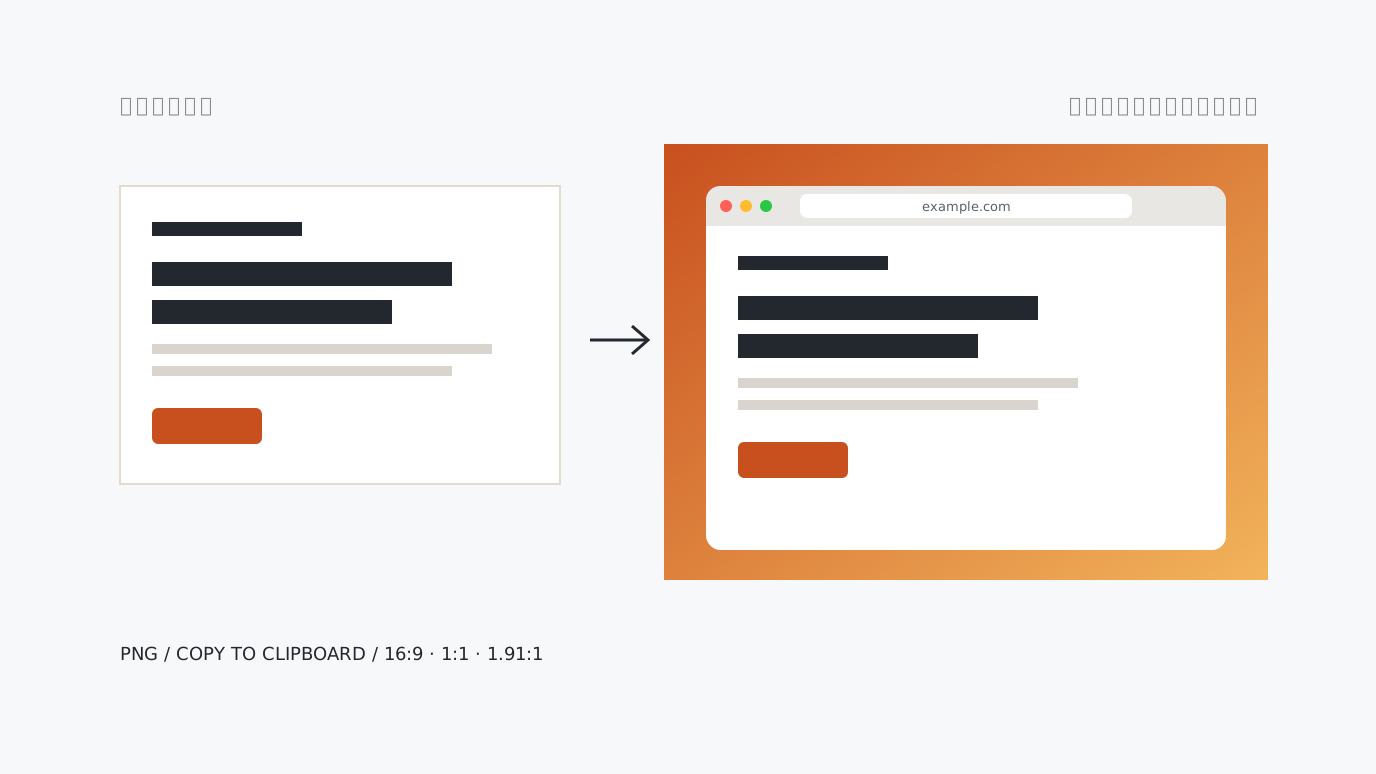
Screenshot Frame & Background Maker Add a solid or gradient background, padding, rounded corners, a shadow and a browser-style frame to a screenshot and save it as a PNG. Fits 16:9 or 1:1 canvases, copies to the clipboard and accepts pasted screenshots. Paste a screenshot → style it → save or copy the PNG
-
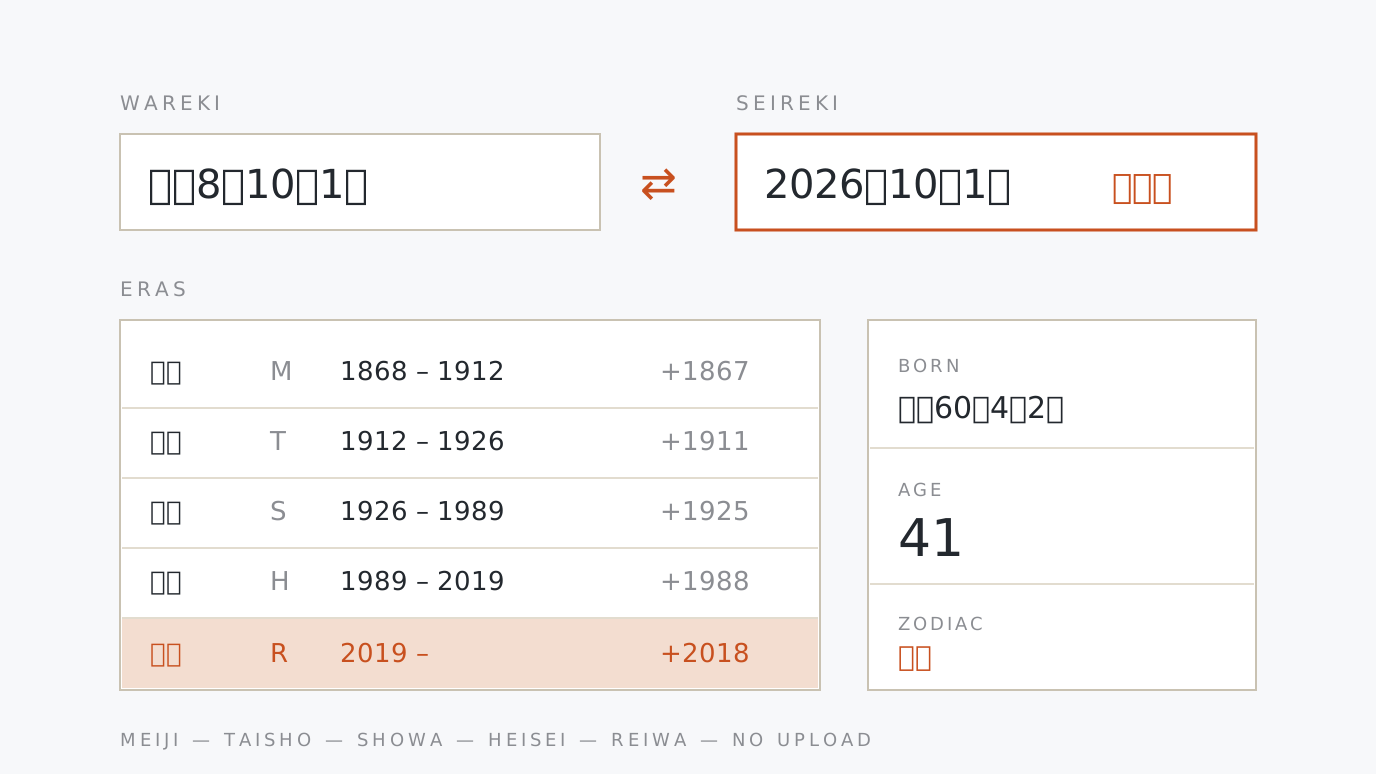
Japanese Era ⇄ Western Calendar Converter Paste 令和8年10月1日 or 2026/10/1 and get both the Japanese era date and the Western date, with the weekday and zodiac. Works out age and school entry years from a date of birth, with an era list and year chart. Meiji onwards. Paste a date → pick a format → copy
-
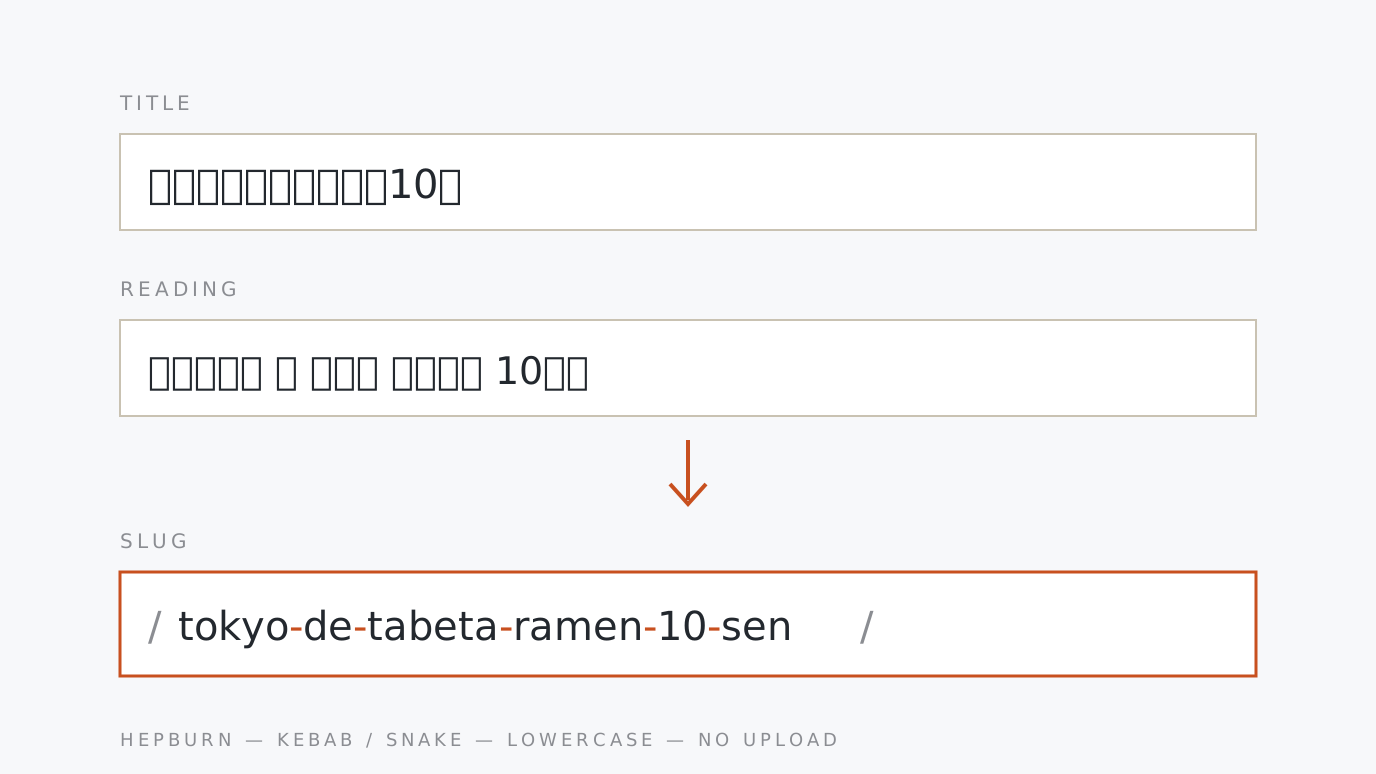
URL Slug Generator (Japanese → Romaji) Turn a Japanese article title into a URL slug for WordPress and other CMSs: kana to Hepburn romaji, symbols removed, hyphenated and lowercased. Type kanji readings in kana. Underscores, long-vowel spelling and a length limit are switchable. Paste a title → add kanji readings → copy
-
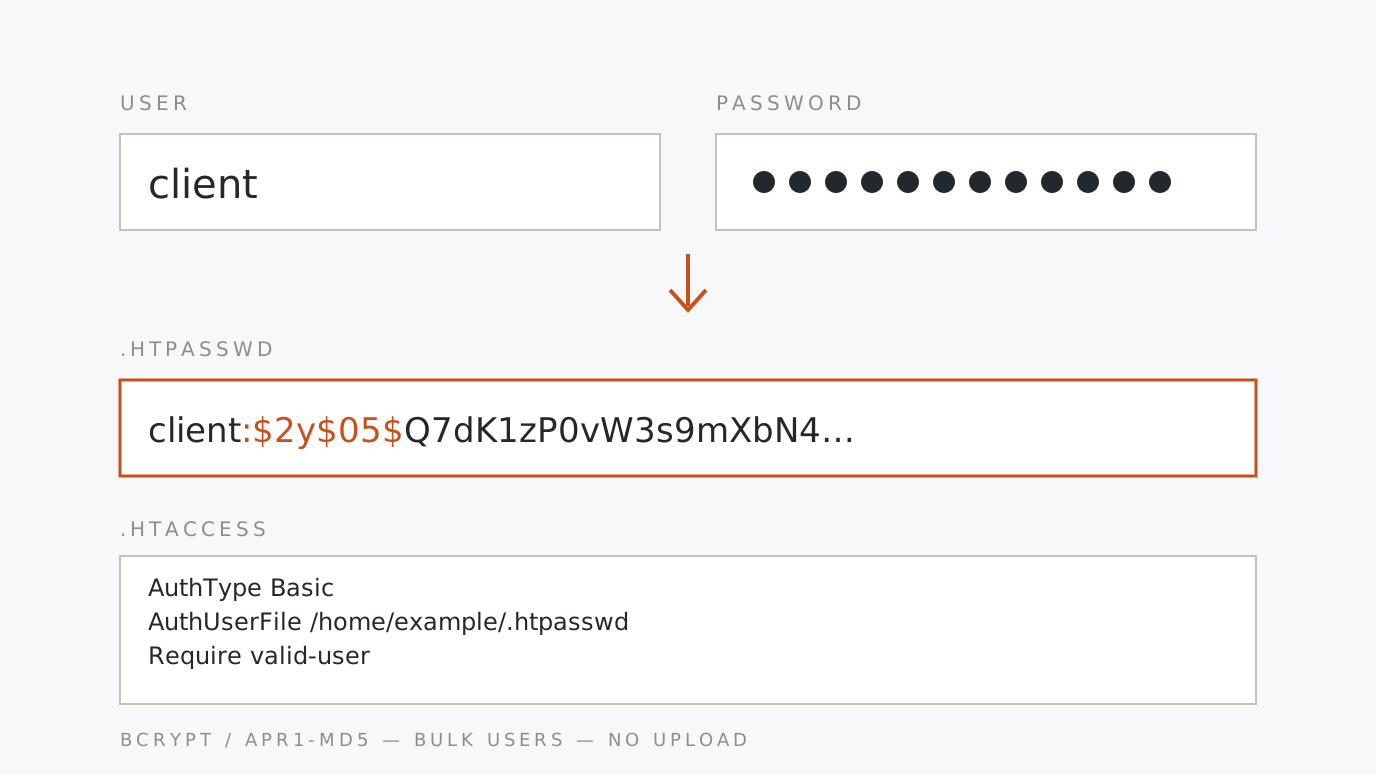
htpasswd Generator (Basic Auth) Basic auth for staging sites: turn user names and passwords into .htpasswd lines (bcrypt or apr1-md5), with a matching .htaccess or nginx snippet. Many users at once, plus verification of existing lines. Passwords never leave your device. Add users → generate → paste the config
-
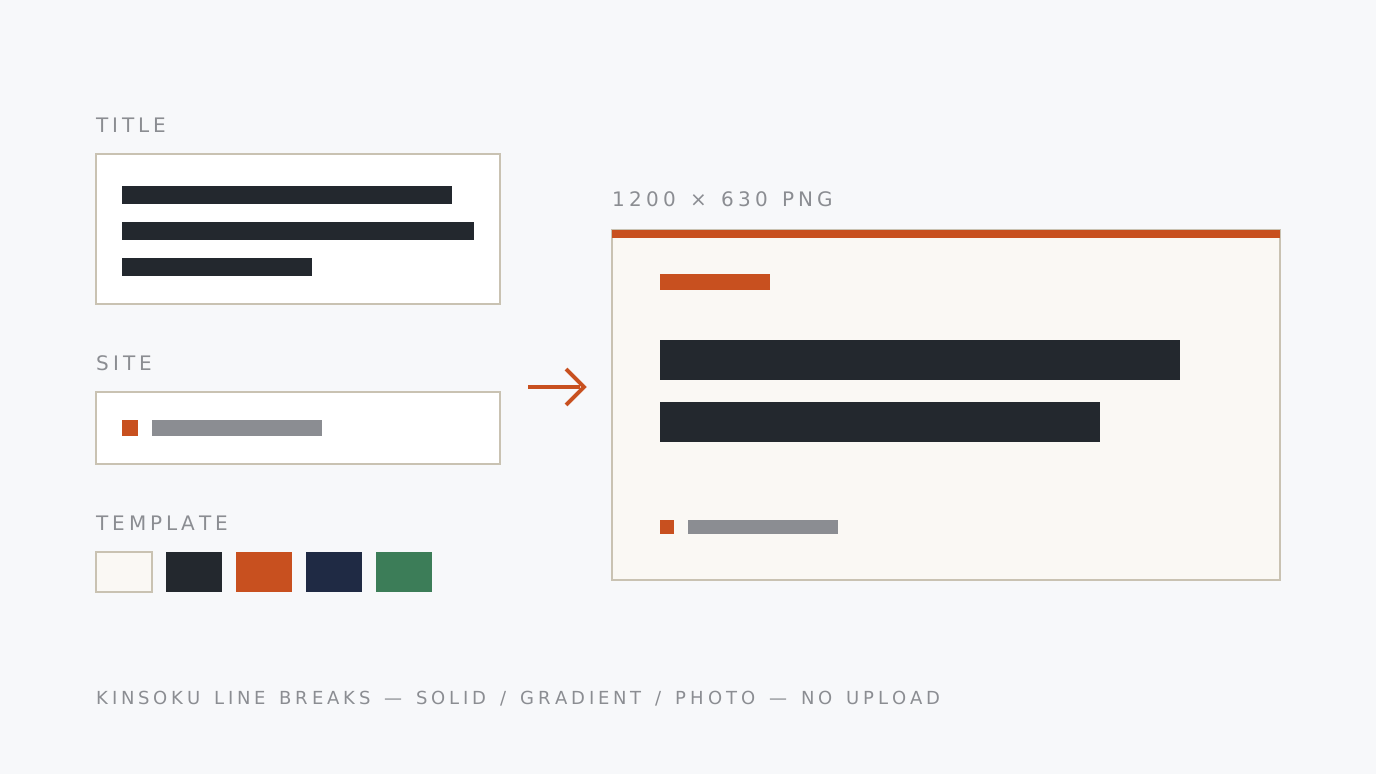
OGP Image Generator Type a post title and get a 1200×630 share image as a PNG. Colour templates plus gradient or photo backgrounds; the title wraps and sizes itself to fit, with proper line-breaking rules for Japanese. Enter the title → pick colours → save the PNG
-
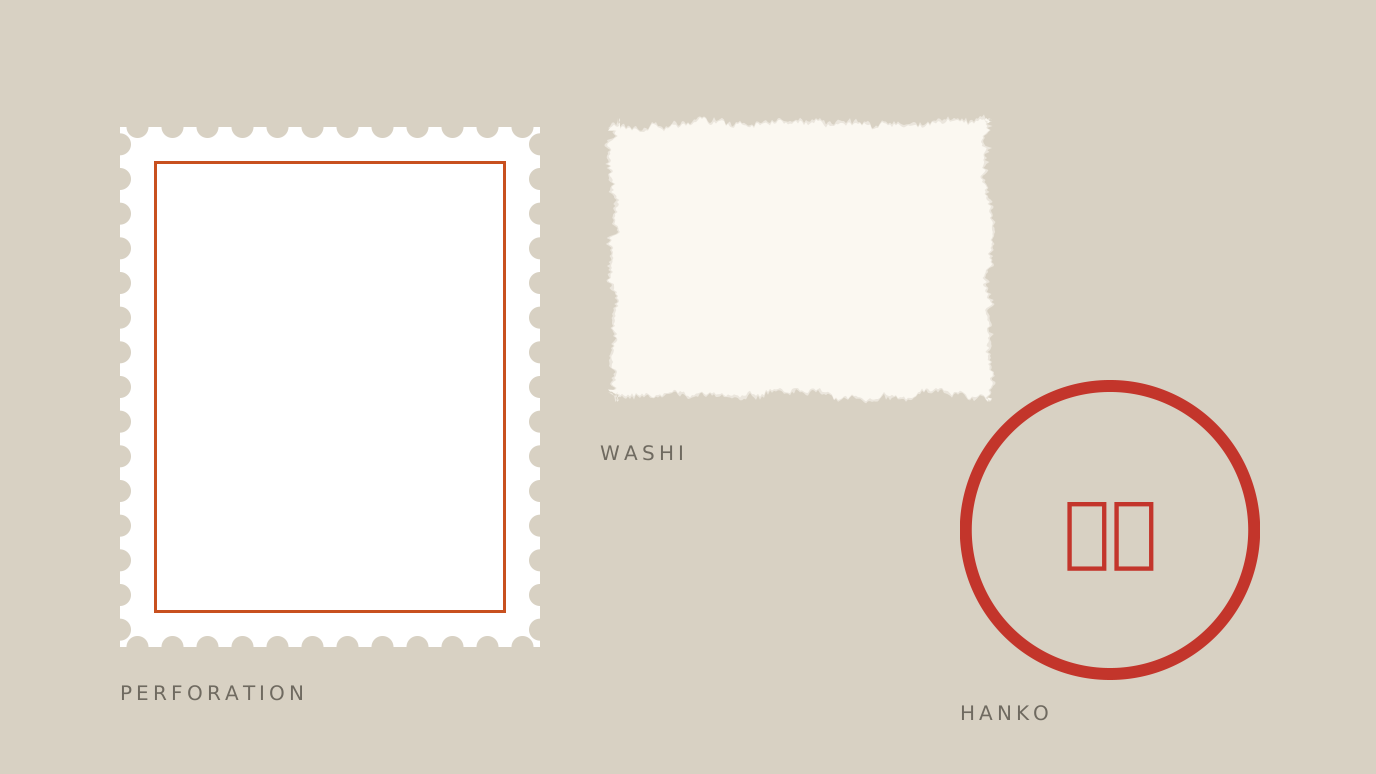
Stamp Shape Generator Make a shape with a perforated postage-stamp edge and export it as a transparent PNG or SVG. Adjust holes, corners and frame lines, or start from Japanese presets: mizuhiki cords, torn washi paper, a chipped hanko seal. Pick a preset → tune the edge → save PNG / SVG
-
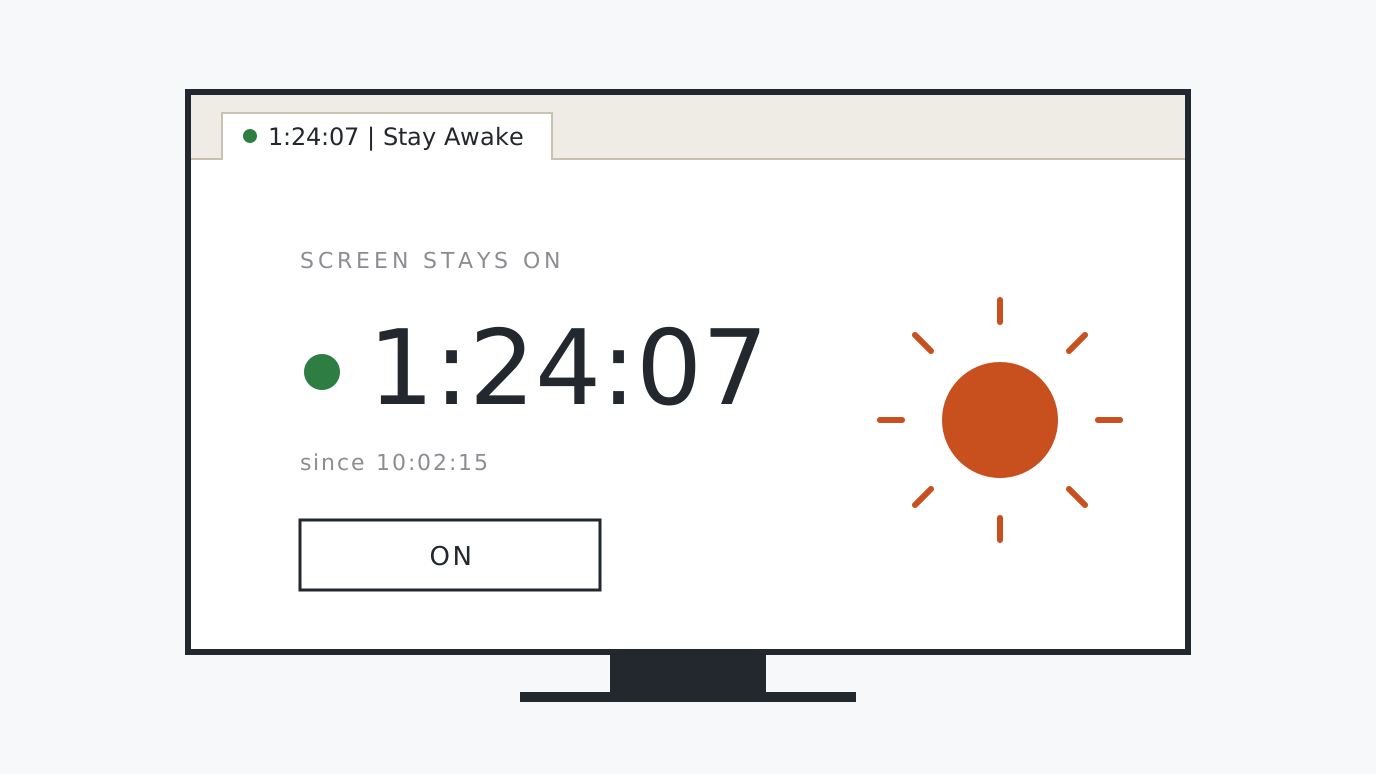
Stay Awake Stop the screen from dimming and switching off during long builds, AI agent runs and video exports. Just an on/off switch and a timer. Works only while this tab is open and showing; no install, and closing it puts things back. Open the page → turn on → close
-
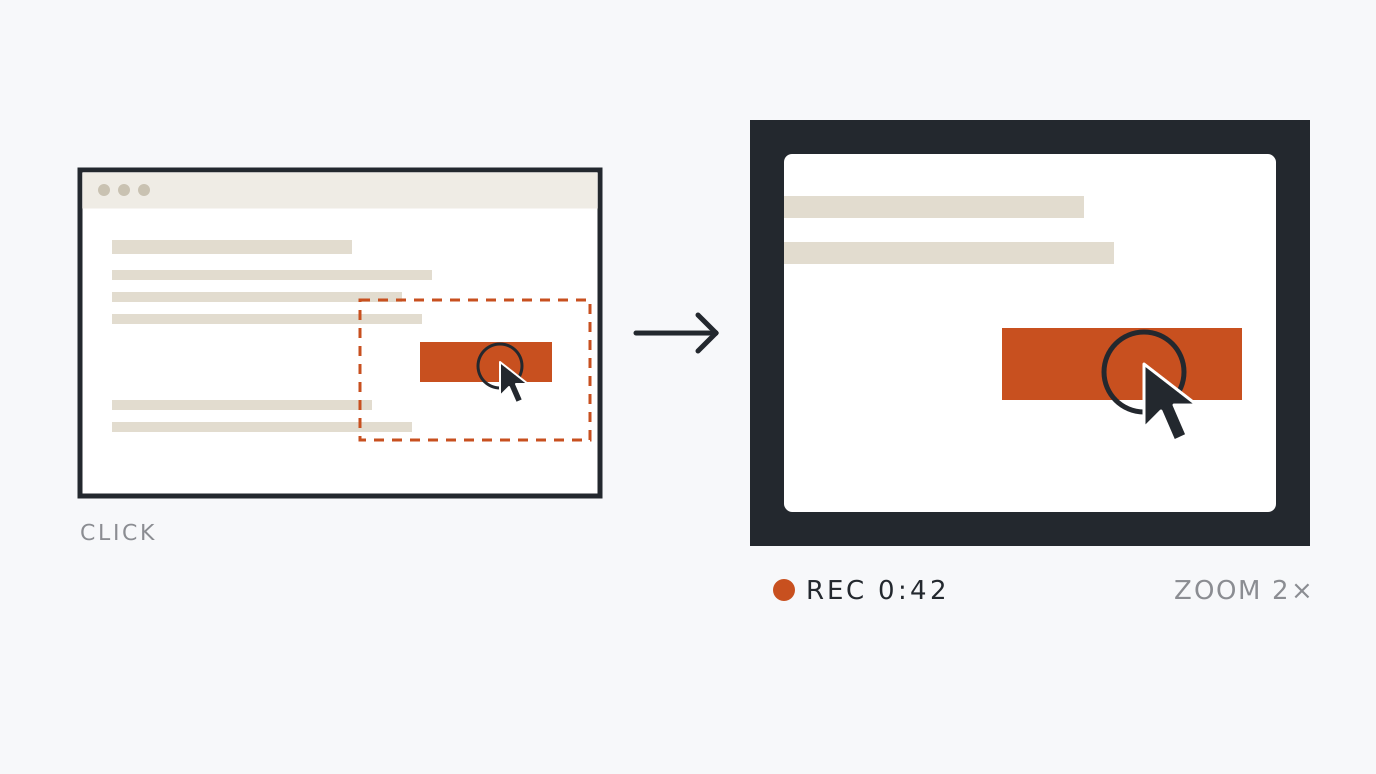
Screen Recorder with Click Auto-Zoom Record how-to and demo videos in your browser and save them as WebM. It zooms in where you click while recording, so small buttons and text stay readable. Choose sound, zoom level and padding colour; the recording is never uploaded. Pick settings → choose a screen and record → save
-
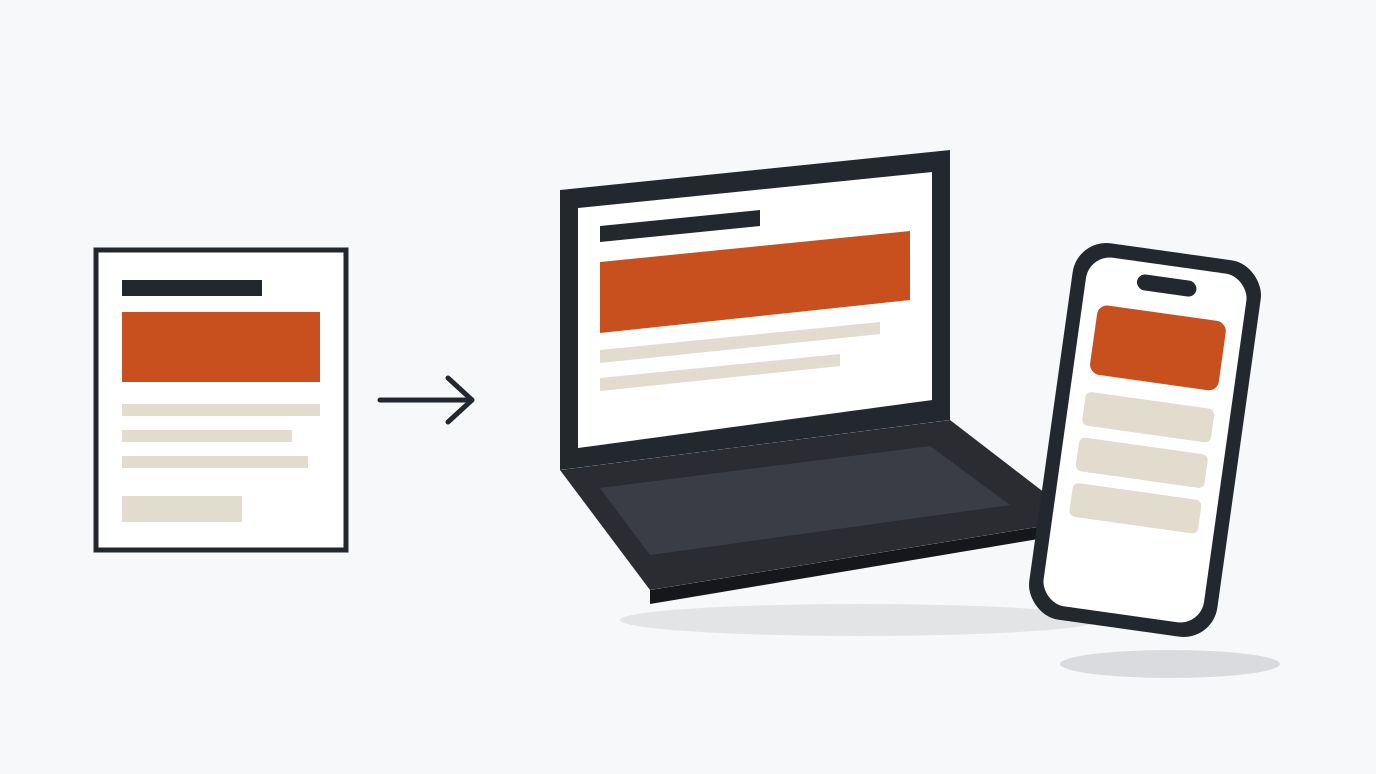
3D Device Mockup Generator Put a screenshot on the screen of a 3D phone or laptop and export a polished PNG for social posts and landing pages. Angle, scene and background colour are picked from presets. Drawn in your browser; images are never uploaded. Add a screenshot → pick presets → save
-
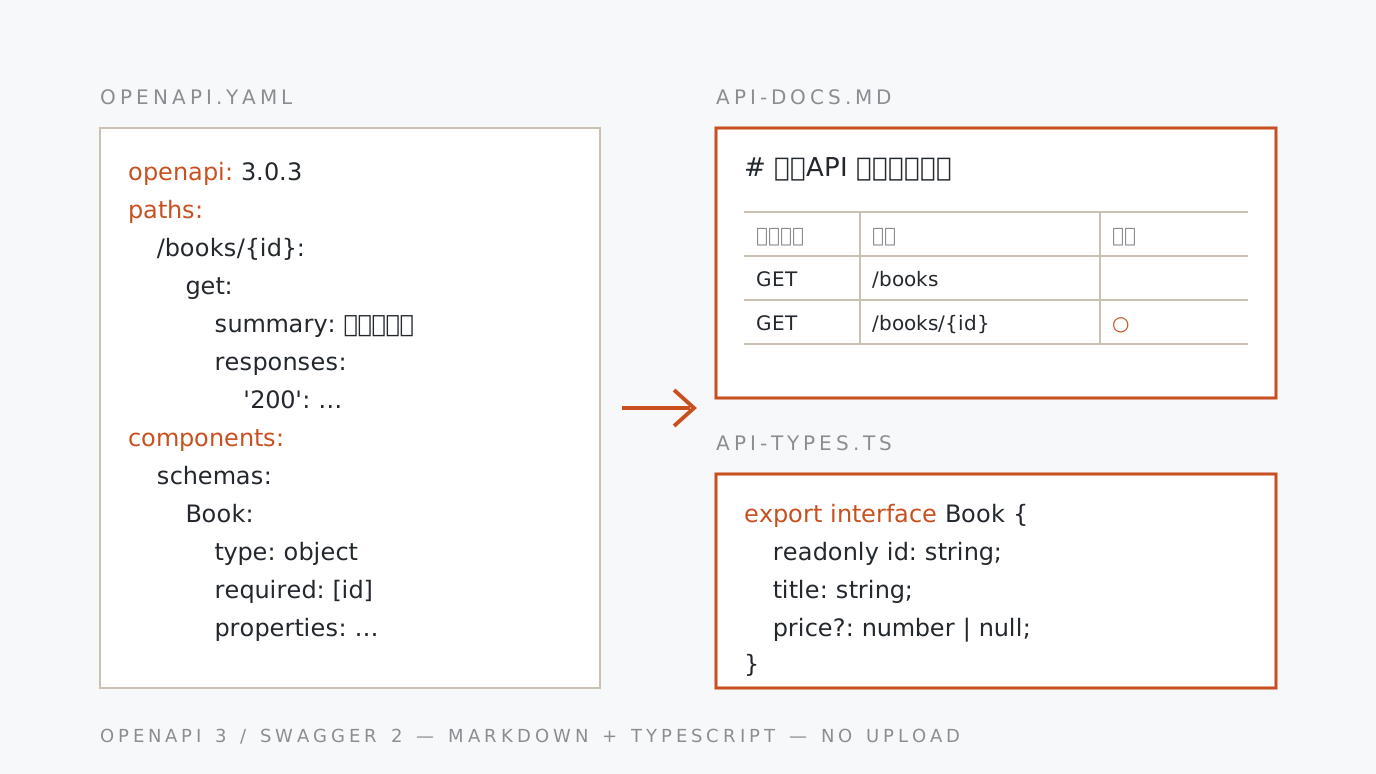
OpenAPI → Markdown Docs & TypeScript Types Turn an OpenAPI or Swagger spec (JSON/YAML) into API docs in Markdown (Japanese or English) and TypeScript type definitions, with endpoint list, parameter tables and response examples. Your spec is never uploaded. Paste the spec → pick language and outputs → copy or save
-
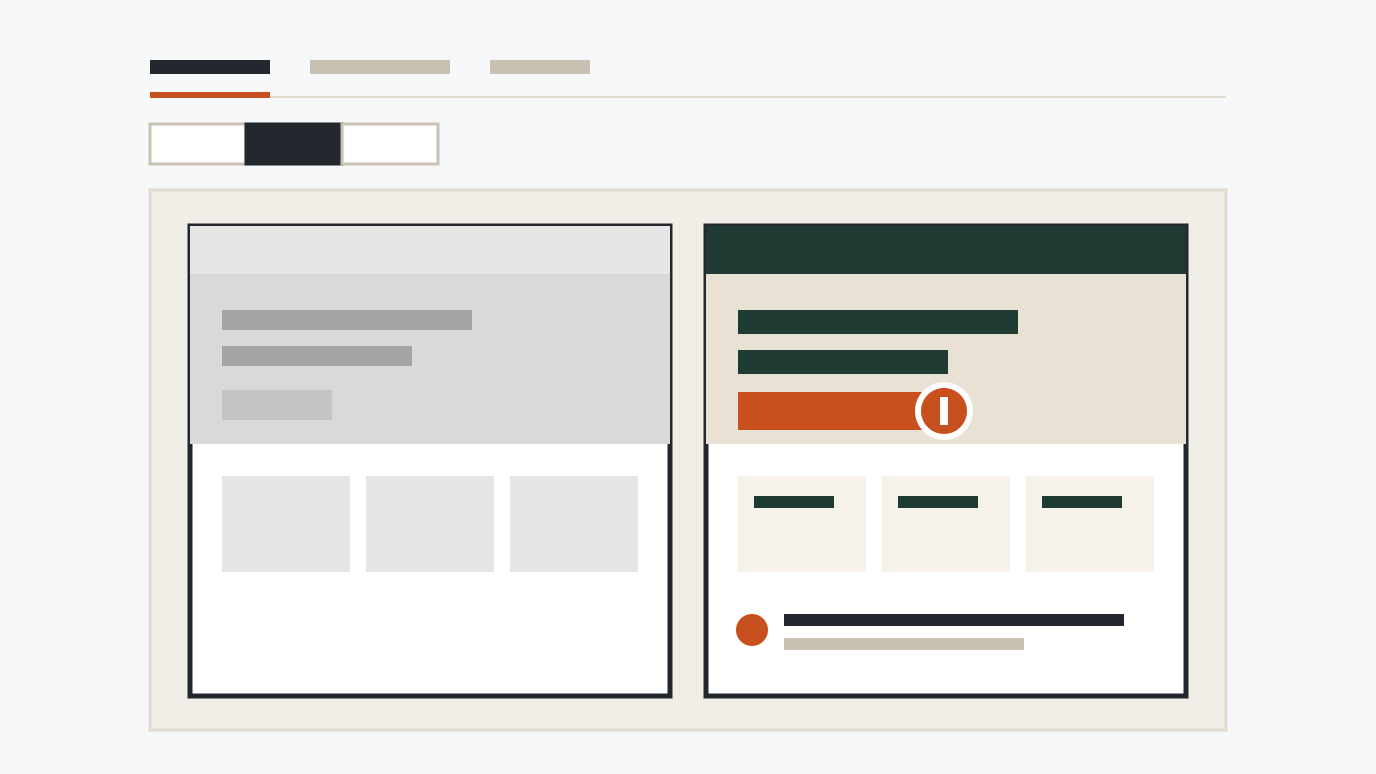
Screen Review Board Compare website screenshots by page, screen width and before/after: side by side, with a slider, or every width in a row. Pin numbered notes, then export one HTML file with the images inside. Nothing is uploaded. Add screenshots → compare and pin notes → export HTML
-
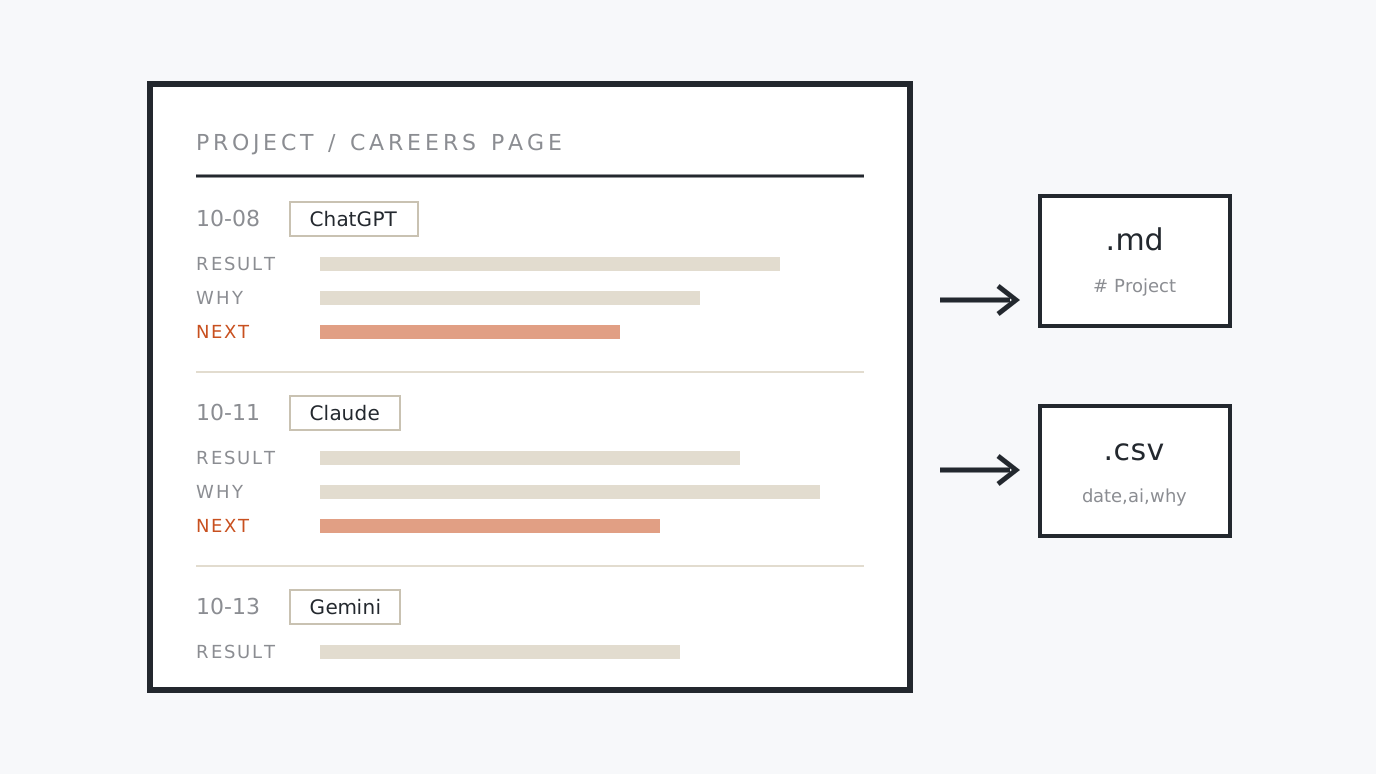
AI Decision Journal For jobs where you switch between ChatGPT, Claude and other AIs: log the result, the reason and the next action for each project. Export to Markdown or CSV to hand the story to the next AI or a colleague. Entries stay in this browser. Create a project → log → export
-
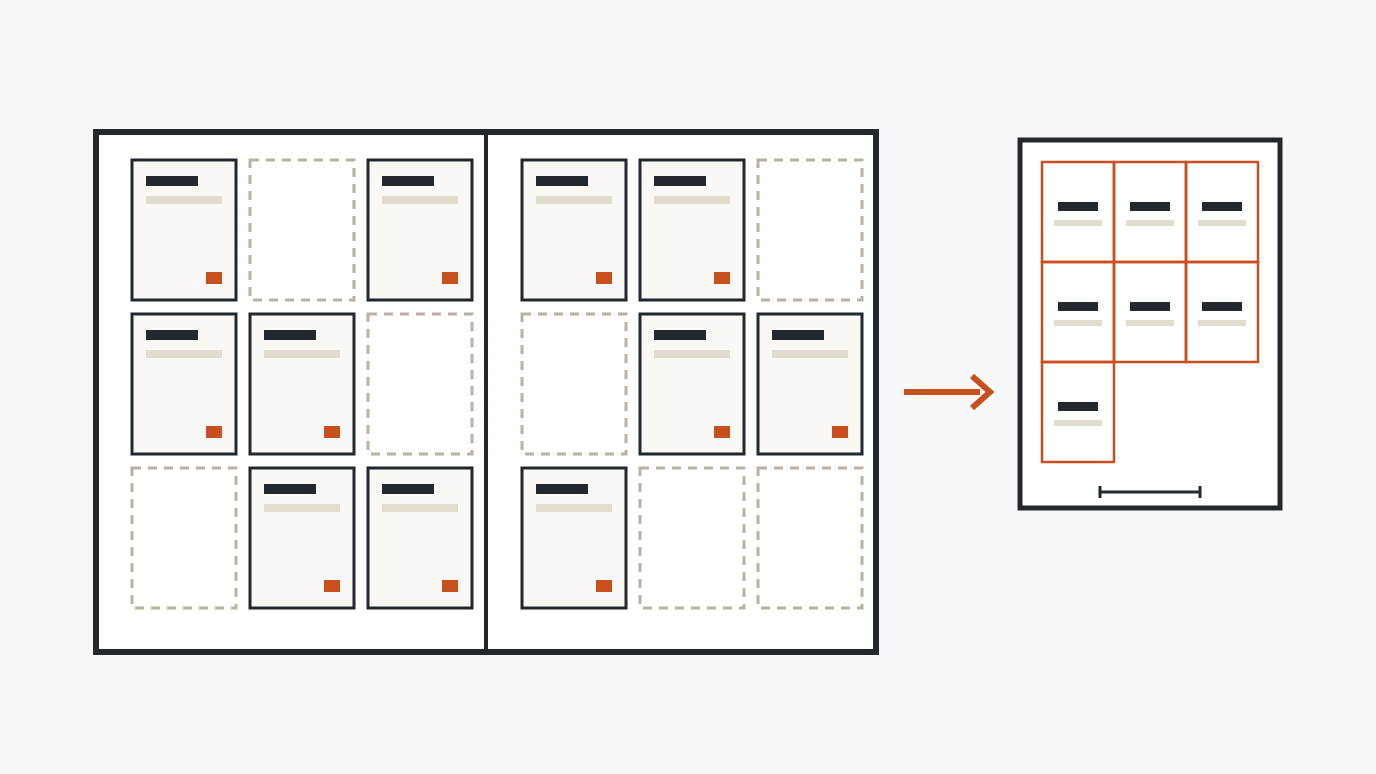
Card Binder Planner Plan which binder page and pocket each card in your collection goes in, then print actual-size placeholders for only the cards you are missing. Load your list from CSV; it stays in this browser. Enter the list → see the pages → print the missing
-
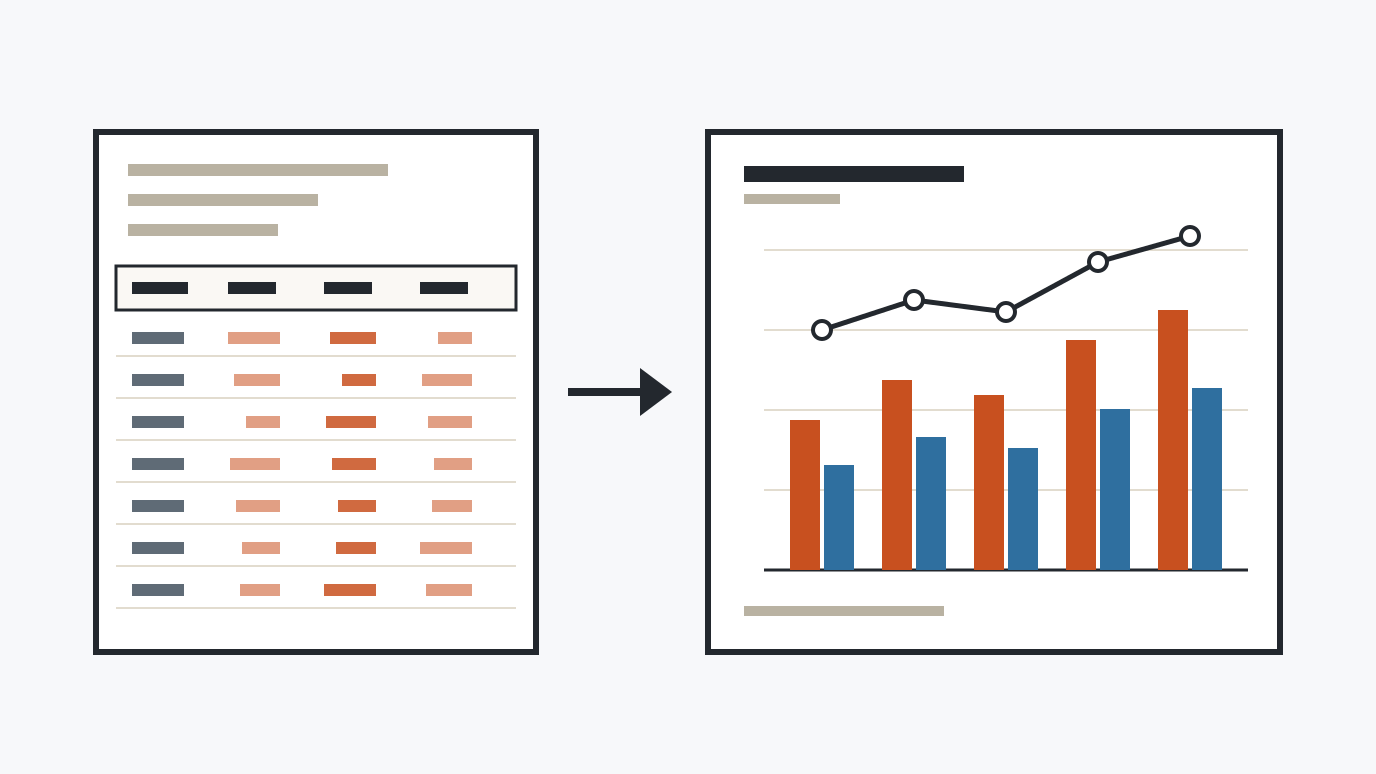
e-Stat CSV to Chart Load a statistics CSV downloaded from e-Stat or similar sites (Shift_JIS or UTF-8). Note rows, headers and year/region columns are detected, and you get a bar, line or pie chart with the Japanese labels intact, saved as PNG or SVG. Load the CSV → pick the shape → save PNG/SVG
-
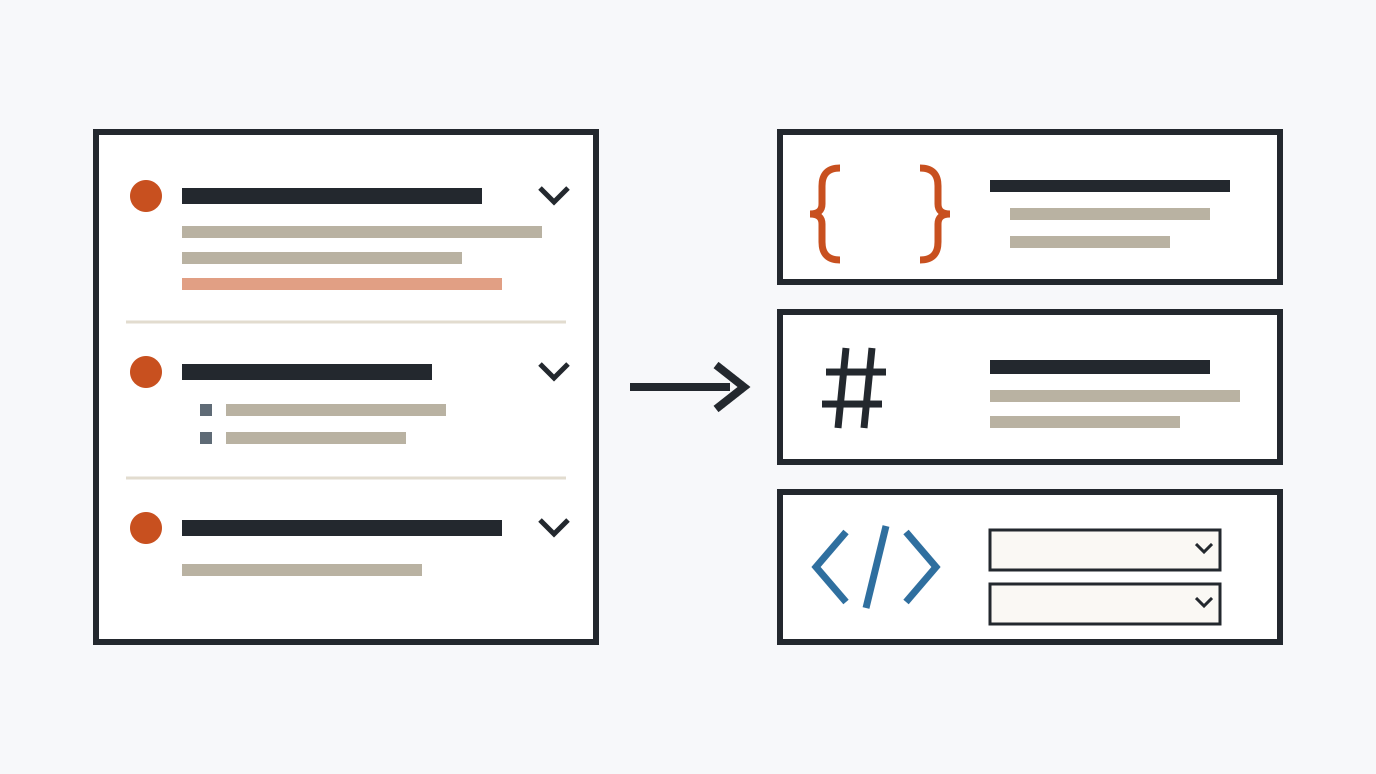
FAQ Schema (JSON-LD) & Markdown Generator Enter FAQ questions and answers and get FAQPage JSON-LD, the same content as Markdown, and HTML (details/summary) to paste — all at once. Line breaks and links in answers are rewritten for each format. Enter Q&A → choose the output → copy all three
For AI Agents
This site is designed to be used by AI agents as well as people. The contrast checker, character counter and OGP checker can be called directly via URL parameters, and the same logic is available as an MCP server for Claude and other AI tools. How to use from AI agents / llms.txt
Why Free
We build websites and provide AI consulting for small businesses in Japan. These tools are the ones we actually use for production and QA work, published as-is because they may help anyone facing the same tasks. For project inquiries, visit first-ch.com.