
FIRST CH TOOLS / Text / 89 OKURUMAE CHECK
AI Reply Fact Check (Before You Send)
Paste the email you got and the AI’s draft reply side by side. Anything in the reply that is not in the email — dates, weekdays, prices, names — turns red; matches turn green.
Red0Yellow0Green0
A score of 0 red does not mean the reply is correct. Always read it yourself before sending.
1The email you received
Your own facts (optional)Hours, prices, dates…
2The AI’s draft reply
Everything is checked inside this browser; nothing is sent or saved. The text is never rewritten (full-/half-width forms, commas and “18時” vs “18:00” are only aligned for matching).
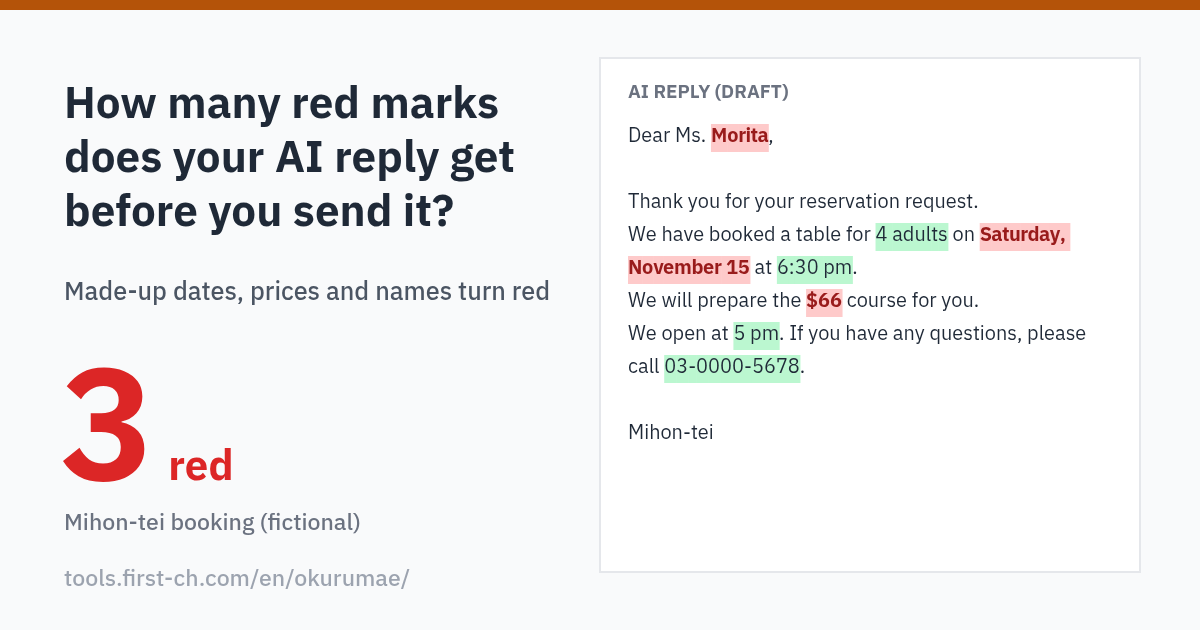
How many red marks does your AI reply get?
Shares an image made from a fictional booking email plus one line of text (your own text is never put in the image).
How to Use
- Paste the email on the leftPaste the one email you received into “The email you received”. If you have fixed facts the reply may use — opening hours, prices, dates — add them to “Your own facts” (optional).
- Paste the AI reply on the right and checkPaste the reply drafted by ChatGPT or another AI and press “Check the reply”. Dates, weekdays, times, amounts, quantities, phone numbers, emails, URLs and names are picked out: anything not found on the left turns red, matches turn green. A date with the wrong weekday (e.g. “Friday, November 8” when the 8th is a Sunday) is also red, and leftover placeholders such as [Customer Name] or XX are yellow.
- Tap red and yellow items, then sendTap an item in the list and the matching spot lights up in the reply and in the email at the same time. Red means the information is not in the original, so confirm it before sending. Even with 0 red the wording or content may still be wrong — always read the reply yourself.
About This Tool
Find numbers and names the AI made up
Generative AI sometimes adds plausible dates, prices or names that are not in the email you received (so-called hallucinations). For bookings, enquiries and club or school notices, one wrong date or price causes a mix-up. This page picks out the dates, weekdays, times, amounts, quantities (guests, nights, %), phone numbers, email addresses, URLs and names in the AI reply and checks whether each one also appears in the email or in your own facts. Missing ones are red, found ones are green.
For matching only, full-/half-width characters, commas (3,000 and 3000), and “6:30 pm” vs “18:30” are aligned. Colon times without am/pm (“06:00”, “18:00”) are read as 24-hour times, so 06:00 never matches 6 pm; only Japanese “3時” without 午前/午後 is read both ways. Weekdays are checked against the calendar of the stated year, or — when no year is written — the year that puts the date between 60 days ago and 305 days ahead. Names are taken after Dear / Mr. / Ms. / Mrs. / Dr. (and before Japanese honorifics such as 様) and are green if the same name appears in the email, e.g. in the signature. A name that only overlaps (“Smith” inside “Smithson”, 林 inside 小林) stays red. In URLs only the host is case-insensitive; /Reserve and /reserve are different links. The tool works best with Japanese and English emails.
What it does not do
It never fixes or rewrites the reply, does not judge tone or politeness, and does not mask personal data. Dates worked out from phrases like “next Saturday” and totals the AI calculated are red because the same figure is not in the original — check the arithmetic. Everything runs in this browser; nothing is sent to an AI service or anywhere else, and nothing is saved.
Other Tools
Use these with it before you send a reply